


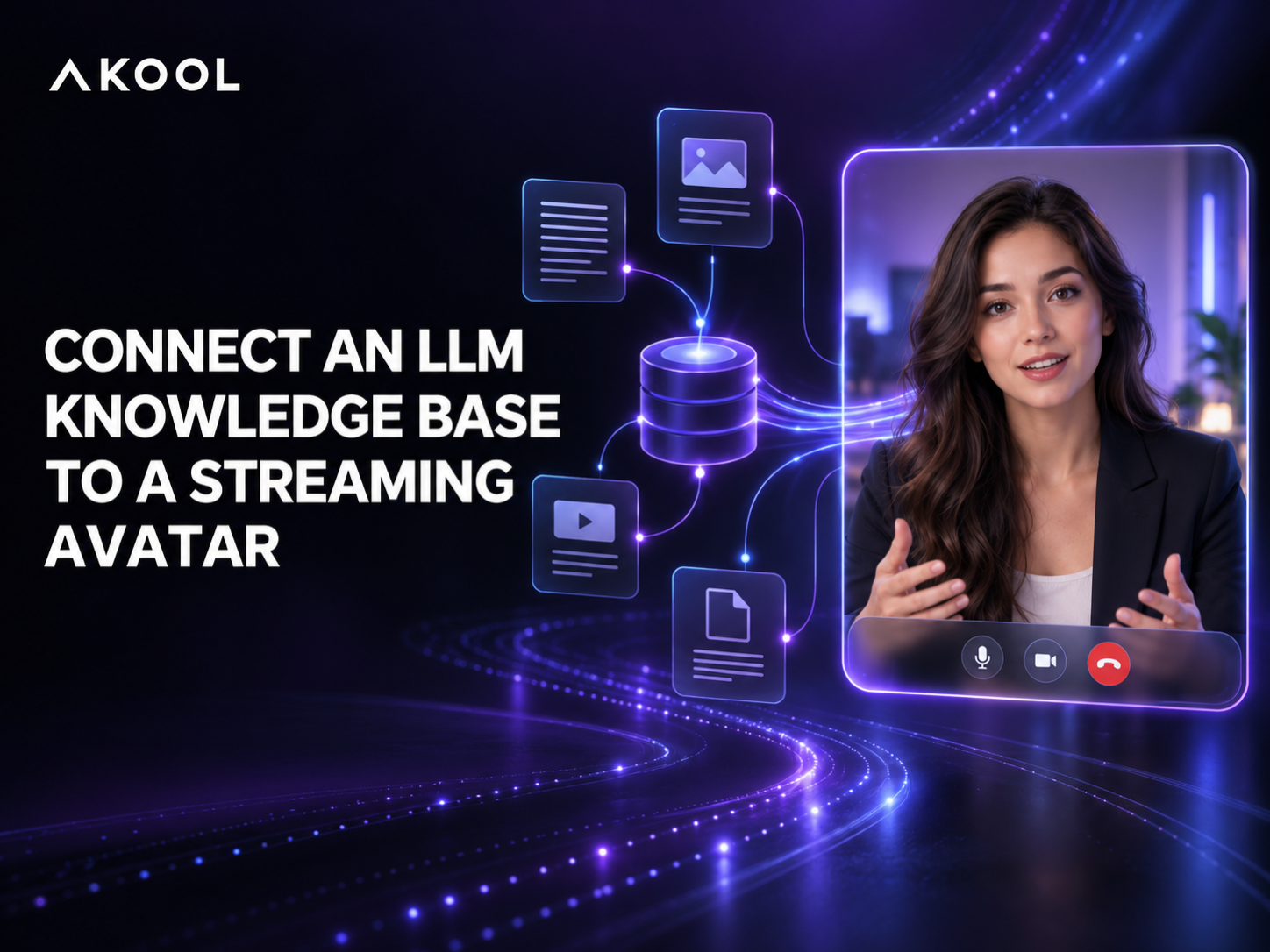

A streaming avatar becomes far more useful when it can answer from your company’s own information instead of relying on a generic model. The safest way to connect an external LLM knowledge base is to keep retrieval, model calls, permissions, and answer validation in your application backend, then use an AKOOL Streaming Avatar as the real-time visual conversation layer.
This approach works with a retrieval-augmented generation (RAG) service, a vector database, an enterprise search system, or an agent framework. It also keeps sensitive credentials out of the browser and gives your team control over what the avatar is allowed to say.
The Short Answer
Build the connection as a controlled pipeline:
- The customer speaks or types in your application.
- Your backend identifies the user, retrieves permitted knowledge, and sends the grounded context to your LLM.
- Your application checks the answer for policy, confidence, and formatting.
- The approved response is sent to the real-time avatar session for delivery.
- Session events, citations, latency, and failures are logged for monitoring.
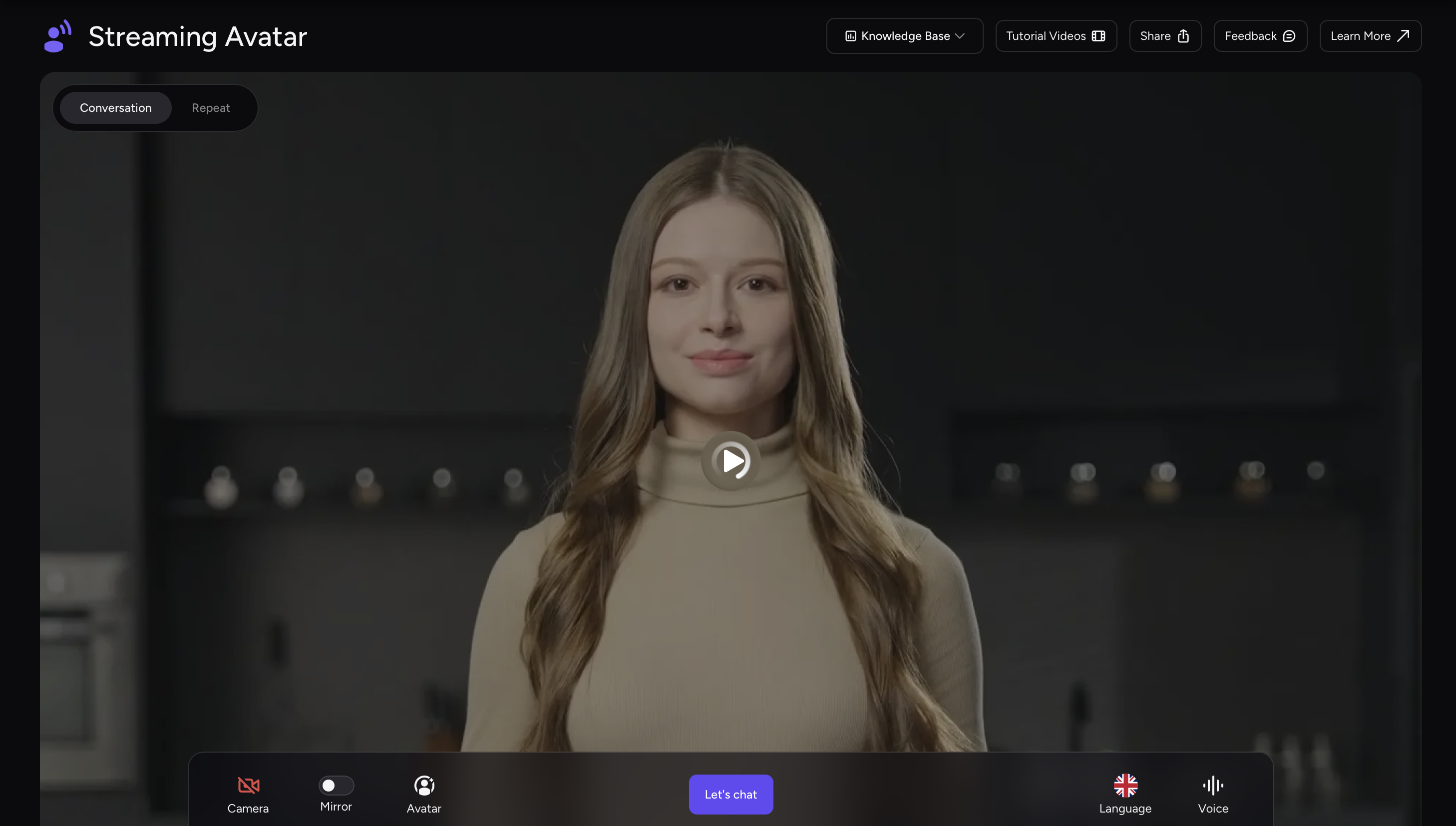
AKOOL also provides a native Knowledge Base option through the knowledge_id field when a live avatar session is created. That is useful when your content already lives in AKOOL. If you use an external RAG stack, treat it as an application-layer integration instead of assuming that an arbitrary third-party database can be passed directly as an AKOOL knowledge ID.
What You Need Before You Start
Prepare four components before you build the conversational flow:
- A curated knowledge source: product documentation, policies, catalogs, support articles, or other approved material.
- A retrieval and LLM layer: a service that can search the permitted content and produce a response with traceable source context.
- A backend orchestrator: the server that holds credentials, creates avatar sessions, applies access rules, and coordinates the conversation.
- A customer-facing interface: the web or mobile experience that displays the avatar, captures input, and handles connection states.
Step 1: Prepare Knowledge for Reliable Retrieval
Good avatar answers begin with good source material. Remove duplicates, archive obsolete instructions, and split long documents into sections that preserve meaning. Add metadata such as product, region, language, audience, and effective date so the retriever can filter before ranking results.
Decide which documents each user may access. A public visitor, an authenticated customer, and an internal employee should not automatically retrieve from the same collection. Enforce those rules before content reaches the model.
Step 2: Create Avatar Sessions on the Backend
Use a server-side endpoint to authenticate with AKOOL and create the live avatar session. The Create Session API accepts settings such as the avatar, voice, language, duration, streaming mode, and optional native knowledge base identifier.
Return only the short-lived session information the client needs. Do not expose an AKOOL client secret, an LLM API key, or unrestricted database credentials in browser code. AKOOL’s SDK best practices recommend backend session management, short-lived tokens, structured error handling, and logging.
Step 3: Route Each Turn Through Your LLM
When the customer asks a question, send the transcript or typed message to your backend. The backend should retrieve only authorized passages, construct a focused prompt, and instruct the model to answer from the supplied evidence. If the evidence is insufficient, the model should ask a clarifying question or hand off to a human instead of improvising.
Before delivery, apply the controls your use case requires. Common checks include personally identifiable information, prohibited topics, regulatory wording, maximum answer length, and whether citations are available. Short, conversational answers usually work better on camera than long paragraphs.
Step 4: Deliver the Answer Through the Avatar
Initialize the avatar in the customer interface with the AKOOL JavaScript SDK. The SDK uses real-time communications and emits lifecycle events that your interface can use for connection feedback, microphone state, message history, and token expiry.
Send the approved response to the active session and let the avatar present it with the selected voice and language. Keep the visual interface responsive while retrieval is running: show a listening or thinking state, allow the user to cancel, and provide a text fallback if the real-time connection is interrupted.
An Agent-Based Alternative
Teams already using a voice-agent framework can place the avatar inside that architecture. AKOOL publishes an official LiveKit Agent integration guide that connects a server-side agent with AKOOL Streaming Avatar. In that design, the agent can coordinate speech recognition, the LLM, external tools, and the avatar while your backend retains control of credentials and business logic.
How to Test the Integration
Test more than whether the avatar can speak. Use a question set that includes direct facts, ambiguous requests, outdated information, restricted documents, unsupported questions, and multiple languages. For every test, record:
- whether the correct documents were retrieved;
- whether the answer stayed faithful to those documents;
- time to first visible or audible response;
- interruptions, reconnects, and token-expiry behavior;
- whether the correct fallback or human handoff occurred.
Run the same checks after major content, prompt, model, or SDK changes. Retrieval quality can drift even when the avatar interface has not changed.
Common Mistakes to Avoid
- Calling the model directly from the browser: this exposes credentials and weakens access control.
- Retrieving too much context: large, unfocused prompts increase latency and can reduce answer quality.
- Letting the avatar invent an answer: define an explicit no-answer and escalation path.
- Ignoring session cleanup: close abandoned sessions and monitor failures rather than treating every connection as permanent.
- Measuring only model quality: the user experiences retrieval, generation, speech, animation, and network latency as one system.
Build a Grounded Avatar Experience
The most dependable design separates responsibilities: your knowledge and LLM stack decides what to say, your backend enforces security and policy, and AKOOL Streaming Avatar delivers the approved answer as a real-time digital human. Start with a narrow, well-curated use case, measure the full conversation, and expand only after the fallback paths are reliable.
Explore the AKOOL Streaming Avatar SDK or contact AKOOL to discuss an enterprise integration.

