Contact Us
Add perfectly timed text to your GIFs automatically. Save hours on typography and ship your creative campaigns faster.


A Revolutionary Future with Real-time Conversational Avatars

Turn clips into viral memes. Marketers use bold captions to grab attention and drive more clicks.
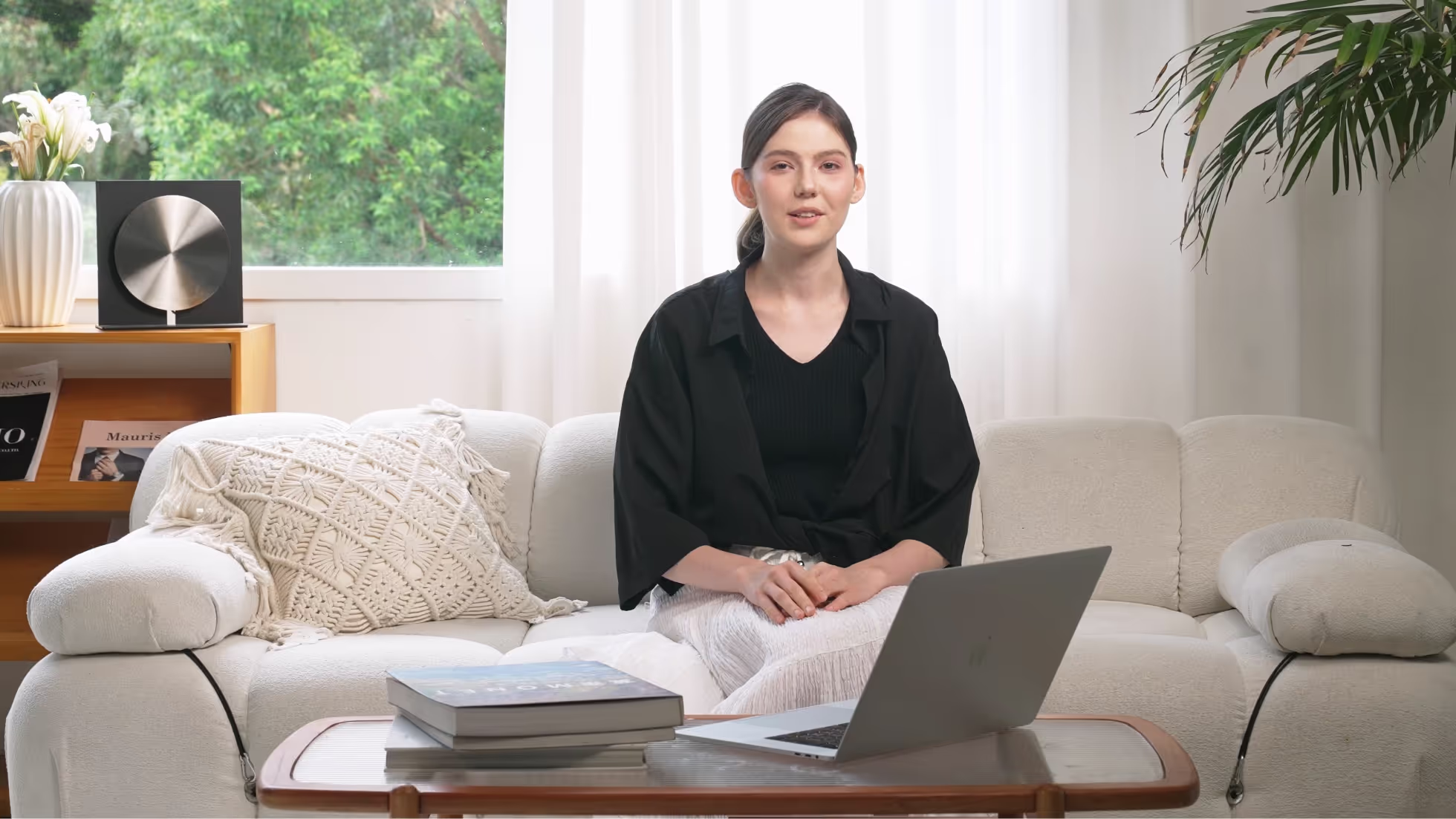
Visuals alone can be ambiguous. A primary benefit of using a tool to put writing on GIFs is the ability to provide immediate context. By overlaying descriptive words or subtitles, creators ensure the message is understood even if the viewer watches without sound. This function makes content accessible to a wider audience, including those with hearing impairments or people browsing in quiet environments.
Businesses use animated loops to maintain visibility on digital platforms. Utilizing software to add typography to animated images allows companies to insert watermarks, logos, or specific fonts that align with their visual style. This practice prevents content theft and ensures that every shared animation reinforces brand recognition across social channels.
Internet users are more likely to share content that feels personal or funny. GIF captioning software enables individuals to customize reactions with specific jokes or commentary. Turning a generic clip into a specific meme by typing a relatable phrase significantly boosts the likelihood of shares, likes, and comments compared to a plain image.

Create content programmatically with our easy to use API
Agencies frequently need to grab attention in crowded social feeds. By using applications to overlay text on GIFs, marketers create punchy, looping advertisements that convey a clear value proposition instantly. This format works well for email newsletters where heavy video files are not supported, allowing brands to display 'Sale' or 'Shop Now' messages dynamically.
Community managers must react quickly to cultural trends to keep audiences interested. A platform that lets them insert captions onto animated clips allows for instant participation in viral conversations. This capability helps brands appear relatable and human, as they can modify popular reaction clips with industry-specific humor that resonates with their followers.
Instructional designers use short animations to demonstrate specific micro-tasks. Placing labels or step-by-step instructions directly onto these loops helps students follow along without needing audio narration. It simplifies complex procedures by breaking them down into visual steps with clear text guides, making study materials easier to digest and remember.
Support teams often send visual aids to resolve user issues efficiently. Instead of writing long paragraphs, agents can send an animated loop showing the exact mouse clicks required. Adding text annotations to these visuals clarifies the steps, reducing confusion and helping customers solve technical problems faster than they would with text-only guides.
Media outlets share highlights from shows or sports events to drive traffic to full articles. Subtitling these clips is necessary because many users watch content on mobile devices with the sound off. Tools that attach words to motion graphics ensure the dialogue or context is understood immediately, keeping the audience interested in the story.
Developers and designers often need to showcase a new feature's functionality to stakeholders. Using a GIF editor to add text allows them to annotate screen recordings of the software in action. These annotated loops serve as quick documentation or changelogs, explaining exactly what happens during a specific interaction without requiring a live demo.
-30%
$ 0.05 USD / Credit
(billed yearly as $252)
25 images or 1.5 mins of video
3 Customized Instant Avatars
Upload file size limited to 150M and 30s
$ 0.05 USD / Credit
(billed monthly as $30)
$ 0.05 USD / Credit
(billed monthly as $119)
$ 0.042 USD / Credit
(billed yearly as $500)
$ 0.05 USD / Credit
(billed yearly as $252)
25 images or 1.5 mins of video
3 Customized Instant Avatars
Upload file size limited to 150M and 30s
$ 0.035 USD / Credit
(billed yearly as $252)
$ 0.033 USD / Credit
(billed yearly as $948)
$ 0.05 USD / Credit
(billed yearly as $4200)