Talking Photo: Bring Your Photos to Life: Talking and Singing!
Voice Clone
Lip Sync
Customizable Emotions
Diverse Voice Library
Over 300+ million assets created and trusted by Fortune 500 companies

Talking Photo Community
Why Choose Akool for Talking Photo?
Lifelike Look and Motion
Organic Facial Realism
Transform static images into fully animated digital humans with hyper-realistic motion. Our AI ensures the facial movements and subtle nuances are completely organic and nature-looking.
Perfect Voice Cloning
Personalized Talking Photo
Use our advanced AI Voice Clone technology to give your photo your exact voice. The result is a truly personalized talking photo with natural movement and exceptional life-like quality.
Flawless Lip Synchronization
Hyper-Realistic Lip Sync AI
Our proprietary model delivers hyper-realistic lip sync that makes your photo look like a real digital human. Every word aligns perfectly for a flawless and nature-looking result.
Usage Scenarios
Brand Promotion
Turn brand ambassadors' photos into advertising videos
Content Creation
Enables users sharing on social
Entertainment
Utilizes voice cloning and a rich voice library
Film and Television Post-production
AI Lip Sync saves time for changing lines
Core Highlights
Voice Clone
Streamline your content creation process and reduce time spent on editing by 50%.
Lip Sync
No technical expertise required—our intuitive interface makes video editing accessible to everyone.
Customizable Emotions
Tailor your videos to your brand with easy-to-use AI tools.
Diverse Voice Selection Library
Tailor your videos to your brand with easy-to-use AI tools.
How to Use
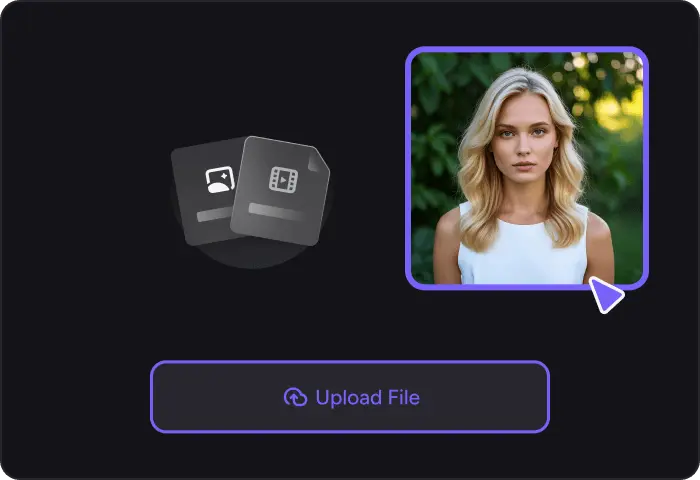
1. Upload a headshot photo
Upload a headshot photo from your device or you can try our Image Generator tool to create an image.
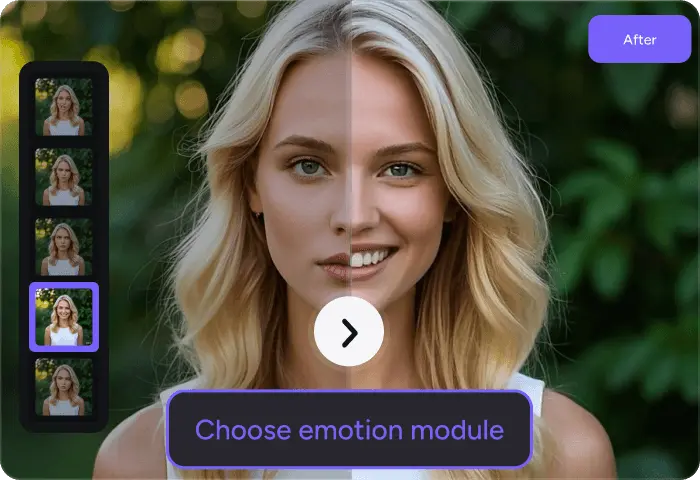
2. Choose emotion module
Define the emotion with text or video. This step enables you to add dynamic and customized facial emotions to your photo, making it even more vivid and engaging.
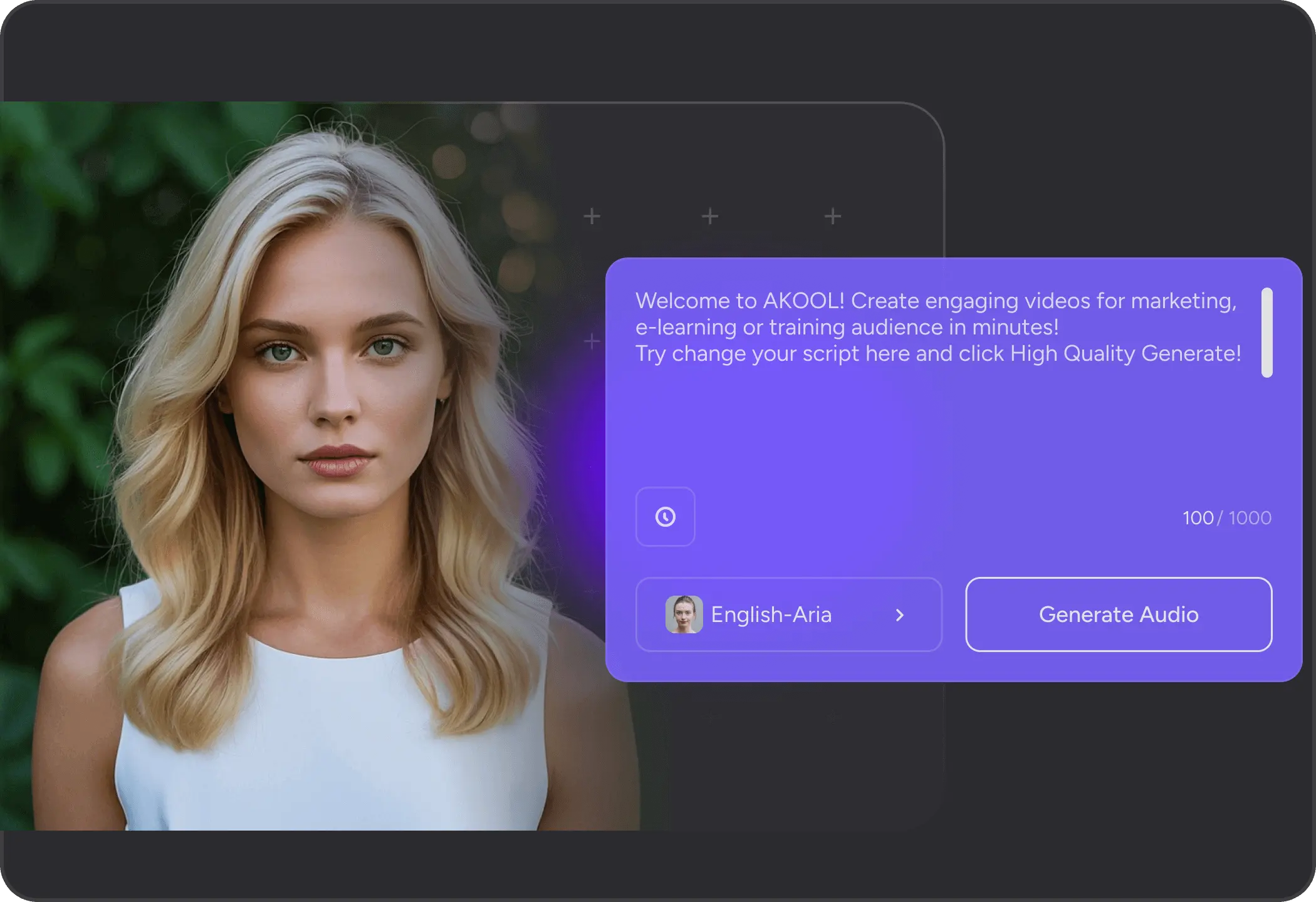
3. Enter a script for your talking photo
Just write in a natural way, as if you were speaking. This will form the basis of the voiceover for your photo.
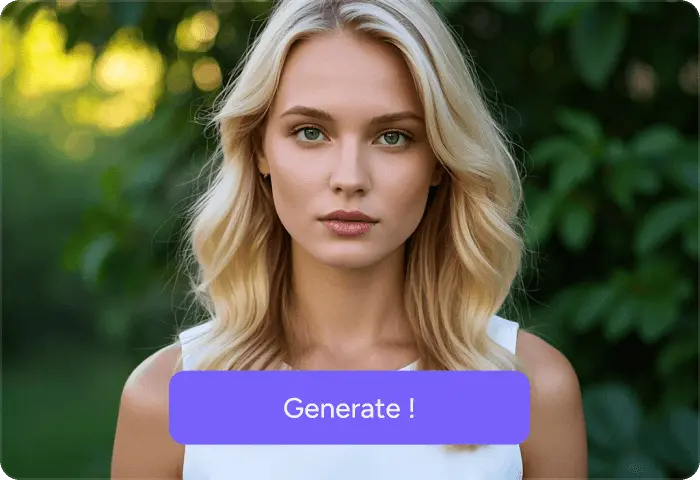
4. Click the Generate button
After completing the above steps, click the Generate button to produce your unique photo avatar. This will combine all the elements you've set, including the photo, voice, and expressions, to create a one-of-a-kind talking photo.
1. Upload a headshot photo
Upload a headshot photo from your device or you can try our Image Generator tool to create an image.
2. Choose emotion module
Define the emotion with text or video. This step enables you to add dynamic and customized facial emotions to your photo, making it even more vivid and engaging.
3. Enter a script for your talking photo
Just write in a natural way, as if you were speaking. This will form the basis of the voiceover for your photo.
4. Click the Generate button
After completing the above steps, click the Generate button to produce your unique photo avatar. This will combine all the elements you've set, including the photo, voice, and expressions, to create a one-of-a-kind talking photo.
Discover Enterprise Production
Professional Human-Edited Content: Authentic, Natural, and Engaging.
Create a Talking Photo with Akool!
With Akool's Talking Photo, create the most interesting creative content and record every moment.


