AI Video Generator
Create AI videos from text, images, or reference clips. Compare Kling, Veo, and Seedance in AKOOL to find the right look for product ads, social videos, and campaigns.
Over 155 million assets created and trusted by Fortune 500 companies

Effects Showcase

Prompt: A woman snaps her fingers, instantly transitioning from casual T-shirt and shorts to a shimmering sequin haute couture gown. Backdrop shifts from a cozy bedroom to a minimalist concrete runway with dazzling spotlights. Cinematic slow tracking shot follows her walk.
Output video

Prompt: Female influencer, excited expression, holding minimalist pastel cosmetic jar, pointing to glowing skin, talking to camera, nodding. Intimate slow zoom, soft natural lighting.
Output video

Prompt: A vibrant cartoon background shatters like glass, revealing a dark cyberpunk lab. A young man's smile shifts to a cold, serious expression. He holds a tablet projecting a complex 3D holographic neural network.
Output video

Prompt: A white kitten gently taps a colorful ball, which instantly triggers a massive, Hollywood-style fiery explosion. The kitten immediately appears in tiny aviator sunglasses, walking forward in extreme slow-motion, ignoring the inferno and debris behind it.
Output video

Prompt: A Van Gogh oil-painted rose smoothly melts into a hyper-realistic living flower, then time-lapses into withered translucent dried parchment. Pure black studio void, dramatic chiaroscuro spotlight. Colors shift from vibrant warm to melancholic muted gold and ash.
Output video
Try These Templates

Kissing
Akool Basic

Fireball Spell
Kling 2.6

Become Starlight
MiniMax Hailuo 02

Grow Wings
Seedance 1.5

Jump into the Water
Wan 2.6

Mechanical Maid
Wan 2.6

Food Advertisement
Sora 2

Product Sharing
Google Veo 3.1
Highlighted Features
Akool's AI Video Generator is more than just a generator; it's a creative toolkit designed to convert your pictures into stunning, dynamic content. Explore a range of powerful features helping you to bring your images to life, including:
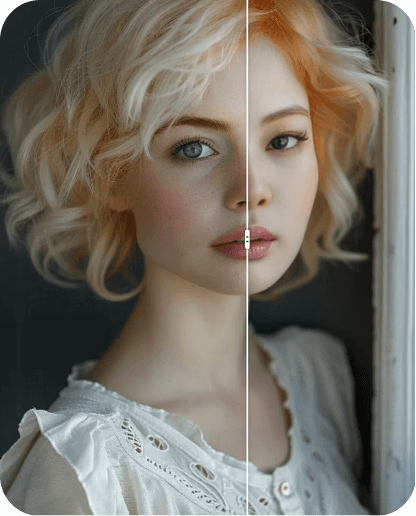
Effortless Face Swap
Instantly Transform Faces into Any Content
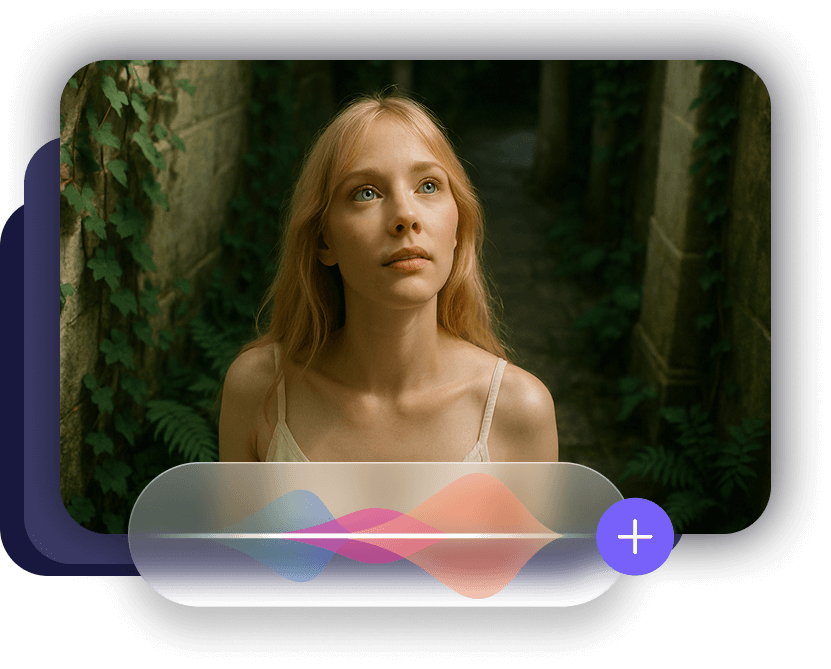
AI-Generated Audio
Add Lifelike Audio to Bring Your Videos Alive
Trending Visual Effects
One-Click Creative Enhancements for Stunning Results

Discover Enterprise Production
Professional Human-Edited Content: Authentic, Natural, and Engaging.
AI Video Generator Community
Why choose Akool's AI Video Generator?
Photorealistic 4K Rendering
Enterprise-grade Diffusion-based Synthesis
Generate high-fidelity 4K video assets using advanced diffusion-based architecture, with neural frame interpolation for fluid motion, sharper visual detail, and production-ready clarity.
Temporal Consistency in Character Identity
Seamless Identity Persistence
Akool's computer vision models maintain strict temporal consistency across frames, keeping character identity invariant while preserving neural-driven facial expressions.
Multi-modal Computer Vision Suite
Integrated API-driven Workflows
Power production with computer vision tools for low-latency identity transformation, neural voice synthesis, automated visual effects, and scalable creative automation.
How does the AI Video Generator work?
Creating video clips from your images has never been easier. Our AI generator works in just a few simple steps. Upload your photo, add your prompts, customize features, and let AI generate your video instantly.
Upload / select image
Write prompt
Prompt
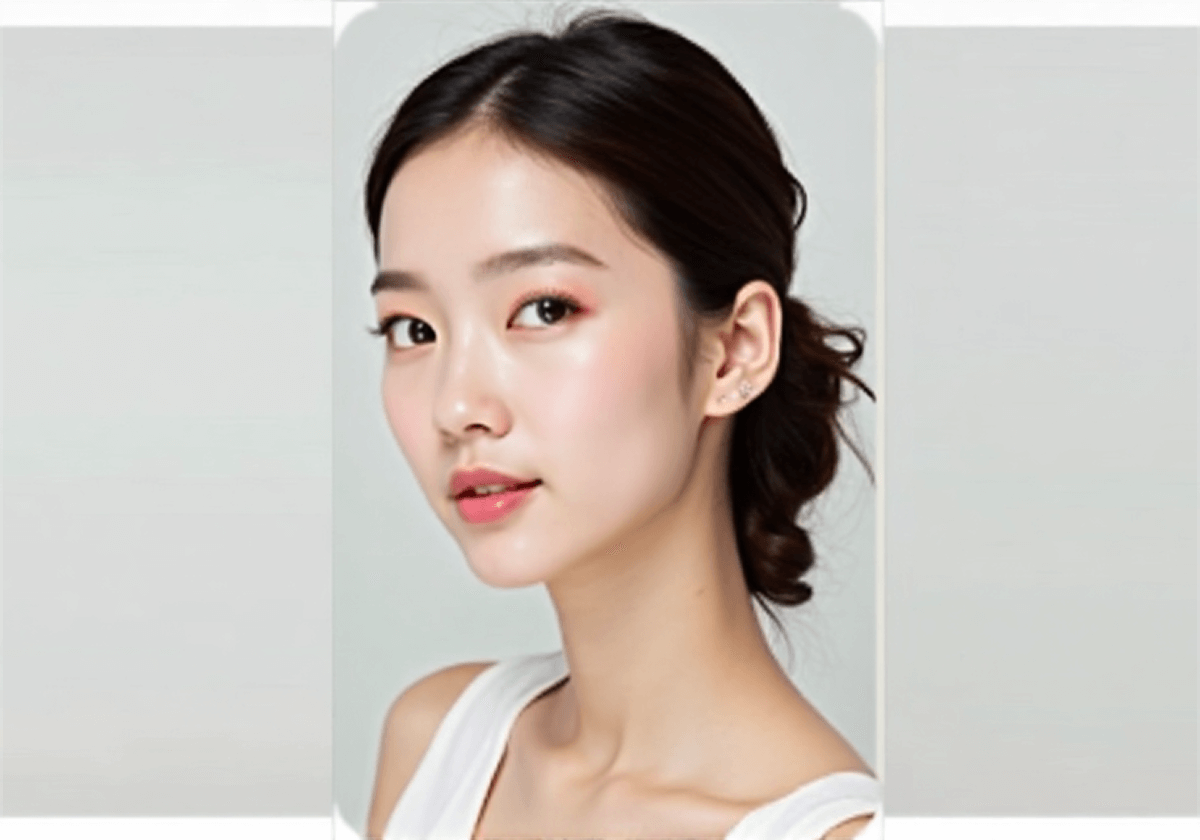
Generate video results
Use Cases
Creators Needing Fast, Engaging Content
Marketers Without Time for Video Shoots
Educators Needing Video From Slides or Diagrams

Integrate with our Seamless API
Reimagine what your business can do with real-time, AI-powered interaction.
Explore More AI-Powered Tools
Unlock the full potential of Akool with a complete suite of AI tools for image creation, video production, and avatar design. Whether you're building marketing content, scaling e-learning, or personalizing communication, Akool empowers your strategy at every step.
In the news

Could Live AI Video Become The Next Zoom?
May 29, 2025

When AI Goes Live: The Future of Real-Time Human Presence
June 16, 2025

Techcrunch - Building a Gen AI Unicorn with Global Resources, Innovation, and Efficiency: The AKOOL Way
Feb 28, 2025

G2 - 9 Best Generative AI Tools I Use: Which One Leads Today?
Feb 10, 2025

Microsoft - 5 key marketing tips for early-stage business startup founders
Dec 17, 2024

AKOOL Introduces AMD-Advanced Technology, Revolutionizing Digital Experiences with Simplified In-Device Avatars
Jan 3, 2025

AKOOL Achieves $40M in Invoiced ARR, Accelerating Growth in AI-Driven Content Creation for Diverse Industries
Nov 13, 2024

AKOOL Unveils Enhanced Streaming Avatars with Seamless LLM Integration to Revolutionize Human-Machine Interactions
Feb 26, 2025

AKOOL Announces Strategic Bollywood Partnership to Revolutionize AI in Digital Immersion and Video Markets
Nov 25, 2024

AKOOL Introduces New Class ofGen Al Avatars, Setting a New Standard for Self-Expression
April 12, 2024

Akool's Generative AI Platform Sets New Standard for Brand Engagement
Nov 30, 2023