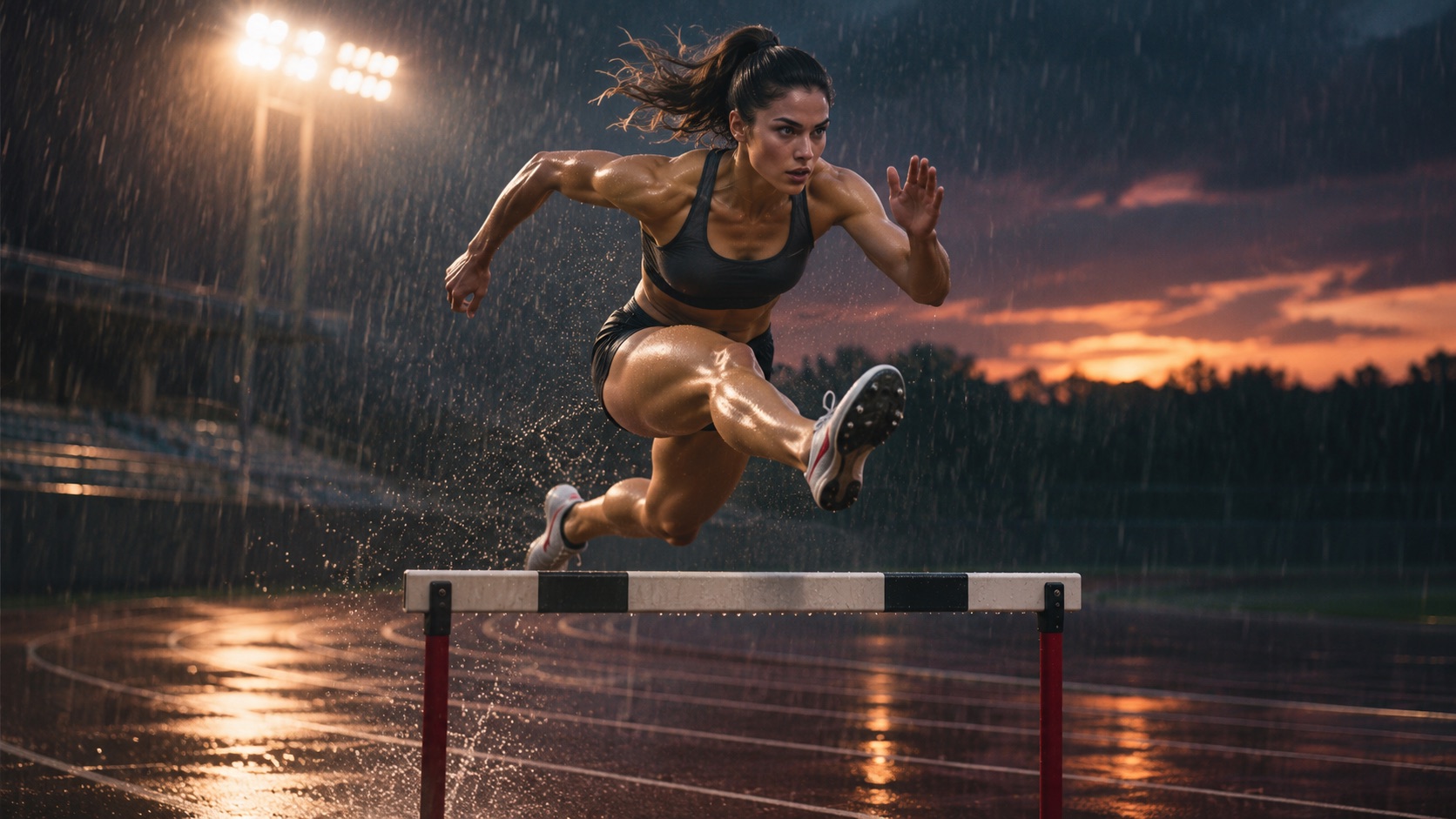

For an AI action shot, the most useful clip is the one where the movement reads from start to finish. A runner should plant a foot, change direction and stop without sliding. A jump should have a takeoff, an airborne phase and a landing. That gives you a better basis for comparing Seedance 2.0 and Kling 3.0 than a striking still frame.
How to compare the two models fairly
Open AKOOL Video Generator and confirm that both selected variants support the same input mode, duration, resolution and aspect ratio. Record the exact versions; Kling V3.0 Standard, Pro and Omni are separate options. Keep the prompt and shared settings fixed on the first pass. If you optimize a prompt separately for either model, log that as a second test. See the model selection guide for how to check available controls.
Generate several attempts per model where practical and keep the unsuccessful clips as well as the best ones. Track how many are usable and what would need trimming or regeneration. A small set shows what happened in those shots; it cannot establish a universal winner.
Test one: takeoff, flight and landing
Locked side-view full-body shot of one runner in a charcoal athletic outfit on an outdoor track. The runner takes three quick steps, jumps over one low training hurdle, lands on the far side and takes one controlled step to stop. Keep the whole body, hurdle and ground in frame. One continuous shot, no cuts, no camera movement, no text.
Watch for the last grounded step, the clearance over the hurdle and the first contact after landing. Check whether the legs preserve a believable shape and the feet stay on the track during the stop. A shot that cuts before landing cannot answer the landing test.
Test two: contact and occlusion
Try a person catching a soft ball with both hands in a fixed medium-wide shot. Check whether the ball meets the hands or passes through them and whether it stays visible after the catch. In a separate test, let two runners cross paths and check that they keep their positions and identities after the brief overlap.
Test three: readable action with a moving camera
Repeat the original run with a side-tracking camera. Keep the rest of the prompt stable. Check if the camera keeps pace without cropping the runner or hiding the landing. Distinguish motion blur from doubled limbs and warped edges.
How to choose an output for your edit
Prioritize the action that matters for the story. For a jump, keep the version with a complete landing. For a product interaction, favor reliable contact and an object shape that holds. If both versions fail the same step, remove a second action or simplify the camera before spending more attempts. Use the AI video model guide for broader context.
Frequently asked questions
Can I start from an illustration?
Use a starting image only if the selected mode supports it. Leave room for the full movement and evaluate whether the style and proportions hold during contact.
Will impact sounds automatically match?
Check the audio setting and listen for the moment of contact. If the impact is mistimed, replace it in post or try another generation.
Can I get a transparent background?
Check the export options in the selected workflow. A plain background is not the same as an alpha channel.
Can I reproduce exact choreography?
Test a short move first. For exact movement, use a supported motion reference workflow or recorded footage and verify timing step by step.
Will a clip loop seamlessly?
Only if its ending matches the start closely enough in pose, framing and movement. Check the seam in an editor.