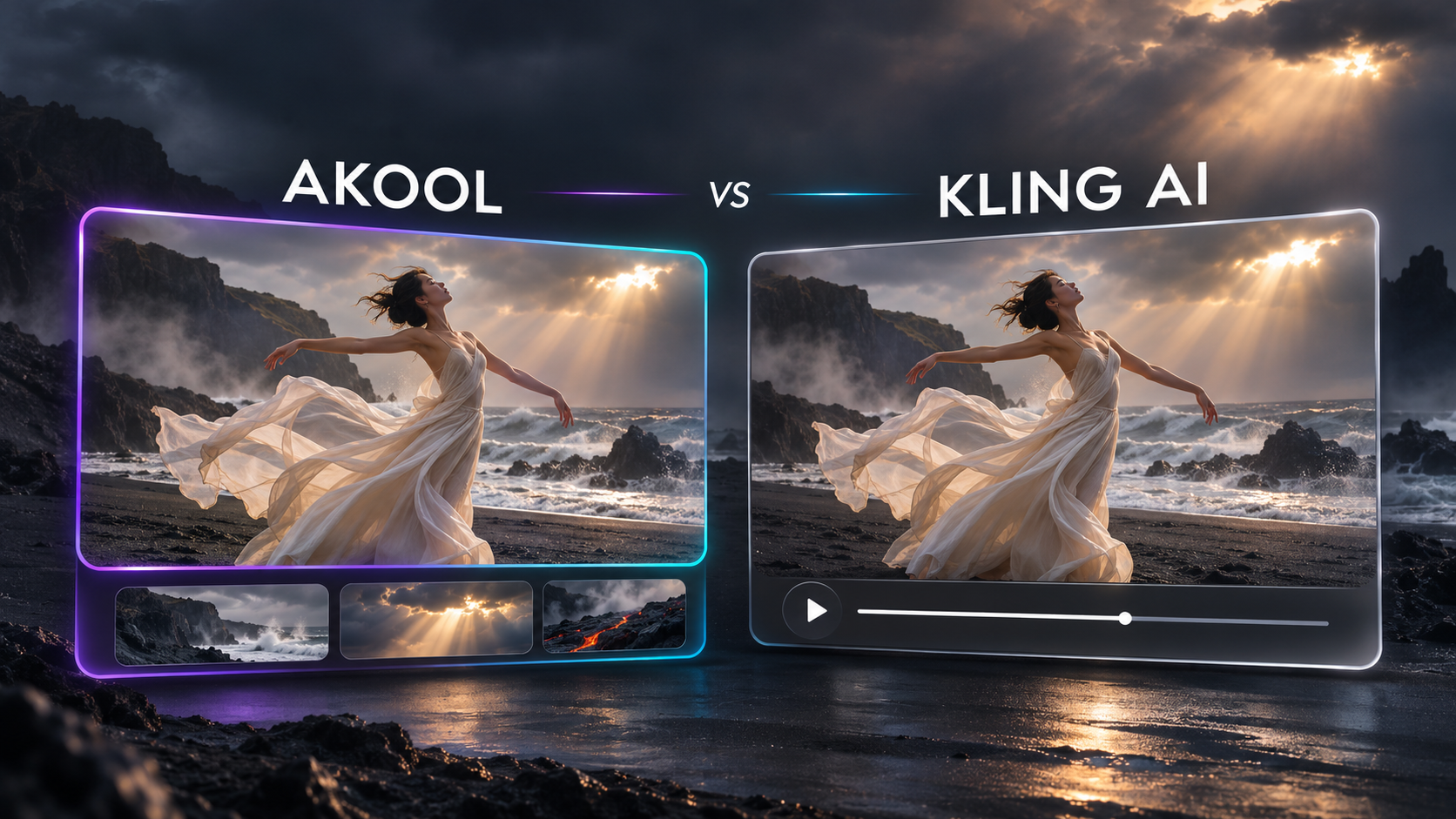

Quick answer: Kling and AKOOL are not really rivals. Kling is an AI video model made by Kuaishou, and AKOOL is a platform where you can use Kling alongside other top models. Use Kling's own app if you only ever want Kling and its newest Kling-only tools. Use Kling on AKOOL's AI video generator if you want to compare Kling with Veo, Seedance and other models on the same brief, then translate, lip-sync or add avatars without leaving the platform.
Key takeaways
- Kling is a leading AI video model known for strong motion, longer clips and multi-shot storytelling.
- On Kling's own app, you get Kling models and Kling's own tools, with a separate subscription.
- On AKOOL, Kling is one of several models, so you can run one prompt or product image through Kling, Veo and Seedance and keep the best result.
- AKOOL adds what happens after generation: video translation with lip-sync, avatars, face swap and an API, all on one credit balance.
What is Kling AI?
Kling is a family of AI video models from Kuaishou. It turns text prompts and images into video and is known for realistic motion, camera movement and character consistency. Recent versions add longer clips, multi-shot scenes and native audio. You can learn more about each version on AKOOL's Kling model page and Kling 3.0 page.
What is AKOOL?
AKOOL is a generative AI video platform for marketing and creative teams. Its AI video generator brings together Kling, Google Veo, Seedance and other models in one workspace. The same account also includes video translation, talking avatars, face swap and an API for teams that build video into their own products.
When to use Kling's own app
- You only want Kling and plan to stay with one model.
- You want the newest Kling-specific features the day they launch.
- You don't need translation, avatars or other tools in the same place.
When to use Kling on AKOOL
Compare Kling with other models on the same brief
No single model wins every shot. Kling is great at motion and multi-shot scenes, Veo is often chosen for cinematic realism and sound, and Seedance is popular for fast, sharp product shots. On AKOOL, you can run the same prompt or product image through each one and keep the take that fits, instead of paying for several separate subscriptions.
Go from clip to campaign in one place
After you pick a clip, you can translate it into other languages with lip-sync, add a talking avatar, or swap faces for personalized versions, all in the same account. With Kling's own app, those steps happen in other tools.
One credit balance and an API
Every model and tool on AKOOL uses the same credits, so teams can switch models without new plans. Developers can also call the models through AKOOL's API.
AKOOL vs Kling AI: Comparison table
| Feature | AKOOL | Kling AI app |
|---|---|---|
| Kling video models | ✓ | ✓ |
| Other models (Veo, Seedance and more) | ✓ | ✗ |
| Compare models on one brief | ✓ | ✗ |
| Video translation with lip-sync | ✓ | ✗ |
| Talking avatars and face swap | ✓ | Limited |
| Newest Kling-only tools on day one | Varies | ✓ |
| API access | ✓ | ✓ |
How to try Kling on AKOOL
- Open the AKOOL AI video generator and sign in or create a free account.
- Write a prompt or upload an image, such as a product photo.
- Choose Kling as the model and generate your clip.
- Run the same input with Veo or Seedance to compare, then keep the best version.
- Optional: translate it, add an avatar, or download it for your campaign.