



Video translation APIs have become essential infrastructure for development teams building multilingual content workflows. But choosing an API that handles video translation with lip sync requires evaluating more than just language counts. You need to consider API architecture, lip sync quality, processing speed, and enterprise readiness.
AKOOL gives you studio-quality video translation with automatic lip synchronization that matches mouth movements to translated audio in over 175 languages. The API integrates with existing marketing tech stacks and handles batch processing for enterprise-scale localization projects.
This guide breaks down the video translation APIs developers and enterprise marketing teams are evaluating in 2026, with a focus on auto lip sync capabilities, developer experience, and production readiness.
Quick guide: 7 video translation APIs with lip sync for developers and enterprise teams
- AKOOL: The top choice for enterprise video localization with automatic lip sync and API-first architecture
- HeyGen: Avatar-focused platform with translation capabilities for controlled environments
- Synthesia: AI avatar generation with multilingual support for training content
- Rask AI: Audio-focused dubbing with voice cloning for podcast and voiceover workflows
- VEED: All-in-one video editor with translation features for social media teams
- Captions: Mobile-first approach with translation for short-form content creators
- Dubly.AI: GDPR-focused translation with German-hosted infrastructure for EU compliance
How we chose video translation APIs with lip sync
Selecting a video translation API for production use requires more than comparing feature lists. Development teams need APIs that handle real-world footage reliably, integrate with existing systems, and deliver results that pass quality review.
- Lip sync accuracy on real footage: How well does the API handle challenging scenarios like head turns, multiple speakers, and partial face occlusions? APIs trained primarily on clean talking-head footage often fail with authentic production content.
- API architecture and developer experience: Does the API offer webhooks for async processing, batch endpoints for scale, and clear documentation? Enterprise teams need predictable response times and reliable error handling.
- Language coverage and translation quality: Beyond language counts, does the translation preserve context, handle technical terminology, and sound natural to native speakers? Machine translation accuracy varies significantly between platforms.
- Voice cloning and speaker matching: Can the API preserve the original speaker's tone, cadence, and emotional range in translated audio? Generic AI voices reduce authenticity and viewer engagement.
- Processing speed and throughput: What turnaround can you expect for different video lengths? Enterprise workflows need predictable processing times for deadline-driven campaigns.
- Security and compliance: Where is data processed and stored? Does the platform offer enterprise security certifications, data processing agreements, and the ability to opt out of model training?
- Integration flexibility: Does the API fit into your existing content pipeline? Look for compatibility with popular CMS platforms, marketing automation tools, and cloud storage providers.
The 7 video translation APIs with lip sync for enterprise teams
1. AKOOL: The premier video translation API for enterprise localization
AKOOL stands out in the video translation API market with its focus on production-quality lip synchronization and enterprise-scale workflows. The platform combines advanced AI-driven translation with realistic avatars and real-time lip-syncing for video localization that looks native in every language.
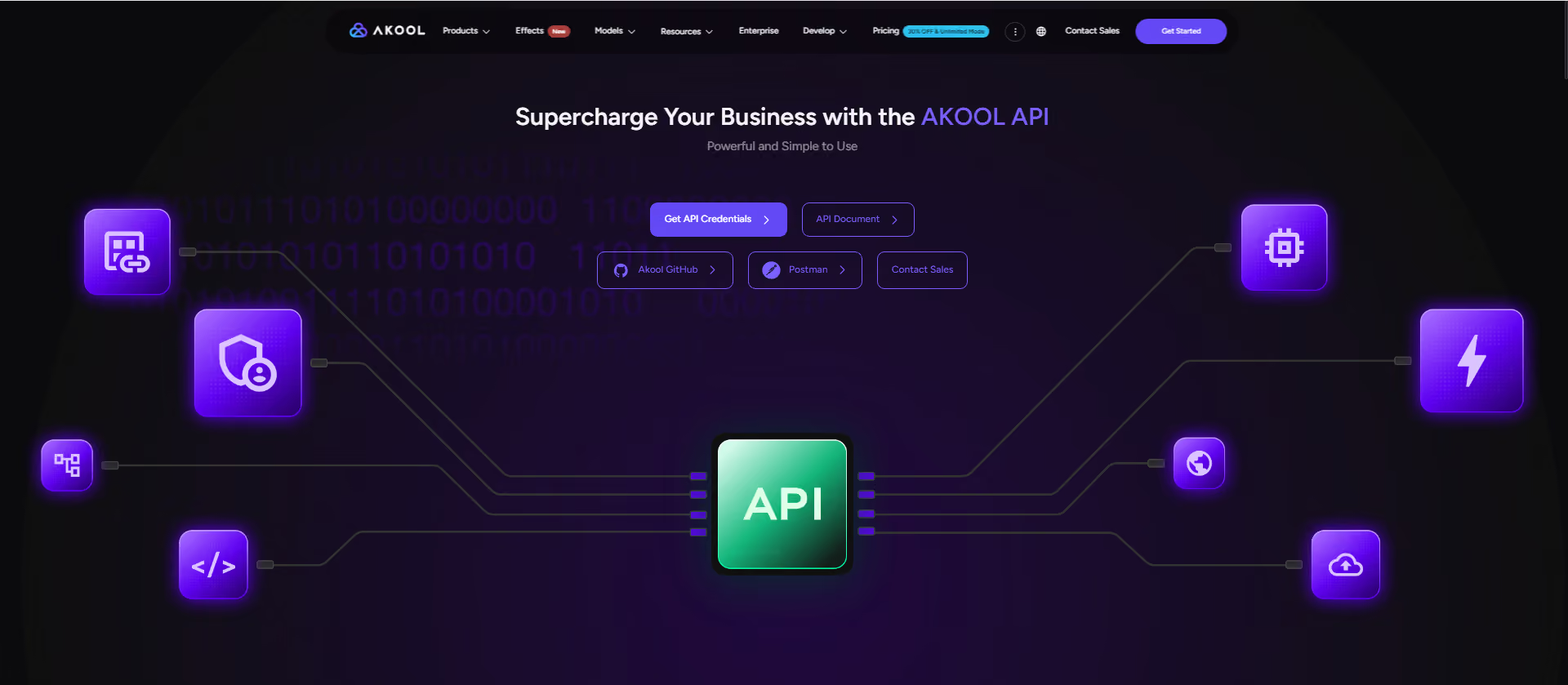
Development teams appreciate the straightforward API architecture. You upload video content, specify target languages, and receive translated versions with automatic lip sync. The platform handles speaker detection, translation, voice synthesis, and lip movement adjustment in a single pipeline.
Fortune 500 brands including Coca-Cola and McDonald's have used AKOOL's video translation technology for global campaigns. The platform's collaboration with major enterprises validates its ability to handle high-stakes production requirements and tight deadlines.
AKOOL features
- Automatic lip synchronization: The API adjusts mouth movements to match translated audio, creating natural-looking results that pass viewer scrutiny. This eliminates the uncanny valley effect that plagues many dubbing solutions.
- 175+ language support: Extensive language coverage includes major global markets and regional dialects. Each language pair receives dedicated quality tuning for accurate, natural-sounding translations.
- Voice cloning with emotional range: The platform preserves speaker tone, pace, and emotional inflection across languages. Translated speakers sound like themselves, not generic AI voices.
- Enterprise API architecture: Batch processing endpoints, webhook notifications, and predictable throughput support high-volume localization workflows. The API integrates with existing marketing tech stacks through documented REST endpoints.
- Streaming avatar integration: For teams creating original content, AKOOL's streaming avatars can deliver real-time multilingual presentations without filming multiple versions.
- AWS Bedrock integration: Enterprise deployments can run on familiar cloud infrastructure with data residency controls and security compliance.
AKOOL pros and cons
Pros:
- Studio-grade lip sync quality on challenging real-world footage
- Proven enterprise track record with Fortune 500 deployments
- Full integration with AWS infrastructure for security-conscious organizations
Cons:
- Enterprise focus means the platform is built for production workflows rather than quick experiments
- Processing times scale with video length, which may affect same-day turnaround on longer content
- Advanced voice cloning features require higher-tier API access
2. HeyGen: Avatar-first platform with translation capabilities
HeyGen built its reputation on AI avatar technology and has expanded into video translation as a secondary feature. The platform creates synthetic presenters that deliver content in multiple languages with natural-looking lip movements.
For teams creating training videos, product demos, or marketing content from scratch, HeyGen's avatar-first approach offers a different workflow than translating existing footage. You write scripts, select avatars, and generate videos in target languages without filming.
HeyGen features
- Avatar IV technology: Synthetic presenters with realistic facial expressions and movements for generated video content
- 175+ language coverage: Wide language support for global content distribution
- Script-to-video workflow: Generate multilingual videos from text without filming original footage
HeyGen pros and cons
Pros:
- Convincing avatar quality for controlled, scripted content
- Eliminates filming costs for multilingual video production
- Text-to-video workflow accelerates content creation timelines
Cons:
- Translation features require higher-tier plans starting around $149/month
- Lip sync quality drops on real-world footage with movement and occlusions
- US-based servers require users to actively opt out of AI training on uploaded data
3. Synthesia: AI avatars with enterprise training focus
Synthesia specializes in AI-generated video content for corporate training and internal communications. The platform creates realistic digital presenters that can deliver content in multiple languages without additional filming.
Enterprise L&D teams use Synthesia to produce consistent training content across global offices. The avatar approach ensures identical presenter delivery across all language versions, which matters for compliance-sensitive training materials.
Synthesia features
- 140+ language support: Broad coverage for enterprise training deployments across global offices
- Transcript editing: Post-generation editing lets teams refine translations for accuracy and terminology
- Adaptive video length: Automatic pacing adjustment accounts for different language speech patterns
Synthesia pros and cons
Pros:
- Consistent presenter appearance across all language versions
- Post-dubbing editing controls for translation refinement
- Strong positioning for corporate training use cases
Cons:
- Avatar-focused approach does not translate existing human presenter footage
- Higher cost structure than some alternatives for volume workflows
- Output style may not match brand requirements for customer-facing content
4. Rask AI: Audio-focused dubbing with voice cloning
Rask AI approaches video translation as an audio problem first. The platform excels at voiceover dubbing, voice cloning, and audio localization for content where the speaker's face is not prominently visible.
Podcasters, screencaster creators, and teams producing voiceover-heavy content find Rask AI's workflow efficient. For talking-head videos where lip sync matters, quality assessments suggest other tools may deliver more consistent results.
Rask AI features
- 130+ language support: Wide coverage for audio translation and dubbing workflows
- Voice cloning: Preserves speaker characteristics in translated audio
- SOC 2 Type II certification: Security compliance for enterprise procurement requirements
Rask AI pros and cons
Pros:
- Efficient workflow for audio-heavy content without visible speakers
- SOC 2 certification addresses enterprise security requirements
- Voice cloning maintains speaker authenticity in audio output
Cons:
- Visual lip sync on real footage shows noticeable mismatches in testing
- Lip sync feature requires the Creator Pro plan at $120/month
- Processing costs can accumulate quickly for high-volume workflows
5. VEED: All-in-one editor with translation features
VEED combines video editing capabilities with AI translation in a single browser-based platform. Social media teams and content creators use VEED for end-to-end workflows from editing through localization.
The platform's value proposition centers on convenience rather than specialized translation quality. Teams that need basic dubbing alongside trimming, captioning, and effects may find the combined workflow useful.
VEED features
- 125+ language support: Coverage for major global markets and regional languages
- Integrated editing: Translation features work alongside broader video editing tools
- Browser-based workflow: No software installation required for basic translation tasks
VEED pros and cons
Pros:
- Convenient all-in-one platform for teams with varied video needs
- Clean interface reduces learning curve for non-technical users
- Integrated captioning and translation in a single workflow
Cons:
- No free translation option requires paid subscription to evaluate
- Lip sync quality shows room for improvement compared to specialized tools
- Voice matching did not consistently preserve original speaker characteristics in testing
6. Captions: Mobile-first translation for short-form content
Captions targets social media creators producing short-form content for platforms like TikTok, Instagram, and YouTube Shorts. The mobile-first approach lets creators translate clips directly from their phones.
The platform's API offers translation and lip sync endpoints for developers building creator tools. For enterprise video localization workflows, the short-form focus may limit applicability to longer content.
Captions features
- Mobile-native workflow: Translation and lip sync from iOS and Android devices
- AI lip dub API: Developer endpoints for integrating translation into creator apps
- Social platform optimization: Output formats tuned for TikTok, Instagram, and similar platforms
Captions pros and cons
Pros:
- Streamlined workflow for mobile-first content creators
- API availability for developers building creator tools
- Optimized for short-form social content formats
Cons:
- Short-form focus may not serve enterprise long-form video needs
- Mobile-first design means desktop workflows feel secondary
- Enterprise features and security certifications are less documented
7. Dubly.AI: GDPR-focused translation with EU infrastructure
Dubly.AI positions itself as the compliance-first choice for European organizations with strict data residency requirements. Servers in Germany and explicit GDPR compliance address concerns that other platforms leave ambiguous.
The platform's Lip Sync 2.0 technology focuses on real footage translation, handling challenging scenarios like occlusions and multi-speaker panels. Language coverage is narrower than competitors, with 38+ languages compared to triple-digit counts elsewhere.
Dubly.AI features
- German server infrastructure: EU data residency for organizations with compliance requirements
- No AI training on customer data: Explicit guarantee that uploaded content is not used for model improvement
- Unlimited revisions: All plans include revision rounds without additional charges
Dubly.AI pros and cons
Pros:
- Clear GDPR compliance with EU-hosted infrastructure
- Strong lip sync quality on real-world footage in testing
- No ambiguity about data usage and AI training opt-out
Cons:
- 38+ language coverage is narrower than alternatives with 100+ languages
- Starting at €79/month positions the platform above entry-level alternatives
- Smaller ecosystem and integration options compared to larger platforms
Comparison table: Video translation APIs with lip sync
How do video translation APIs handle multiple speakers?
Multi-speaker detection remains one of the most challenging scenarios for video translation APIs. When multiple people appear in frame, the system must identify who is speaking, apply the correct voice profile, and synchronize lip movements independently.
AKOOL's video translation API includes automatic speaker detection that identifies individual speakers and applies distinct voice profiles to each. This matters for interviews, panel discussions, and training videos featuring multiple presenters.
APIs with weaker multi-speaker support may blend voices incorrectly, apply lip sync to the wrong face, or fail entirely when speakers overlap. Testing with your actual multi-speaker content helps identify which APIs handle your specific scenarios.
What makes enterprise video translation APIs different from consumer tools?
Enterprise video translation APIs address requirements that consumer tools often overlook. Security certifications, data processing agreements, and audit logging matter for organizations with compliance obligations.
AKOOL offers enterprise API architecture with documented REST endpoints, webhook notifications for async processing, and integration with AWS Bedrock infrastructure. This allows security-conscious organizations to deploy video translation within approved cloud environments.
Beyond security, enterprise APIs need predictable throughput for deadline-driven campaigns. Consumer tools may work for occasional use, but production workflows require APIs that handle batch processing without unpredictable delays or quality variations.
Why AKOOL delivers video translation APIs with lip sync for enterprise teams
When enterprise marketing teams and developers evaluate video translation APIs, they need solutions that perform reliably at scale. AKOOL combines studio-quality lip synchronization with the API architecture and security posture that enterprise deployments require.
The platform's track record with global brands validates its production readiness. From Coca-Cola's interactive campaigns to Greenworks Tools' multilingual marketing, AKOOL handles the demanding scenarios that stress-test video translation technology.
For teams building multilingual video workflows, AKOOL's video translation API offers the combination of lip sync quality, language coverage, and enterprise features that production environments demand. The platform lets you reach global audiences with localized content that looks and sounds native in every market.

