Explore this direction
↗
PRODUCT CAMPAIGN
Product and campaign concepts
01
Create images from a text prompt or a reference photo. Explore image models, try a new visual style, and refine your ideas for product concepts, portraits, social posts and more.
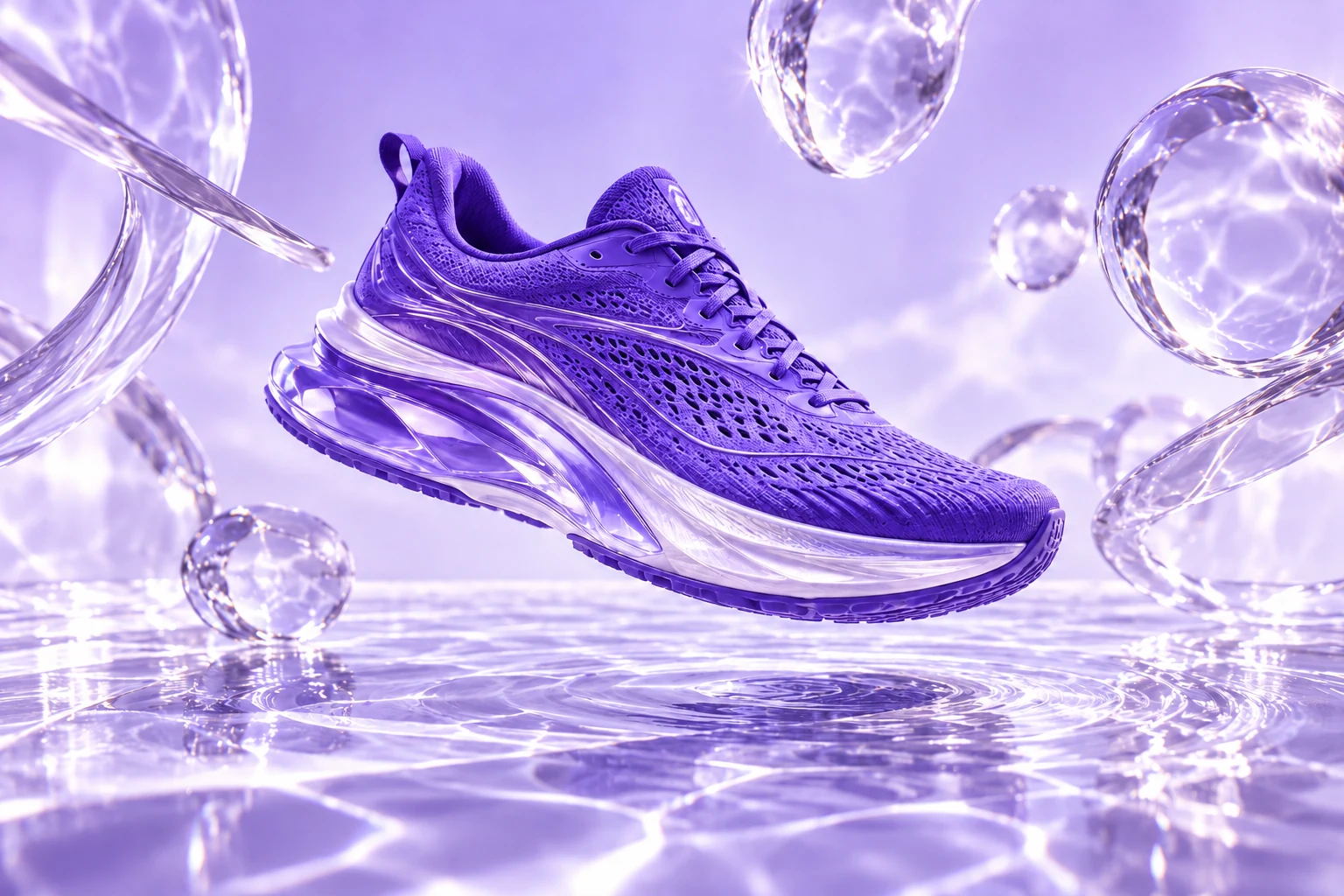
A violet sneaker. Liquid light.
A campaign beyond the studio.
Explore product scenes, portraits, illustrations and concept art. Use a suggested prompt as your starting brief, then adapt the image to your audience and format.
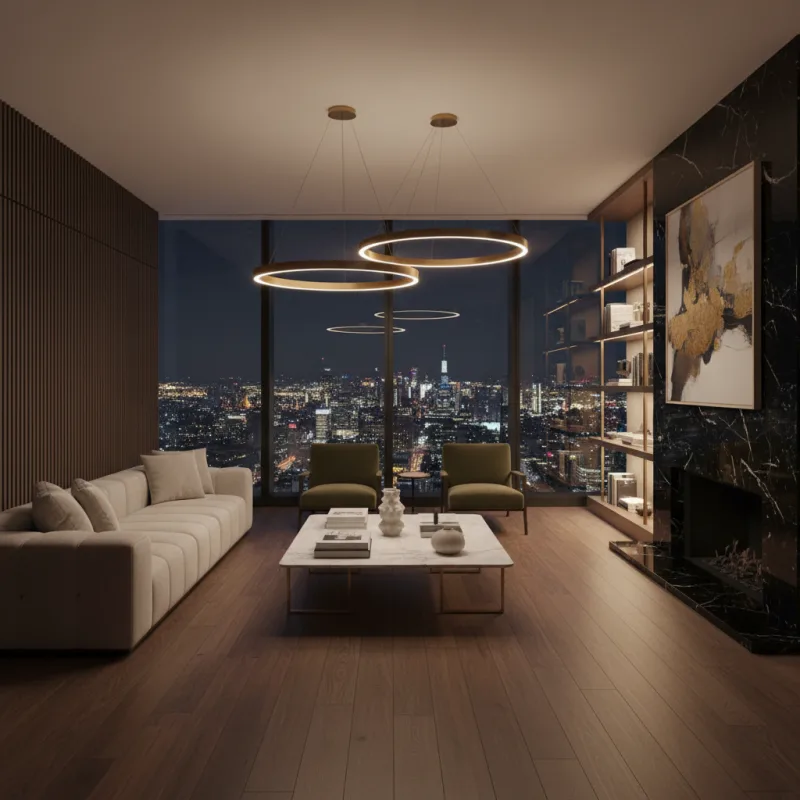
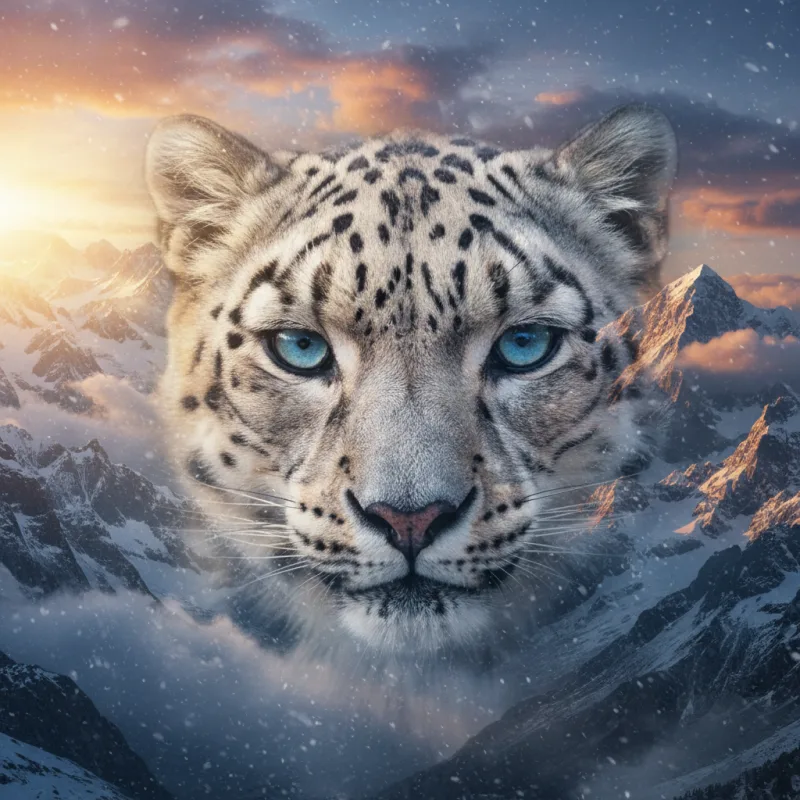
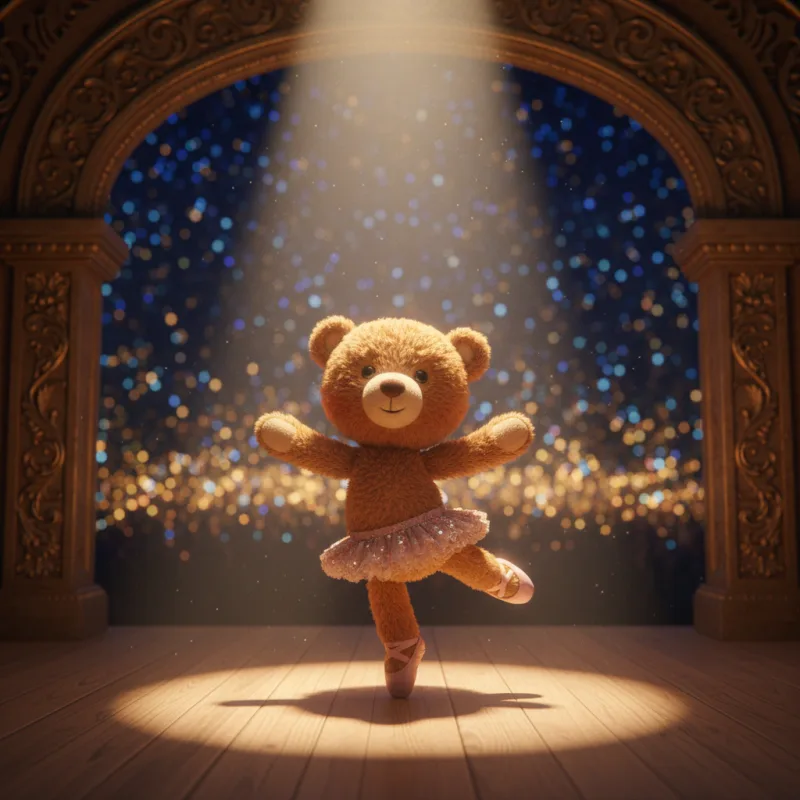
Choose a model for the task in front of you. Explore realistic characters with AKOOL Image, text-rich concepts with Nano Banana Pro, cinematic scenes with FLUX, or detailed briefs with GPT Image.
Explore portraits, illustrated characters and realistic scenes. Use a clear visual brief to develop a consistent direction across your image set, then check the face, styling and scene details in each result.
Explore AKOOL ImageModel versions, settings and credits vary. Check the image workspace and your plan for current access.
Choose a starting point, add your creative brief and generate. Keep the useful details in your prompt, then make focused changes to improve the result.
Name the subject, scene, style and lighting. Use a reference photo when its appearance should guide the result.
Open AKOOL to createStart from a reference, improve an image’s resolution or explore a different visual style. Choose the tools that suit the next step in your project.
Upload a reference and describe the changes you want to explore. Try a different setting, style or lighting, then compare the result with your original photo.
Explore image to image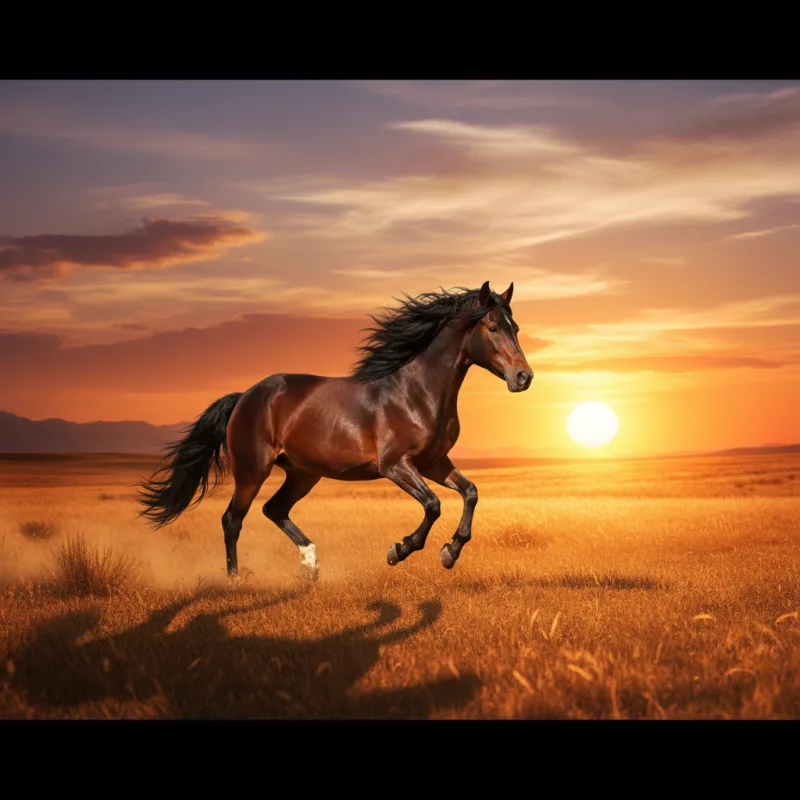
Improve an existing image with AKOOL’s upscaler. Review the available output options and compare the result at full size before preparing it for a page, post or presentation.
Explore image upscalingTurn a concept into a photographic scene, an illustration or an imagined world. Change one part of your brief at a time so you can see what improves the result.
Try a new directionStart an image-to-video project with a still you have created or uploaded. Add movement, an action or a camera direction, then choose the settings available for your selected video model.
Bring an image into videoExplore the AI video generatorA useful prompt names the subject, setting, lighting, style and composition. Try a brief below, then change one detail at a time instead of rewriting everything.
A ceramic coffee cup on a pale stone plinth, soft morning light, subtle shadow, minimalist studio, close-up product photography.
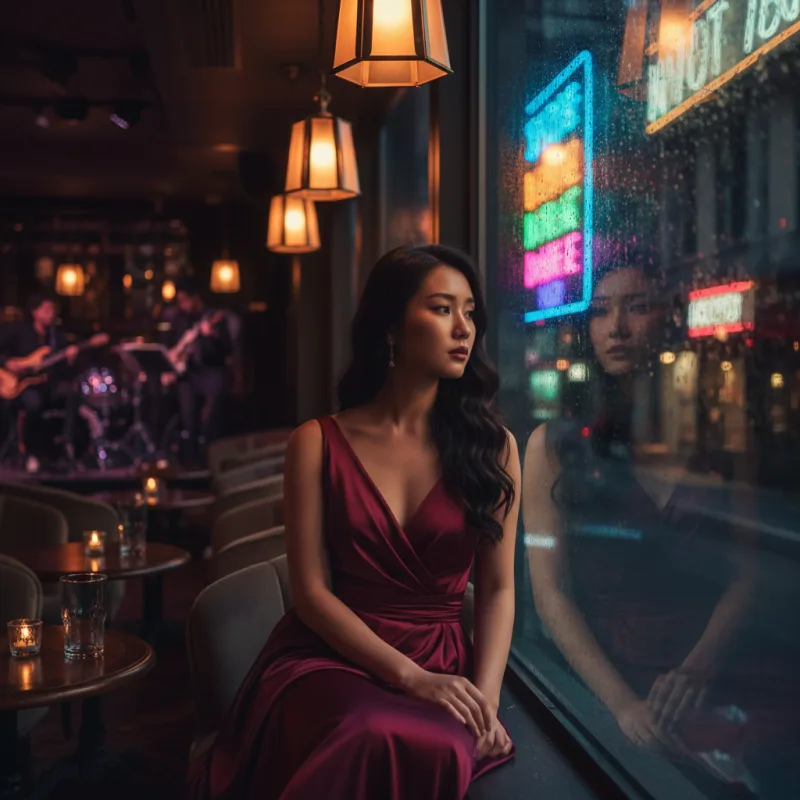
Copy promptAn editorial portrait by a rain-streaked window, soft reflected neon, natural skin texture, cinematic mood, shallow depth of field.
Copy promptA floating glass pavilion above a lavender sea, curved architecture, distant mountains, diffused daylight, surreal cinematic composition.
Copy promptPractical answers about prompts, photos, models, credits and the next step in your project.
Visit the help centerAn AI image generator creates an image from a written description or a reference photo. In AKOOL, you can choose an image model, describe the subject and visual style, and generate a result. Review the image, then refine your instructions to explore a different direction.
Open the image generator and choose Text to Image or Image to Image. Select an available model, add your prompt or reference, and review the settings before you generate. Afterward, compare the result with your brief and adjust the details that need another pass.
Yes. Use Image to Image to start with an uploaded reference photo. Describe the changes you want, such as a different setting, lighting or visual style. How closely the result follows your photo depends on the chosen model, prompt and settings.
AKOOL lists image models including AKOOL Image, Nano Banana Pro, Seedream, FLUX, GPT Image and Recraft. They offer different approaches to image creation. Check the live image workspace for the current versions and settings, and the pricing page for model access on your plan.
Name the subject, setting, lighting, style and composition. Add important details such as materials, colors, camera angle or space for a headline. A prompt like "a white ceramic mug on pale stone, soft window light, close-up product photo" gives a clearer direction than "a nice mug."
Yes. AKOOL supports prompt-based and reference-based image creation for product scenes and marketing concepts. Use a product photo when its appearance matters, and describe the setting you want. Check the shape, label, colors and other product details before using the result in a campaign.
AKOOL Image is designed for coherent characters and visual sequences. Use a consistent character brief and supported reference options, then compare each image for changes in the face, clothing and styling. A consistent direction is a creative goal, so review every image in the set.
AKOOL lists models that support text-rich image creation, including Nano Banana Pro and GPT Image. Include the exact wording and describe where it should appear. Check spelling, spacing and readability in the result, especially for product labels, posters and small text.
AKOOL provides image generation and a separate image upscaler. Use the upscaler to improve an existing image, or review the resolution options for your selected image model. Available output settings vary. Check the final dimensions and image quality before preparing an asset for print or a large display.
AKOOL offers free and paid plans and uses credits for generation. The models you can access, included credits and export limits depend on the plan and selected options. Check the current pricing page and review the credit cost shown in the workspace before you generate.
Choose a plan with the licence your project requires. AKOOL’s pricing page distinguishes personal, business and enterprise licences, so a paid subscription alone does not mean every commercial use is included. Review the current plan terms and use reference photos, logos and other materials you have permission to use.
Yes. Open AKOOL’s image-to-video tool and use your image as the starting frame. Add a prompt describing the subject’s movement and the camera direction, then choose an available video model and settings. Review the generated clip to see how the motion follows your brief.
Write a prompt or start with a photo. Create your next visual in AKOOL.
Create with AKOOLأنشئ فيديو بالذكاء الاصطناعي من نص، أو حرّك صورة، أو استخدم مراجع مدعومة لتوجيه مشهد. استكشف Veo وKling وSeedance وWan في AKOOL، واختر النموذج والإعدادات المناسبة لفكرتك.
انسخ الموجّه ثم افتح AKOOL لتوليد الفيديو. تختلف إتاحة النماذج والإعدادات وتكلفة الرصيد.
مشاهدة أمثلة الفيديو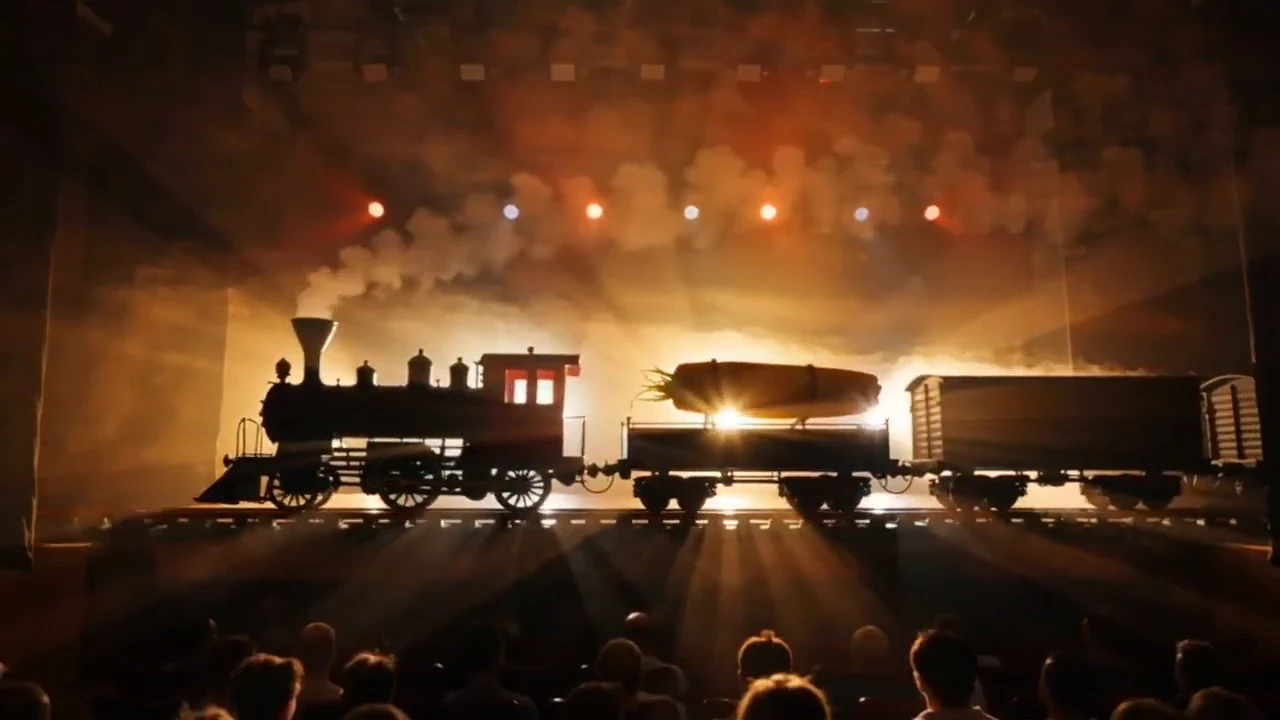 عوالم سينمائية
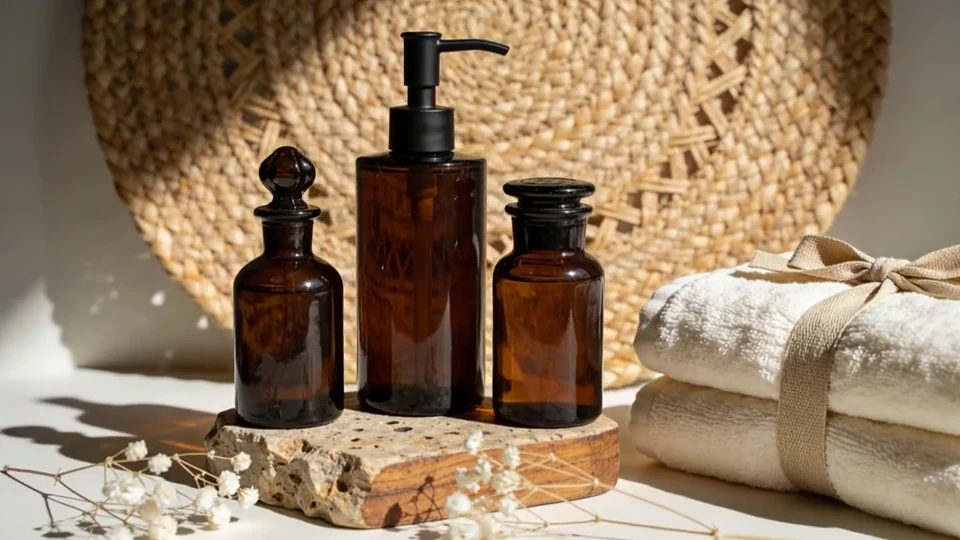 قصص المنتجات
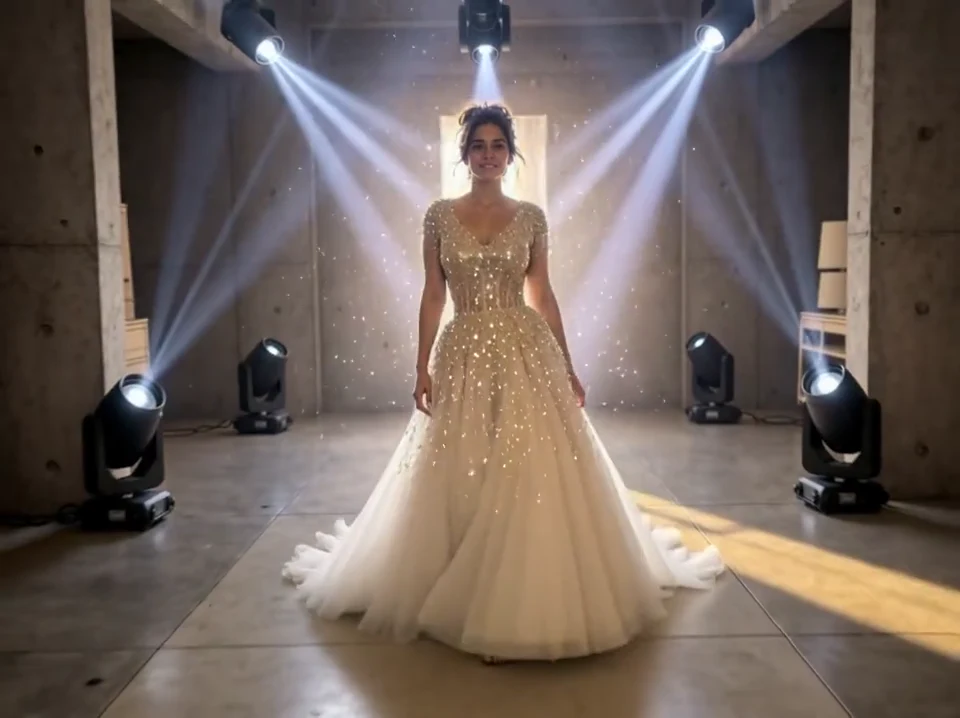 منظورات جديدة
عرض بلا صوت: قطار بخاري وضوء ذهبي ودخان متصاعد في مشهد مسرحي.
Published AKOOL examples.استكشف مشاهد المنتجات والعوالم السينمائية والتحولات البصرية التي نشرتها AKOOL. افتح مقطعاً، وتأمل الحركة، واستلهم نقطة بداية لمشروعك.
0:10معاينة بلا صوتجرّب عرض المنتج بالإضاءة والحركة الهادئة. قارن المقطع النهائي بالتغليف والألوان المعتمدة.
0:20معاينة بلا صوتحدّد موضوع المشهد والحركة واتجاه الكاميرا. طوّر الفكرة البصرية قبل التخطيط للقطة التالية.
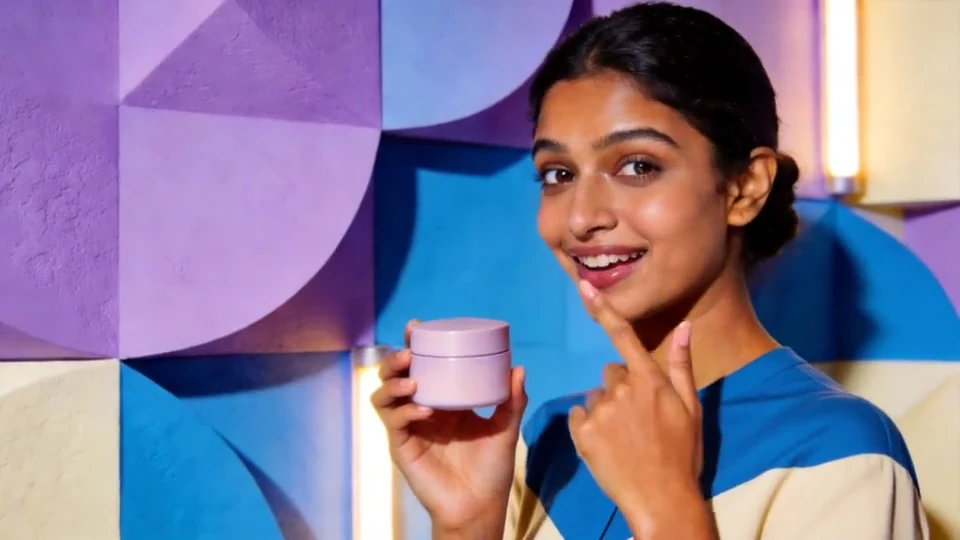 0:10معاينة بلا صوت
جرّب مشهداً قصيراً للمنتج تتمحور أحداثه حول شخصية. راجع الوجه واليدين والتغليف قبل استخدام النتيجة.
0:10معاينة بلا صوتجرّب تغيير المكان أو الملابس أو الأجواء. وضّح الموضوع والاتجاه البصري في تعليماتك.
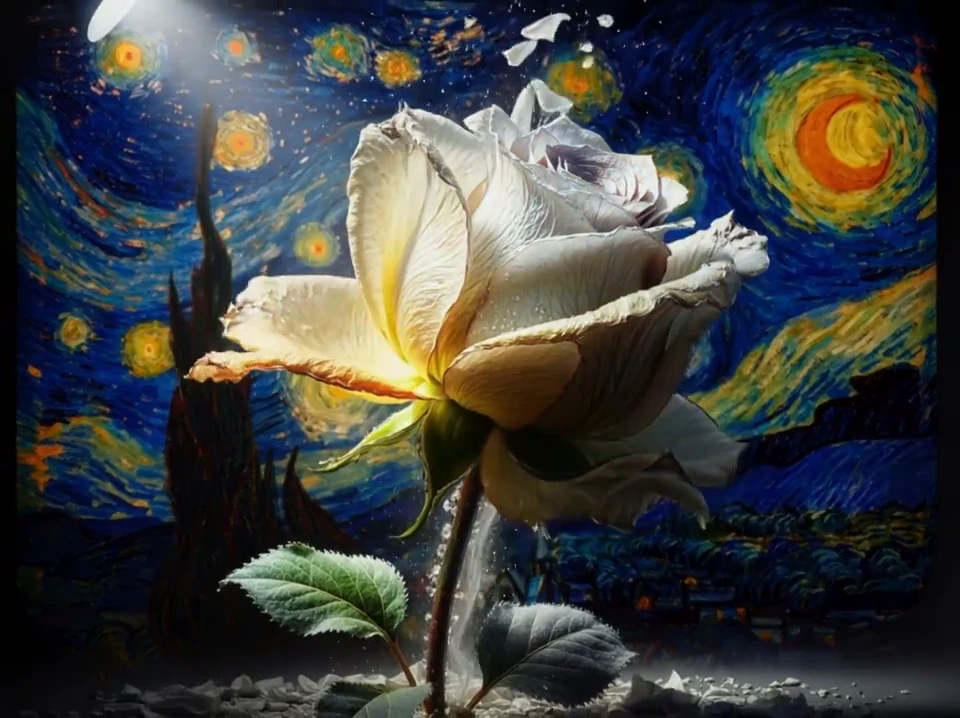 0:10معاينة بلا صوت
ابدأ برسم توضيحي وصِف تغيّره مع الوقت. راجع الحركة إلى جانب مظهر الصورة الأصلية.
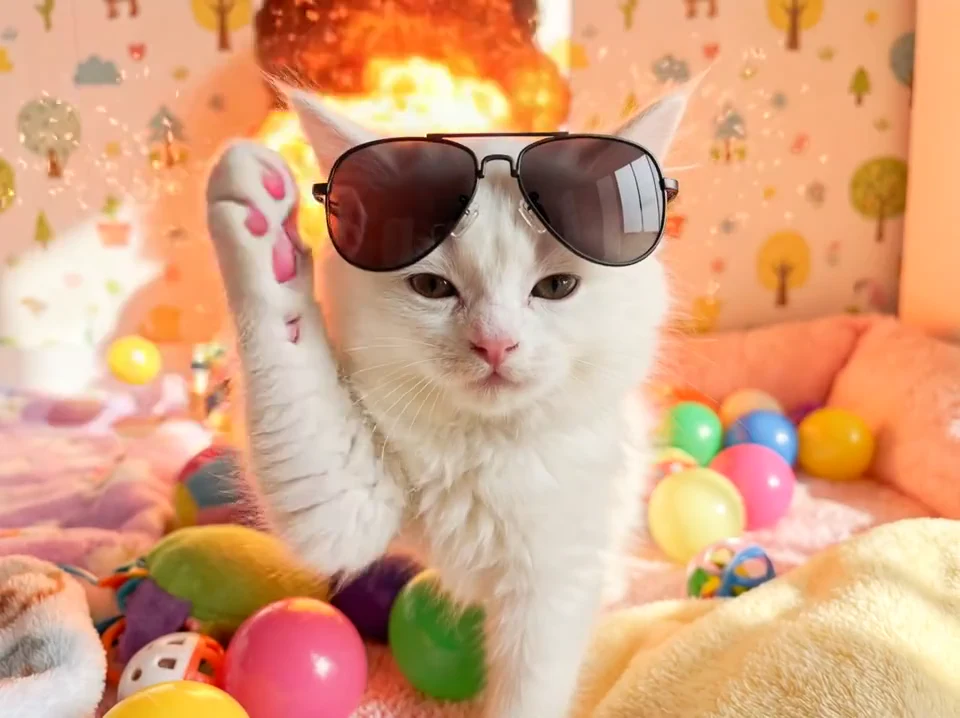 0:10معاينة بلا صوت
جرّب فكرة بصرية مرحة بحركة بسيطة. امنح المشاهد موضوعاً واضحاً ومشهداً يسهل متابعته.
هذه عروض منشورة من AKOOL. الموجّهات المقترحة أمثلة جديدة لاستكشاف اتجاه مشابه، وليست سجلاً للإعدادات المستخدمة في كل مقطع.
يضيف تحويل الصورة إلى فيديو حركة إلى صورة فوتوغرافية أو رسم أو تصميم مرئي. ارفع صورة واضحة، وصِف حركة محددة، واختر الإعدادات المتاحة للنموذج.
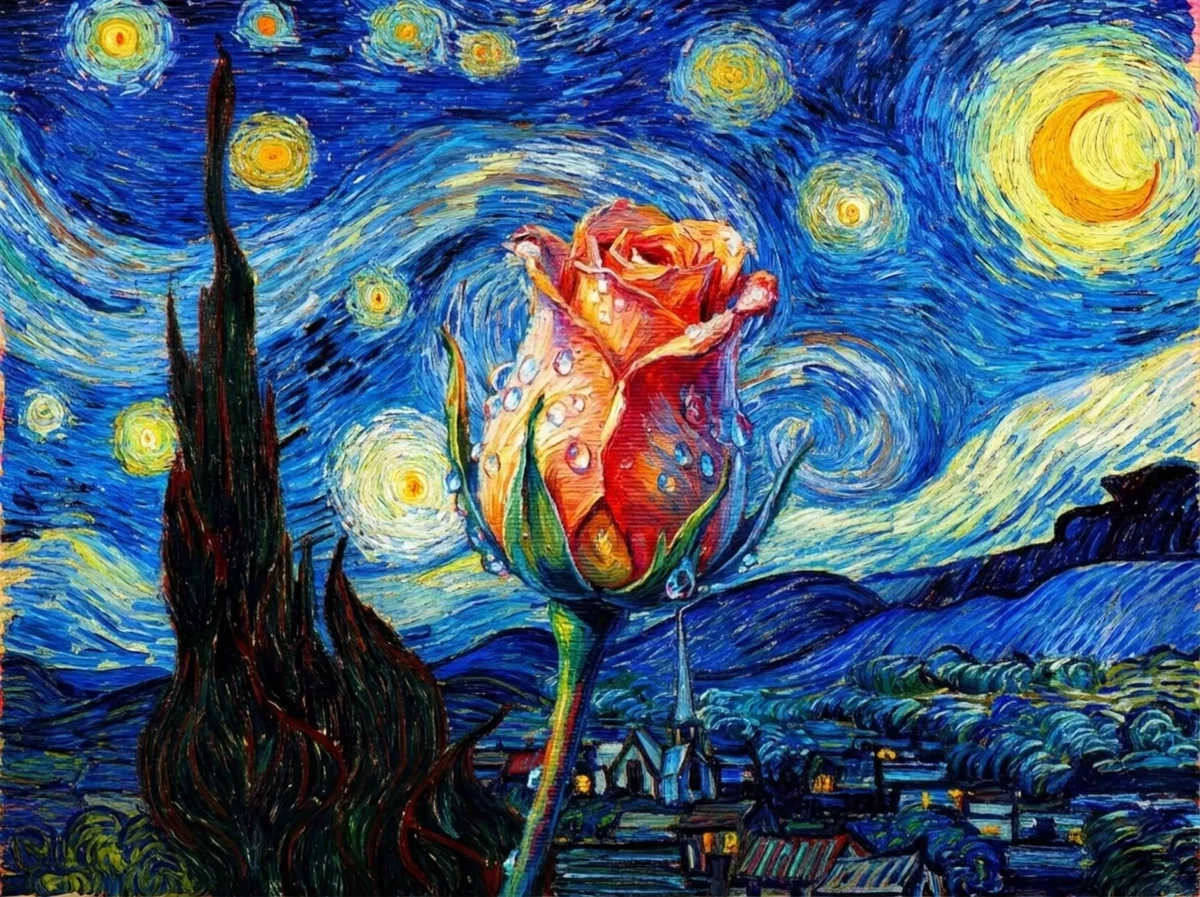 شاهد التحوّل
«تتحول زهرة مرسومة ببطء إلى زهرة واقعية. استخدم اقتراباً هادئاً للكاميرا وإضاءة طبيعية ناعمة، مع إبقاء التكوين المرسوم المحيط ظاهراً».
An original example prompt. Results will depend on the uploaded image and model.اختر النص إلى فيديو لاستكشاف مشهد جديد، والصورة إلى فيديو إذا كانت لديك صورة ثابتة. استخدم نموذجاً يدعم المراجع عندما تحتاج عدة ملفات لتوجيه مقطع جديد.
صِف المشهد بالكلمات. ابدأ بالموضوع والحركة، ثم أضف المكان والإضاءة وحركة الكاميرا لتوضيح اللقطة.
ارفع صورة أو رسماً أو تصميماً مرئياً وصِف الحركة. استخدم موضوعاً واضحاً واجعل الحركة الأولى بسيطة لتقييم التغيّرات.
وجّه مقطعاً جديداً بمراجع مدعومة من الصور أو الفيديو أو الصوت. حدّد دور كل ملف، مثل الموضوع أو الأسلوب أو الحركة. تعتمد المدخلات المتاحة على النموذج.
قارن المدخلات التي يقبلها كل نموذج وكيف يفسّر فكرتك. ابدأ بالملفات المتاحة لديك، ثم راجع خيارات الحركة والصوت والإخراج المطلوبة.
هل لديك صورة منتج معتمدة؟ قارن خيارات Veo وSeedance الداعمة للمراجع بالصورة نفسها وموجّه حركة بسيط. راجع التغليف والألوان في كل نتيجة.
استكشف مشاهد موجّهة بالمراجع مع عائلة Veo من Google. راجع خيارات الصورة والحركة والصوت في الإصدار المختار قبل التوليد.
SCENES · REFERENCES · MOTIONاستكشف Veoجرّب مشاهد تركّز على حركة الكاميرا وأفكاراً متعددة اللقطات. تختلف خصائص المراجع والصوت بين إصدارات Kling؛ قارن أدوات التحكم المتاحة في AKOOL.
CAMERA · SUBJECTS · SEQUENCESاستكشف Klingاستكشف إنشاء الفيديو اعتماداً على المراجع. يدعم Seedance 2.0 عدة أنواع من المراجع، ويحدّد الإصدار ومسار العمل الخيارات المتاحة.
REFERENCES · VISUAL DIRECTIONاستكشف Seedanceجرّب الحركة المستندة إلى الصور وأفكار المشاهد القصيرة مع عائلة Wan. تأكد من الإصدار والمدخلات المدعومة وأدوات الصوت الظاهرة في حسابك.
IMAGE MOTION · SCENE IDEASاستكشف Wanافتح AKOOL واختر مسار عمل مدعوماً، ثم أضف الموجّه أو المراجع وحدّد الإعدادات المتاحة. ولّد مقطعاً، وراجعه، وحسّن الأجزاء التي تحتاج تعديلاً.
افتح مساحة إنشاء الفيديوصِف حركة رئيسية واحدة وأضف الموضوع والمكان واتجاه الكاميرا. ارفع صورة واضحة أو مراجع مدعومة عندما يهمّك مظهر شخص أو منتج.
راجع أنواع المدخلات وطول المقطع ونسبة الأبعاد والدقة وخيارات الصوت. تحقق من تكلفة الرصيد المعروضة قبل التوليد.
افحص الحركة والوجوه واليدين وتفاصيل المنتج من البداية إلى النهاية. غيّر جزءاً واحداً من التعليمات في كل مرة. نزّل النتيجة المناسبة أو انتقل إلى أداة AKOOL اللازمة للخطوة التالية.
التوليد جزء من المشروع. استكشف أدوات AKOOL للمرئيات والتعليق الصوتي والترجمة والمحتوى الذي يقدمه متحدث.
يوضح الموجّه الجيد من أو ما يظهر في المشهد، وما يحدث، وكيف نراه. ابدأ بهذه الأمثلة وعدّل التفاصيل لتناسب موادك.
استخدم صورتي المعتمدة لعبوة العناية بالبشرة. تقترب الكاميرا ببطء بينما يمر ضوء شمس ناعم على الزجاج. أبقِ العبوة في المنتصف والملصق باتجاه الكاميرا. لقطة واحدة متصلة.
انسخ هذا الموجّهشارع هادئ بعد المطر مباشرة. انعكاسات على الطريق وضوء مساء ناعم وحركة كاميرا جانبية هادئة. لقطة واحدة متصلة بأجواء ساكنة. بلا نص.
انسخ هذا الموجّهراجع إتاحة النماذج وتكلفة الرصيد قبل توليد مجموعة مقاطع. لأعمال العملاء والإعلانات والاستخدام التجاري، تأكد من أن ترخيص حسابك يغطي المشروع.
قارن الخطط الحاليةخطّط للحركة وراجع التفاصيل المهمة.
Read the guideتعرّف على كيفية توجيه المراجع للموضوع والأسلوب والحركة.
Read the guideراجع الخطة والمدخلات وما يظهر في النتيجة.
Read the guideإجابات واضحة عن المدخلات والنماذج والصوت والتكلفة واستخدام النتيجة.
زر مركز المساعدةينشئ مولّد الفيديو بالذكاء الاصطناعي مرئيات متحركة من موجّه نصي أو صورة أو مراجع مدعومة أخرى. في AKOOL تختار مسار العمل والنموذج، وتضيف تعليماتك، ثم تولّد المقطع وتراجعه. تعتمد المدخلات وأدوات التحكم وخيارات الإخراج على اختيارك.
افتح مسار النص إلى فيديو في AKOOL، وصِف الموضوع والحركة والمكان وحركة الكاميرا. اختر نموذجاً متاحاً وإعداداته، وتحقق من تكلفة الرصيد، ثم ولّد الفيديو. راجع المقطع وعدّل الموجّه قبل إنشاء نسخة أخرى.
نعم. يضيف مسار الصورة إلى فيديو في AKOOL الحركة إلى صورة ثابتة. ارفع صورة واضحة أو عملاً فنياً أو تصميماً مرئياً وصِف ما ينبغي أن يتحرك. في أعمال المنتجات، قارن النتيجة كاملة بالصورة المعتمدة، خصوصاً الشكل والألوان والتغليف والملصق.
يبدأ الفيديو من صورة بصورة ثابتة تريد تحريكها. أما الفيديو من المراجع فيستخدم ملفات مدعومة لتوجيه مقطع جديد، مثل شخصية أو منتج أو أسلوب أو حركة. تعتمد أنواع المراجع وحدود الرفع على النموذج المختار.
اختر نموذجاً يقبل ملفاتك ويوفر أدوات التحكم اللازمة للقطة. تعرض AKOOL عائلات مثل Veo وKling وSeedance وWan. قارن خيارين متاحين بالتعليمات نفسها، ثم قيّم النتيجة المفيدة وتكلفة الرصيد والتعديلات المطلوبة.
تولّد بعض إصدارات النماذج الصوت مع الفيديو، وهذا يختلف عن إضافة تعليق صوتي لاحقاً. راجع أدوات الصوت في النموذج المختار. توفر AKOOL أيضاً أدوات صوت مستقلة للنصوص والتعليق الصوتي ومسارات الصوت الأخرى.
تعتمد المدة على النموذج ومسار العمل والإعدادات المتاحة. تحقق من المدة المعروضة في AKOOL قبل التخطيط للقطة. يختلف المقطع المولّد الواحد عن فيديو نهائي يجمع عدة مقاطع؛ قسّم القصة الطويلة إلى مشاهد عند الحاجة.
تدعم AKOOL نسب أبعاد وخيارات دقة مختلفة حسب النموذج والخطة. تحقق مما إذا كان الخيار يولّد الفيديو بتلك الدقة مباشرة أو يرفع دقته لاحقاً، واختر التنسيق المناسب لقناة النشر.
توفر AKOOL وصولاً مجانياً وخططاً مدفوعة. تعتمد النماذج والرصيد وشروط العلامة المائية على الحساب. راجع صفحة الأسعار الحالية والخيارات المعروضة في مساحة العمل قبل توليد الفيديو أو تنزيله.
لا توجد تكلفة موحّدة لكل الفيديوهات. قد تتغير التكلفة حسب النموذج والمدة والجودة والإعدادات الأخرى. راجع المبلغ المعروض قبل التوليد، واحتسب المحاولات الإضافية المحتملة للحصول على مقاطع قابلة للاستخدام عند إنشاء مجموعة.
استخدم خطة وترخيصاً يغطيان المشروع، وراجع شروط AKOOL الحالية وأي شروط تخص النموذج. تحتاج أيضاً إلى أذونات للأشخاص والصور والموسيقى والمواد التي تقدمها. الاشتراك المدفوع وحده لا يمنح كل الحقوق اللازمة للإعلان أو مشروع العميل.
استخدم مراجع واضحة ومعتمدة وموجّه حركة محدداً. حافظ على ثبات المواد الأساسية، وجرّب تغييراً واحداً كل مرة. راجع المقطع كله لرصد تغيّر الهوية أو التغليف أو الحركة غير المرغوبة. توجّه المراجع النتيجة لكنها لا تضمن تطابقاً تاماً.
اكتب موجّهاً أو أحضر صورة. امنح فيديوك القادم نقطة بداية.
أنشئ فيديو مع AKOOLCreate engaging live video avatars effortlessly, enhance storytelling, captivate audiences, and elevate your creative projects with AI-driven innovation.


Creators and agencies can captivate audiences using Live Video Avatars for interactive webinars, live Q&As, and virtual events.
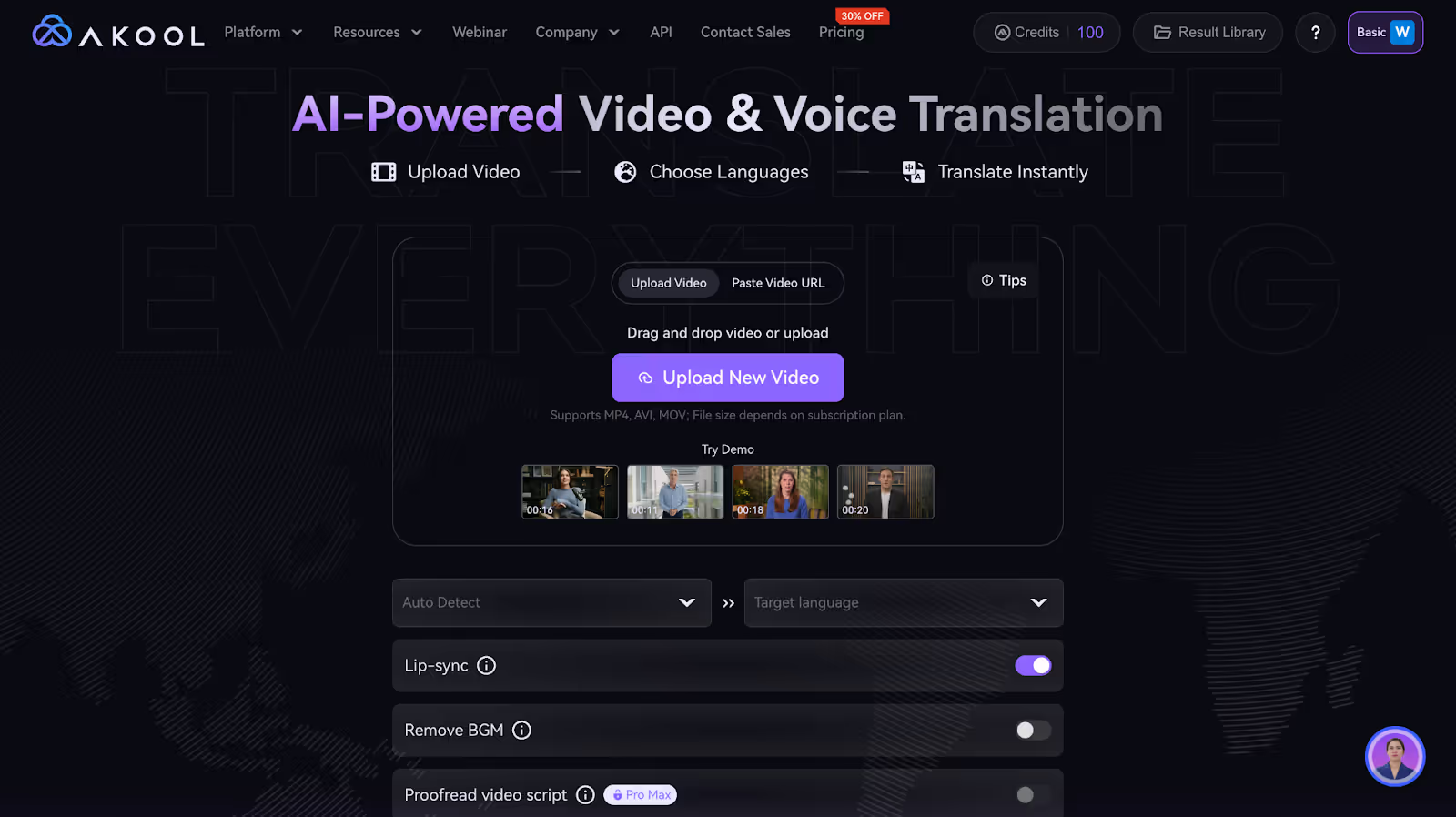
Live Video Avatars increase user engagement by providing a more interactive and personalized experience. For example, in virtual events or webinars, attendees can interact with realistic avatars of speakers, making the session more dynamic and immersive.
This technology reduces costs associated with traditional video production, such as hiring actors, sets, and equipment. Companies can use avatars for marketing campaigns or training sessions, saving resources while maintaining high-quality content.
Live Video Avatars make content more accessible by offering real-time translations and sign language interpretations. For instance, they can be used in educational settings to provide lectures in multiple languages simultaneously, reaching a broader audience.

أنشئ المحتوى برمجياً باستخدام واجهة برمجة التطبيقات (API) سهلة الاستخدام الخاصة بنا
Live Video Avatars are used in films and video games to create realistic characters without the need for actors to be physically present. This allows for more creative storytelling and can significantly reduce production costs and time.
In education, Live Video Avatars enable virtual classrooms and tutoring sessions, where teachers can present themselves as avatars. This can make learning more engaging for students and allow for customized educational experiences across different languages and regions.
Corporations utilize Live Video Avatars for training and development programs. Interactive avatars can simulate real-life scenarios, providing employees with hands-on experience in a risk-free environment, enhancing skill acquisition and retention.
In healthcare, avatars can assist in patient education and remote consultations. They can be used to explain medical procedures in a more relatable manner or provide consistent, high-quality information to patients at any time.
Retailers use Live Video Avatars for virtual shopping assistants. These avatars can guide customers through online stores, recommend products, and offer support, enhancing the shopping experience and potentially increasing sales.
Customer service departments employ avatars for interactive FAQs and support. Avatars can handle multiple inquiries simultaneously, providing immediate assistance and improving customer satisfaction with a personal touch.
-30%
0.05 دولار أمريكي/رصيد
(تتم محاسبته سنويًا بمبلغ 252 دولارًا)
25 صورة أو 1.5 دقيقة من الفيديو
3 صور رمزية فورية مخصصة
يقتصر حجم ملف التحميل على 150 مليونًا و 30 ثانية
0.05 دولار أمريكي/رصيد
(تتم محاسبتها شهريًا بمبلغ 30 دولارًا)
0.05 دولار أمريكي/رصيد
(تتم محاسبتها شهريًا بمبلغ 119 دولارًا)
0.042 دولار أمريكي/رصيد
(تتم محاسبتها سنويًا بمبلغ 500 دولار)
0.05 دولار أمريكي/رصيد
(تتم محاسبته سنويًا بمبلغ 252 دولارًا)
25 صورة أو 1.5 دقيقة من الفيديو
3 صور رمزية فورية مخصصة
يقتصر حجم ملف التحميل على 150 مليونًا و 30 ثانية
0.035 دولار أمريكي/رصيد
(تتم محاسبته سنويًا بمبلغ 252 دولارًا)
0.033 دولار أمريكي/رصيد
(تتم محاسبتها سنويًا بمبلغ 948 دولارًا)
0.05 دولار أمريكي/رصيد
(تتم محاسبتها سنويًا بمبلغ 4200 دولار)


.avif)