Explore this direction
↗
PRODUCT CAMPAIGN
Product and campaign concepts
01
Create images from a text prompt or a reference photo. Explore image models, try a new visual style, and refine your ideas for product concepts, portraits, social posts and more.
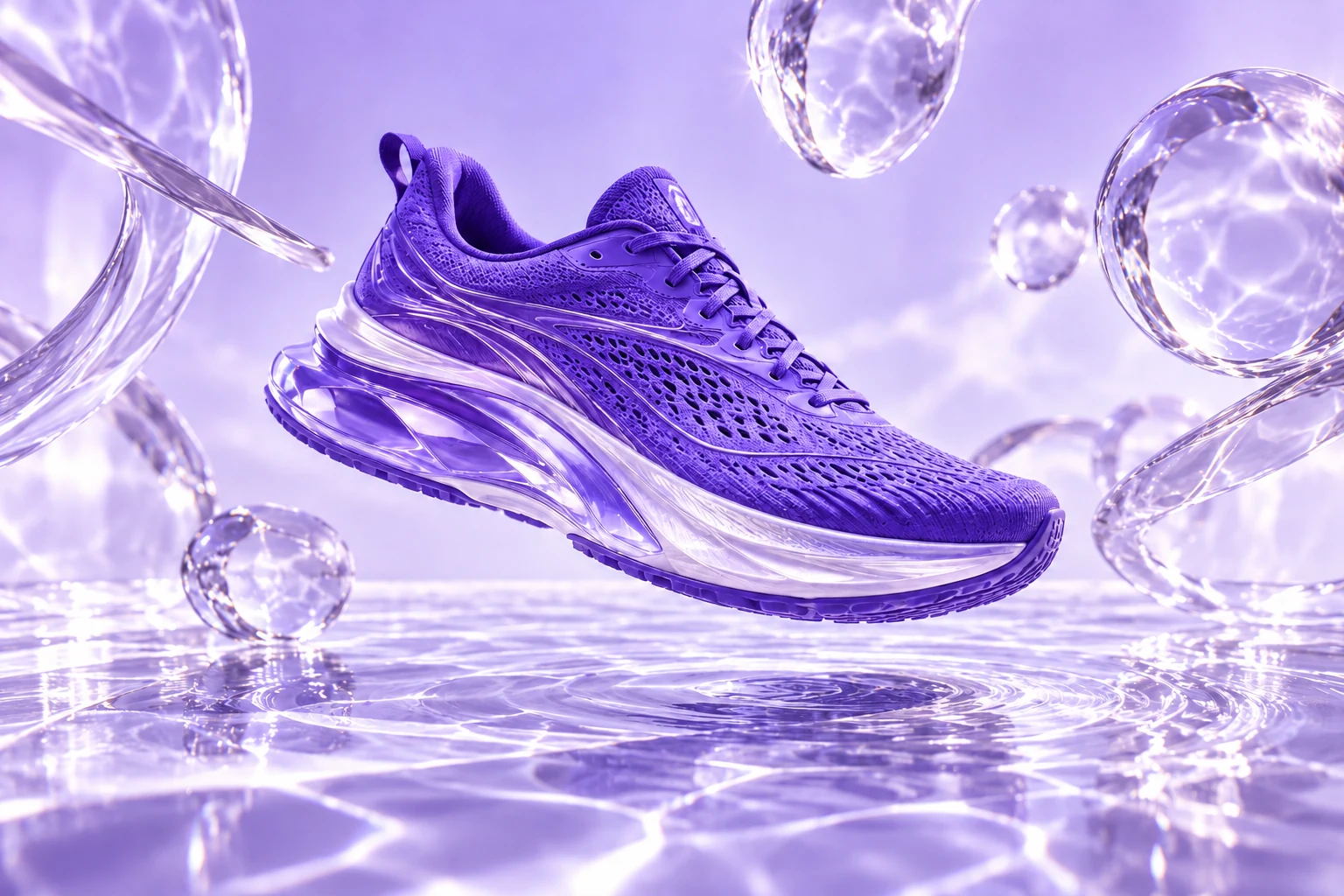
A violet sneaker. Liquid light.
A campaign beyond the studio.
Explore product scenes, portraits, illustrations and concept art. Use a suggested prompt as your starting brief, then adapt the image to your audience and format.



Choose a model for the task in front of you. Explore realistic characters with AKOOL Image, text-rich concepts with Nano Banana Pro, cinematic scenes with FLUX, or detailed briefs with GPT Image.
Explore portraits, illustrated characters and realistic scenes. Use a clear visual brief to develop a consistent direction across your image set, then check the face, styling and scene details in each result.
Explore AKOOL ImageModel versions, settings and credits vary. Check the image workspace and your plan for current access.
Choose a starting point, add your creative brief and generate. Keep the useful details in your prompt, then make focused changes to improve the result.
Name the subject, scene, style and lighting. Use a reference photo when its appearance should guide the result.
Open AKOOL to createStart from a reference, improve an image’s resolution or explore a different visual style. Choose the tools that suit the next step in your project.
Upload a reference and describe the changes you want to explore. Try a different setting, style or lighting, then compare the result with your original photo.
Explore image to image
Improve an existing image with AKOOL’s upscaler. Review the available output options and compare the result at full size before preparing it for a page, post or presentation.
Explore image upscalingTurn a concept into a photographic scene, an illustration or an imagined world. Change one part of your brief at a time so you can see what improves the result.
Try a new directionStart an image-to-video project with a still you have created or uploaded. Add movement, an action or a camera direction, then choose the settings available for your selected video model.
Bring an image into videoExplore the AI video generatorA useful prompt names the subject, setting, lighting, style and composition. Try a brief below, then change one detail at a time instead of rewriting everything.
A ceramic coffee cup on a pale stone plinth, soft morning light, subtle shadow, minimalist studio, close-up product photography.
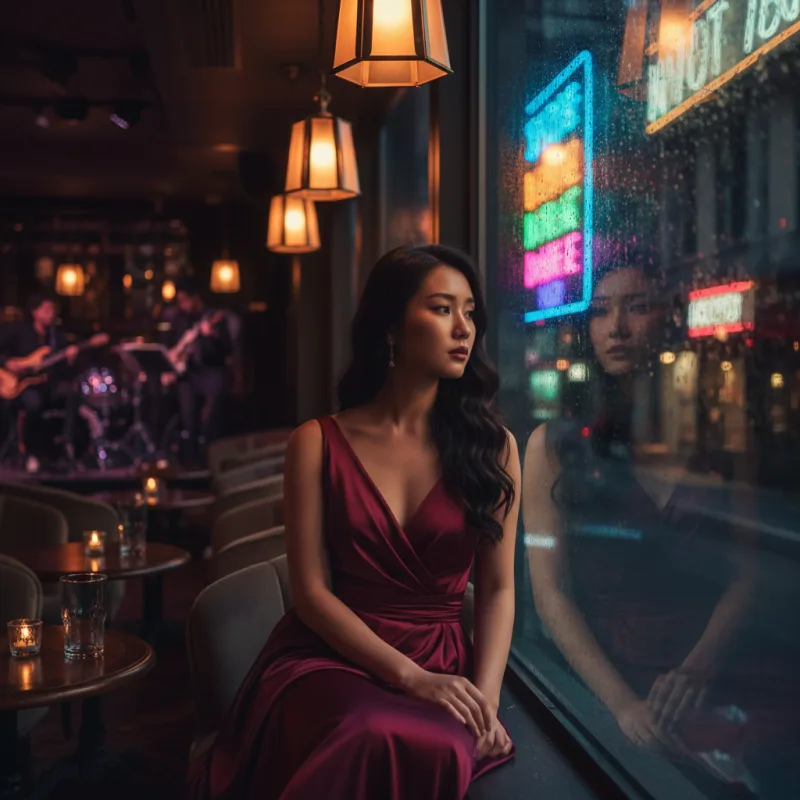
Copy promptAn editorial portrait by a rain-streaked window, soft reflected neon, natural skin texture, cinematic mood, shallow depth of field.
Copy promptA floating glass pavilion above a lavender sea, curved architecture, distant mountains, diffused daylight, surreal cinematic composition.
Copy promptPractical answers about prompts, photos, models, credits and the next step in your project.
Visit the help centerAn AI image generator creates an image from a written description or a reference photo. In AKOOL, you can choose an image model, describe the subject and visual style, and generate a result. Review the image, then refine your instructions to explore a different direction.
Open the image generator and choose Text to Image or Image to Image. Select an available model, add your prompt or reference, and review the settings before you generate. Afterward, compare the result with your brief and adjust the details that need another pass.
Yes. Use Image to Image to start with an uploaded reference photo. Describe the changes you want, such as a different setting, lighting or visual style. How closely the result follows your photo depends on the chosen model, prompt and settings.
AKOOL lists image models including AKOOL Image, Nano Banana Pro, Seedream, FLUX, GPT Image and Recraft. They offer different approaches to image creation. Check the live image workspace for the current versions and settings, and the pricing page for model access on your plan.
Name the subject, setting, lighting, style and composition. Add important details such as materials, colors, camera angle or space for a headline. A prompt like "a white ceramic mug on pale stone, soft window light, close-up product photo" gives a clearer direction than "a nice mug."
Yes. AKOOL supports prompt-based and reference-based image creation for product scenes and marketing concepts. Use a product photo when its appearance matters, and describe the setting you want. Check the shape, label, colors and other product details before using the result in a campaign.
AKOOL Image is designed for coherent characters and visual sequences. Use a consistent character brief and supported reference options, then compare each image for changes in the face, clothing and styling. A consistent direction is a creative goal, so review every image in the set.
AKOOL lists models that support text-rich image creation, including Nano Banana Pro and GPT Image. Include the exact wording and describe where it should appear. Check spelling, spacing and readability in the result, especially for product labels, posters and small text.
AKOOL provides image generation and a separate image upscaler. Use the upscaler to improve an existing image, or review the resolution options for your selected image model. Available output settings vary. Check the final dimensions and image quality before preparing an asset for print or a large display.
AKOOL offers free and paid plans and uses credits for generation. The models you can access, included credits and export limits depend on the plan and selected options. Check the current pricing page and review the credit cost shown in the workspace before you generate.
Choose a plan with the licence your project requires. AKOOL’s pricing page distinguishes personal, business and enterprise licences, so a paid subscription alone does not mean every commercial use is included. Review the current plan terms and use reference photos, logos and other materials you have permission to use.
Yes. Open AKOOL’s image-to-video tool and use your image as the starting frame. Add a prompt describing the subject’s movement and the camera direction, then choose an available video model and settings. Review the generated clip to see how the motion follows your brief.
Write a prompt or start with a photo. Create your next visual in AKOOL.
Create with AKOOLCreate AI video from a text prompt, animate an image, or use supported references to guide a scene. Explore Veo, Kling, Seedance and Wan in AKOOL, then choose the model and settings that fit your brief.
Copy your prompt, then open AKOOL to generate. Model access, settings and credit costs vary.
Watch video examples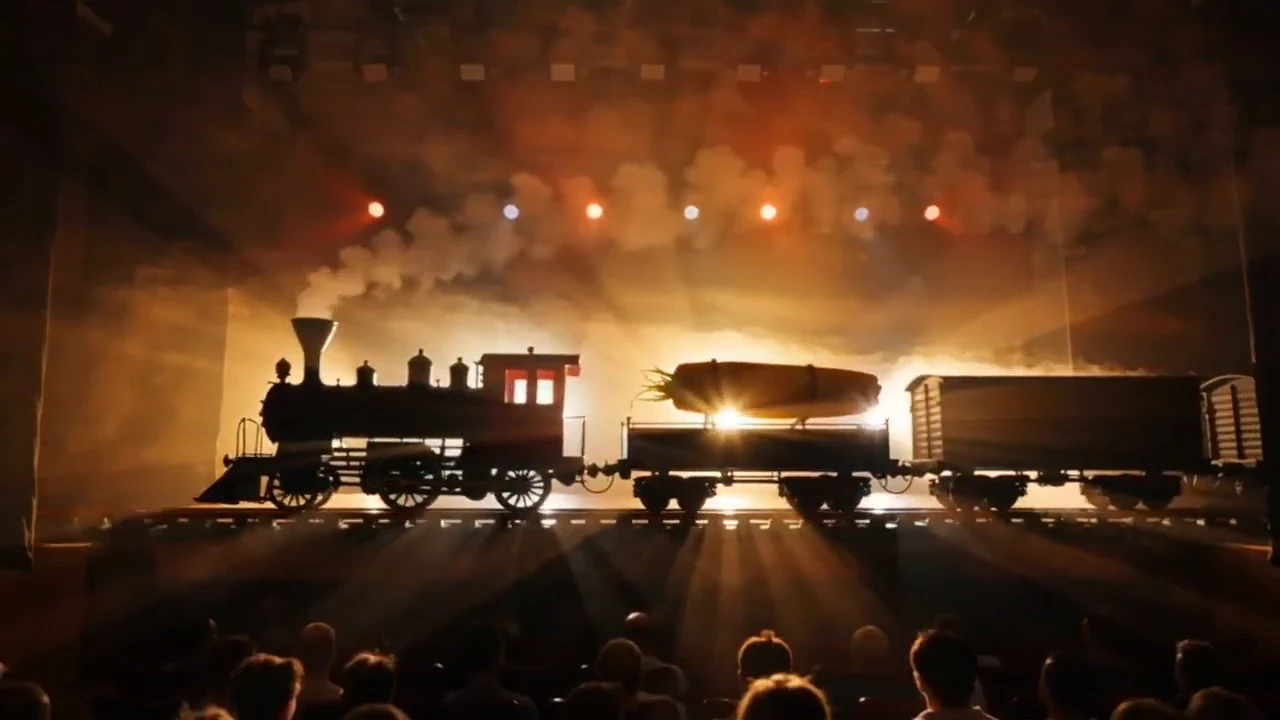 Cinematic worlds01 / TEXT TO VIDEO
 Product stories02 / IMAGE TO VIDEO
 New perspectives03 / IMAGE TO VIDEO
Silent showcase: a steam train, golden light and drifting smoke in a theatrical scene.
Published AKOOL examples.Explore product scenes, cinematic worlds and visual transformations published by AKOOL. Open a clip, study the movement and borrow a creative starting point for your own project.
0:10SILENT PREVIEWUse light and gentle movement to explore a product reveal. Review the final clip against your approved packaging and colors.
0:20SILENT PREVIEWGive the scene a subject, an action and a camera direction. Build a visual concept before planning the next shot.
 0:10SILENT PREVIEW
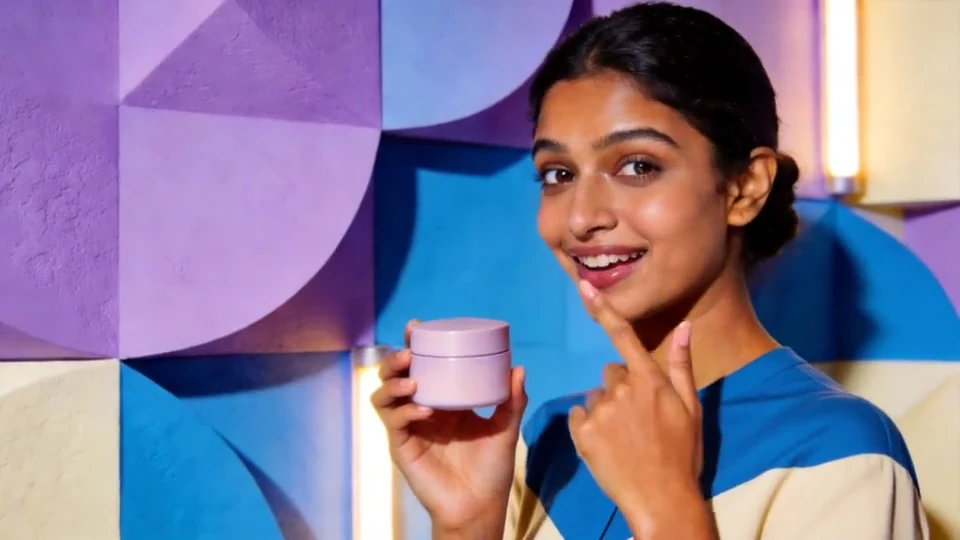
Explore a short, character-led product scene. Check the face, hands and packaging before using the result.
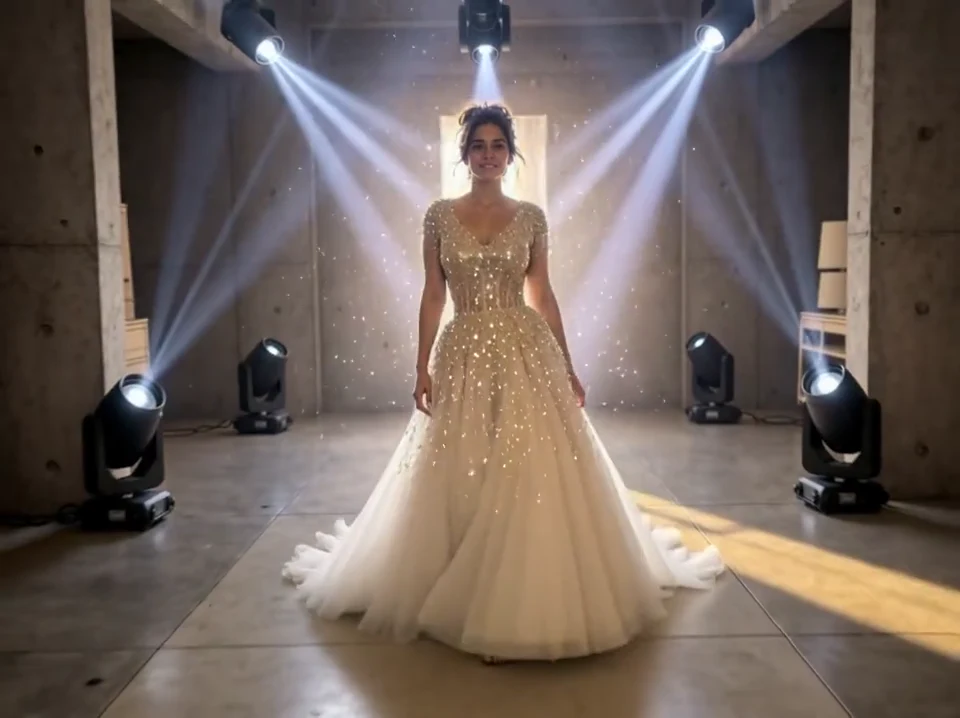
0:10SILENT PREVIEWTry a change of setting, wardrobe or atmosphere. Keep the intended subject and visual direction clear in your brief.
 0:10SILENT PREVIEW
Start with an illustration and describe how it changes over time. Review the movement alongside the look of the original image.
 0:10SILENT PREVIEW
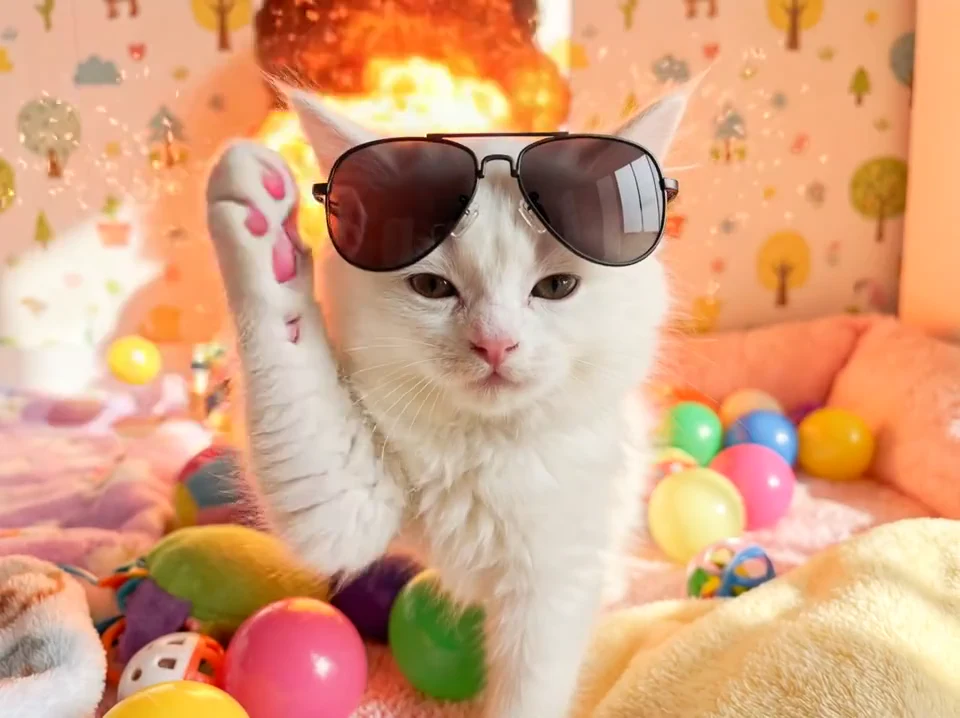
Explore a playful visual hook with a simple action. Give the viewer an obvious subject and a scene that is easy to follow.
These are published AKOOL showcases. Suggested prompts are new examples for exploring a similar direction; they are not a record of the settings used for each clip.
Image-to-video adds movement to a photo, illustration or render. Upload a clear image, describe a focused action and choose the available settings for your selected model.
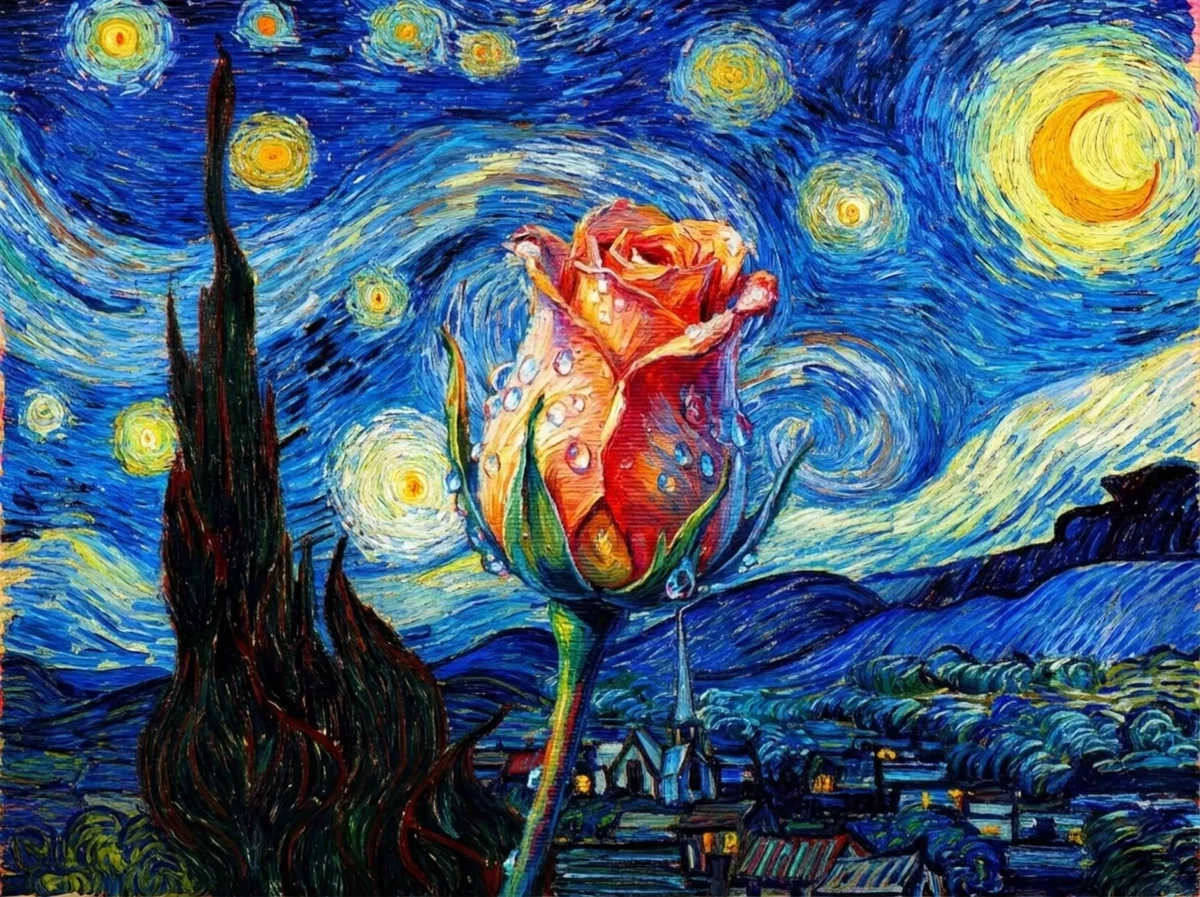 WATCH THE TRANSFORMATION
“A painted flower slowly becomes lifelike. Use a gentle camera push-in and soft natural light. Keep the surrounding painted composition visible.”
An original example prompt. Results will depend on the uploaded image and model.Choose text-to-video to explore a new scene. Choose image-to-video when a still is your starting point. Use a reference-capable model when several assets need to guide a new clip.
Describe a scene in words. Start with the subject and action, then add the setting, lighting and camera movement that make the shot clear.
Upload a photo, illustration or render and describe the motion. Use a clear subject and keep the first action simple so you can judge what changes.
Guide a new clip with supported image, video or audio references. Give each asset a role, such as subject, style or motion. Available inputs depend on the model.
Compare what each available model accepts and how it handles your idea. Start with the inputs you have, then check the motion, audio and output options you need.
Have an approved product image? Compare reference-capable Veo and Seedance options with the same image and a simple motion prompt. Review packaging and colors in every result.
Explore reference-guided scenes with Google's Veo family. Check the selected version's image, motion and audio options before generating.
SCENES · REFERENCES · MOTIONExplore VeoExplore camera-led scenes and multi-shot ideas. Kling versions offer different reference and audio features, so compare the controls available in AKOOL.
CAMERA · SUBJECTS · SEQUENCESExplore KlingExplore reference-led video creation. Seedance 2.0 supports several reference types; the version and workflow determine the options you can use.
REFERENCES · VISUAL DIRECTIONExplore SeedanceExplore image-led motion and short scene ideas with the Wan family. Confirm the version, supported inputs and audio controls shown in your account.
IMAGE MOTION · SCENE IDEASExplore WanOpen AKOOL, choose a supported workflow, add your prompt or references, and select the available settings. Generate a clip, review it and refine the parts that need work.
Open the video workspaceDescribe one main action. Add the subject, setting and camera direction. Upload a clear image or supported references when the look of a person or product matters.
Review the input types, clip length, aspect ratio, resolution and audio options available for your selection. Check the credit cost shown before you generate.
Look at movement, faces, hands and product details from start to finish. Change one part of the brief at a time. Download the useful result or move to the AKOOL tool your next step needs.
Generation is one part of a project. Explore AKOOL's related tools for visuals, narration, translation and presenter-led content.
A useful prompt says who or what is in the scene, what happens and how we see it. Start with these examples and change the details to fit your own material.
Use my approved skincare bottle image. A slow camera push-in as soft sunlight moves across the glass. Keep the bottle centered and the label facing the camera. One continuous shot.
Copy this promptA quiet city street just after rain. Reflections on the pavement, soft evening light and a gentle sideways camera move. One continuous shot with a calm mood. No text.
Copy this promptReview model access and credit costs before starting a batch. For client work, ads or other business use, confirm that the licence attached to your account covers the project.
Compare current plansPlan the action and review the details that matter.
Read the guideLearn how references guide subjects, style and motion.
Read the guideReview the plan, the inputs and what appears in the output.
Read the guideClear answers about inputs, models, sound, cost and using the result.
Visit the help centerAn AI video generator creates moving visuals from a text prompt, an image or other supported reference material. In AKOOL, you choose a workflow and model, add your direction, then generate and review a clip. The inputs, controls and output options depend on your selection.
Open AKOOL's text-to-video workflow and describe the shot. Include the subject, action, setting and camera movement. Choose an available model and its settings, check the credit cost, then generate. Review the clip and adjust the prompt before creating another version.
Yes. AKOOL's image-to-video workflow adds motion to a still image. Upload a clear photo, artwork or render and describe what should move. For product work, compare the full result with the approved image, especially the shape, colors, packaging and label.
Image-to-video starts from a still you want to animate. Reference-to-video uses supported assets to guide a newly generated clip, such as a character, product, style or movement. The reference types and upload limits depend on the selected model.
Choose a model that accepts your inputs and offers the controls your shot needs. AKOOL lists families including Veo, Kling, Seedance and Wan. Compare two available options with the same brief, then judge the useful output, the credit cost and the changes needed.
Some model versions generate audio with the video. That is different from adding narration afterward. Check the audio controls for your selected model. AKOOL also provides separate voice tools if your project needs a written script, voiceover or another audio workflow.
Clip length depends on the selected model, workflow and available settings. Check the duration shown in AKOOL before planning a shot. A single generated clip is different from a finished video built from several clips, so plan a longer story as separate scenes when needed.
AKOOL supports video workflows with different aspect ratios and resolution options. Availability depends on the model and plan. Check whether the selected option creates the video at that resolution or upscales it afterward, and choose a format that fits your publishing channel.
AKOOL offers free access alongside paid plans. The included model access, credits and watermark conditions depend on your account. Check the current pricing page and the options shown in the workspace before generating or downloading a video.
There is no single credit cost for every video. The model, duration, quality and other settings can change the cost. Review the amount shown for your selection before generating. For a batch, include the extra attempts you may need to get a usable clip.
Use a plan and licence that cover your intended project, and check AKOOL's current terms and any applicable model terms. You also need permission for people, images, music and other assets you provide. A paid subscription alone does not establish every right needed for an ad or client project.
Use clear, approved references and a focused motion prompt. Keep the important source assets stable while testing one change at a time. Review the full clip for identity drift, altered packaging and unwanted movement. References guide the output; they do not guarantee an exact match.
Write a prompt or bring an image. Give your next video somewhere to begin.
Create a video with AKOOLVerbessern Sie den Kundenservice Ihrer Kreativagentur mit KI-gesteuerter Effizienz, personalisierten Interaktionen und 24/7-Support und steigern Sie mühelos die Kundenzufriedenheit.
digitale AI-Avatare
ai Kundensupport
Ai-Helpdesk


Eine revolutionäre Zukunft mit interaktiven Echtzeit-Avataren

Digitaler Kundenservice erhöht die Präsenz Ihrer Marke und stellt sicher, dass Kreative und Agenturen Unterstützung in Echtzeit erhalten, was die Loyalität und Zufriedenheit erhöht.
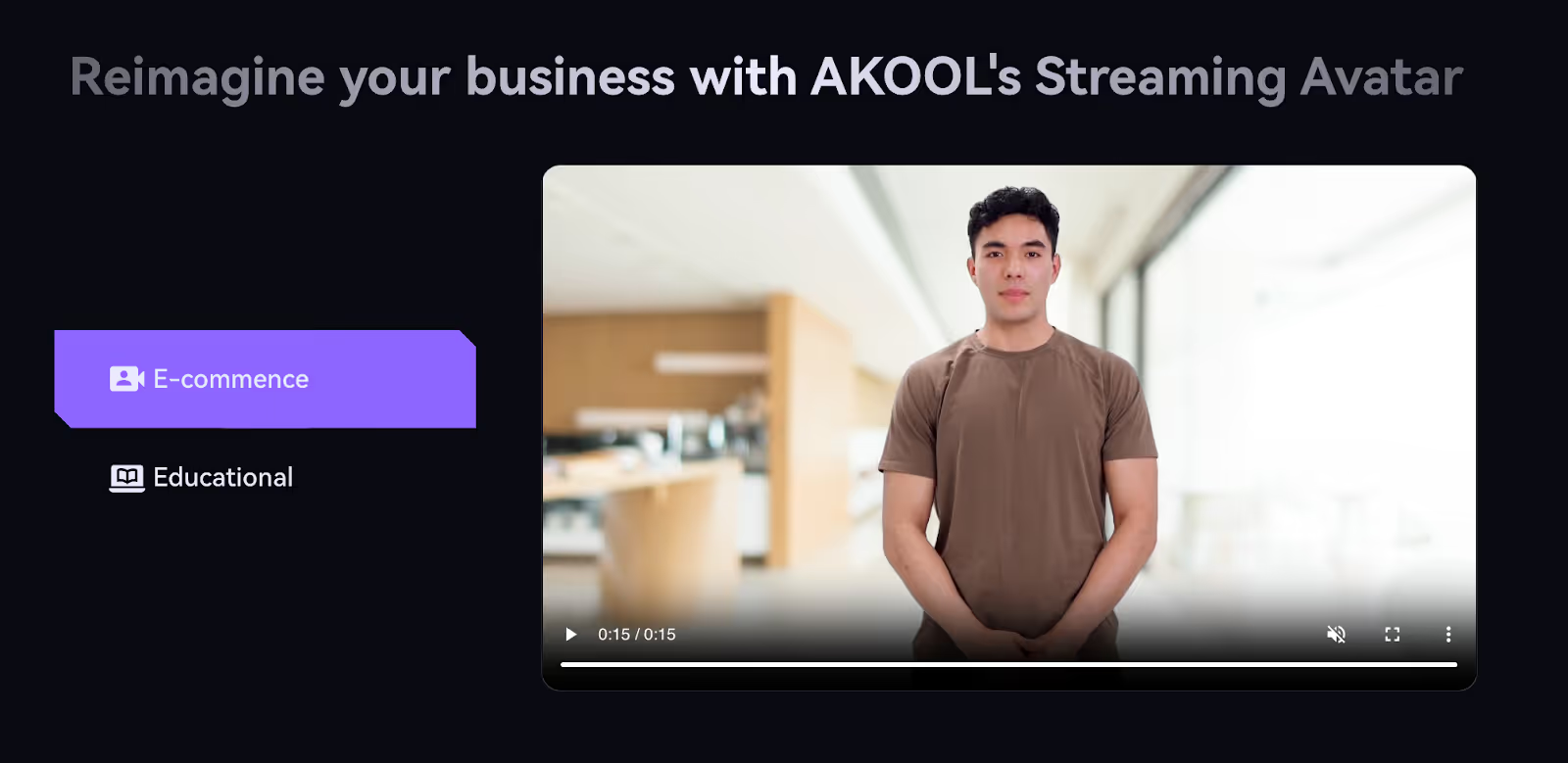
Automatisieren Sie die Reaktionen in der Kreativbranche und gewinnen Sie so wertvolle Zeit für strategisches Wachstum und Innovation.
Passen Sie die individuellen Bedürfnisse in Agenturen an, verbessern Sie die Kundenzufriedenheit und pflegen Sie langfristige Beziehungen.
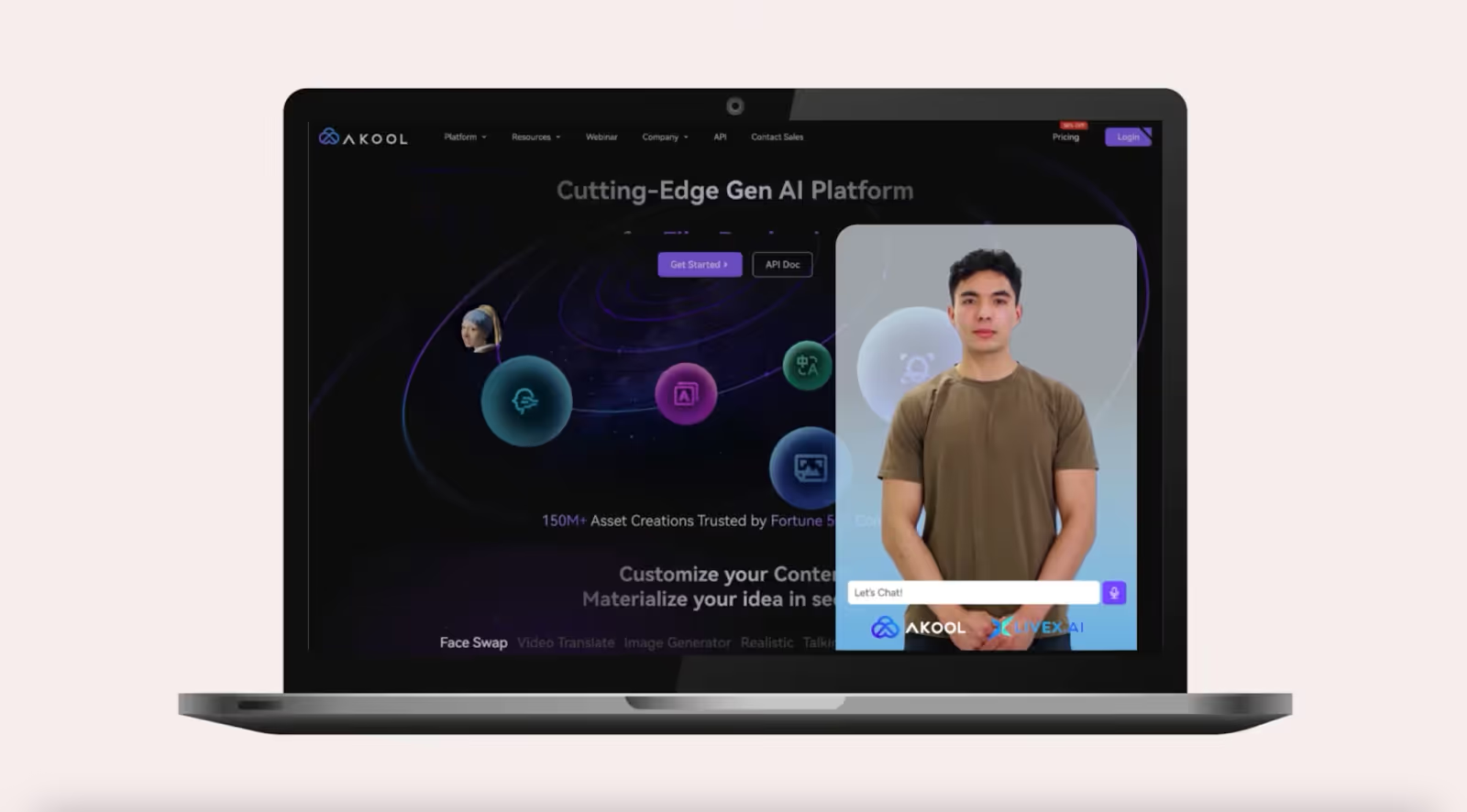
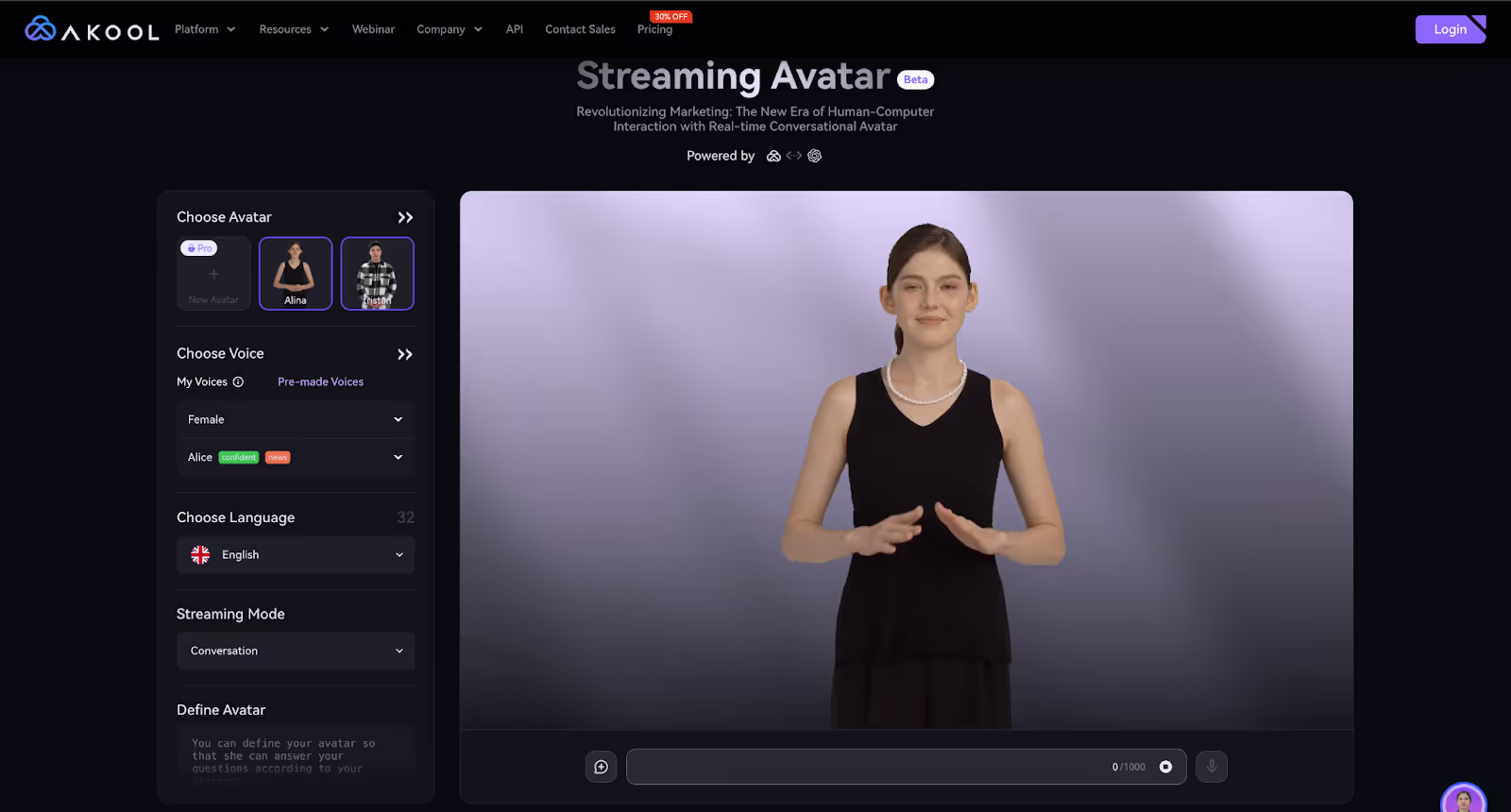
Bearbeiten Sie bei Kampagnen mit Spitzenzeiten die Zunahme von Anfragen, stellen Sie sicher, dass keine Gelegenheit verpasst wird, und sorgen Sie für eine hohe Servicequalität.

Erstellen Sie Inhalte programmatisch mit unserer benutzerfreundlichen API
In der schnelllebigen Welt des E-Commerce unterstützt unser KI-Tool für den digitalen Kundenservice Kunden in Echtzeit, verbessert ihr Einkaufserlebnis und reduziert die Rate, dass Einkaufswagen abgebrochen werden. Steigern Sie die Kundenzufriedenheit Ihres Onlineshops und steigern Sie mühelos den Umsatz.
Unser KI-Tool ist auf die Hotellerie zugeschnitten und bietet Gästen sofortige Unterstützung und personalisierten Service. Von Buchungsanfragen bis hin zu Anfragen zum Zimmerservice — mit unserer digitalen Kundenservice-Lösung sorgen Sie dafür, dass jeder Gast einen unvergesslichen und stressfreien Aufenthalt erlebt.
Unsere digitale Kundenservice-KI wurde für Gesundheitsdienstleister entwickelt und verbessert die Patienteninteraktionen, indem sie schnelle Antworten auf Anfragen bietet. Verbessern Sie die Patientenzufriedenheit und rationalisieren Sie Verwaltungsaufgaben mit einem zuverlässigen, rund um die Uhr verfügbaren Supportsystem, das auf den medizinischen Bereich zugeschnitten ist.
Unser KI-Tool optimiert Ticketlösungsprozesse, indem es Kundenprobleme schnell kategorisiert und priorisiert. Verbessern Sie die Reaktionszeiten und reduzieren Sie den Rückstand, um sicherzustellen, dass Kundenanfragen effizient und mit größerer Genauigkeit bearbeitet werden.
Sparen Sie Zeit und Ressourcen, indem Sie Antworten auf häufig gestellte Kundenanfragen automatisieren. Unsere digitale Kundenservice-KI kann FAQs mühelos bearbeiten, sodass Ihr Team sich auf komplexere Probleme konzentrieren kann und die allgemeine Kundenzufriedenheit verbessert wird.
Nutzen Sie datengestützte Erkenntnisse, um personalisierte Empfehlungen und Support zu bieten und so das Kundenerlebnis zu verbessern. Unser KI-Tool passt Interaktionen an individuelle Präferenzen an, fördert so tiefere Verbindungen und erhöht die Kundenbindung.
-30%
$0.05 USD/Kredit
(wird jährlich mit 252 USD in Rechnung gestellt)
25 Bilder oder 1,5 Minuten Video
3 benutzerdefinierte Instant-Avatare
Die Größe der Upload-Datei ist auf 150 MB und 30 Sekunden begrenzt
$0.05 USD/Kredit
(wird monatlich mit 30$ in Rechnung gestellt)
$0.05 USD/Kredit
(wird monatlich mit 119$ in Rechnung gestellt)
Alles in Pro
10 benutzerdefinierte Instant-Avatare
Upload-Dateigröße bis zu 500 MB und 10 Minuten
$0.042 USD/Kredit
(wird jährlich mit 500$ in Rechnung gestellt)
$0.05 USD/Kredit
(wird jährlich mit 252 USD in Rechnung gestellt)
25 Bilder oder 1,5 Minuten Video
3 benutzerdefinierte Instant-Avatare
Die Größe der Upload-Datei ist auf 150 MB und 30 Sekunden begrenzt
$0.035 USD/Kredit
(wird jährlich mit 252 USD in Rechnung gestellt)
Alles in Pro
10 benutzerdefinierte Instant-Avatare
Upload-Dateigröße bis zu 500 MB und 10 Minuten
$0.033 USD/Kredit
(wird jährlich mit 948 USD in Rechnung gestellt)
Alles in Pro
10 benutzerdefinierte Instant-Avatare
Upload-Dateigröße bis zu 500 MB und 10 Minuten
$0.05 USD/Kredit
(wird jährlich mit 4200 USD in Rechnung gestellt)
Alles in Pro
10 benutzerdefinierte Instant-Avatare
Upload-Dateigröße bis zu 500 MB und 10 Minuten
What is Digital Customer Service AI?
Digital Customer Service AI is an advanced technology solution that leverages artificial intelligence to enhance customer interactions across digital platforms. It automates responses, provides personalized support, and streamlines communication processes to improve customer satisfaction and operational efficiency.
Is Digital Customer Service AI secure?
Yes, Digital Customer Service AI is designed with robust security measures to protect customer data. It complies with industry standards and regulations, ensuring that all interactions and data are encrypted and stored safely, maintaining customer privacy and trust.
How does AI improve customer service efficiency?
AI improves customer service efficiency by automating routine inquiries, reducing response times, and providing 24/7 support. It utilizes natural language processing to understand customer queries, offering instant solutions and freeing up human agents to handle more complex issues.
How does AI handle multilingual customer support?
AI handles multilingual customer support by employing advanced language processing capabilities that can understand and respond to queries in multiple languages. This feature enables businesses to cater to a global audience, ensuring effective communication and support across different regions.
How can AI personalize customer service experiences?
AI personalizes customer service experiences by analyzing customer data and interaction history to offer tailored recommendations and solutions. It can recognize returning customers, remember their preferences, and provide customized support that enhances their overall experience.
What types of customer interactions can be automated with AI?
AI can automate a wide range of customer interactions, including FAQs, order tracking, appointment scheduling, and troubleshooting common issues. It can also handle initial customer inquiries, direct them to the appropriate resources, and escalate complex cases to human agents when necessary.
How do AI chatbots with avatars improve customer satisfaction?
AI chatbots improve customer satisfaction in a variety of ways. First of all, they’re able to reduce customer wait times on the very first day of deployment. Customers no longer have to wait on hold for an agent to become available; AI chatbots can handle hundreds of customer interactions simultaneously. This means customers will never have to face a burdensome wait time.
In addition, they’re able to answer standard questions extremely quickly. Our clients find that AI chatbots are typically more efficient at answering easy queries since they don’t need to manually search for the right solution; they have the company’s entire knowledge repository available on command.
Finally, customers with complex cases get more individualized attention when you deploy AI chatbots. Since standard inquiries are handled automatically, your customer service specialists enjoy more time and freedom to spend working through complex solutions in real time, rather than escalating to a supervisor or technical team.
How do fashion brands use AI to enhance the customer experience?
One of the most promising applications of AI in fashion is e-commerce. Online retailers have begun to integrate AI into their website search functions, helping customers find clothes that best fit their body type. These brands use key metrics, like waste size, hip-to-waist proportions, body distribution, and other factors to help consumers select the right clothes and reduce the number of online returns.
What are the cost benefits of using Digital Customer Service AI?
Implementing Digital Customer Service AI can lead to significant cost savings by reducing the need for large customer support teams and minimizing operational costs. It increases efficiency by handling high volumes of inquiries simultaneously, allowing businesses to allocate resources more strategically.
Can I integrate these avatars into customer service applications?
Digital People by Soul Machines and DeepBrain AI are designed specifically for customer service applications, providing advanced virtual assistants with lifelike interactions.
Can Digital Customer Service AI integrate with existing CRM systems?
Yes, Digital Customer Service AI can seamlessly integrate with existing CRM systems. This integration allows for a unified customer experience by ensuring that all customer interactions and data are centralized, providing agents with a comprehensive view of customer history and preferences.