
Two generated voices can sound convincing while the scene still fails: the wrong person says the line, the final word drops out, or the listener mouths the speaker’s words. Compare Wan 2.6 and Kling 3.0 by checking the script and speaker assignment before judging voice quality.
Set up a fair short dialogue test
Use AKOOL Video Generator to verify the exact Wan 2.6 and Kling 3.0 variants available in your workspace. Choose comparable text-driven modes with native audio enabled where supported. Match duration, ratio and resolution where possible. Keep the script, language, setting, and camera constant. A workflow driven by an uploaded recording answers a different question, so evaluate it separately.
Record all attempts and any differences in settings. Use a short scripted line for the baseline, then introduce a second speaker. Transcribe what you hear yourself; automatic captions can help, but their mistakes do not automatically count as mistakes in the video.
Start with one line, then test two speakers
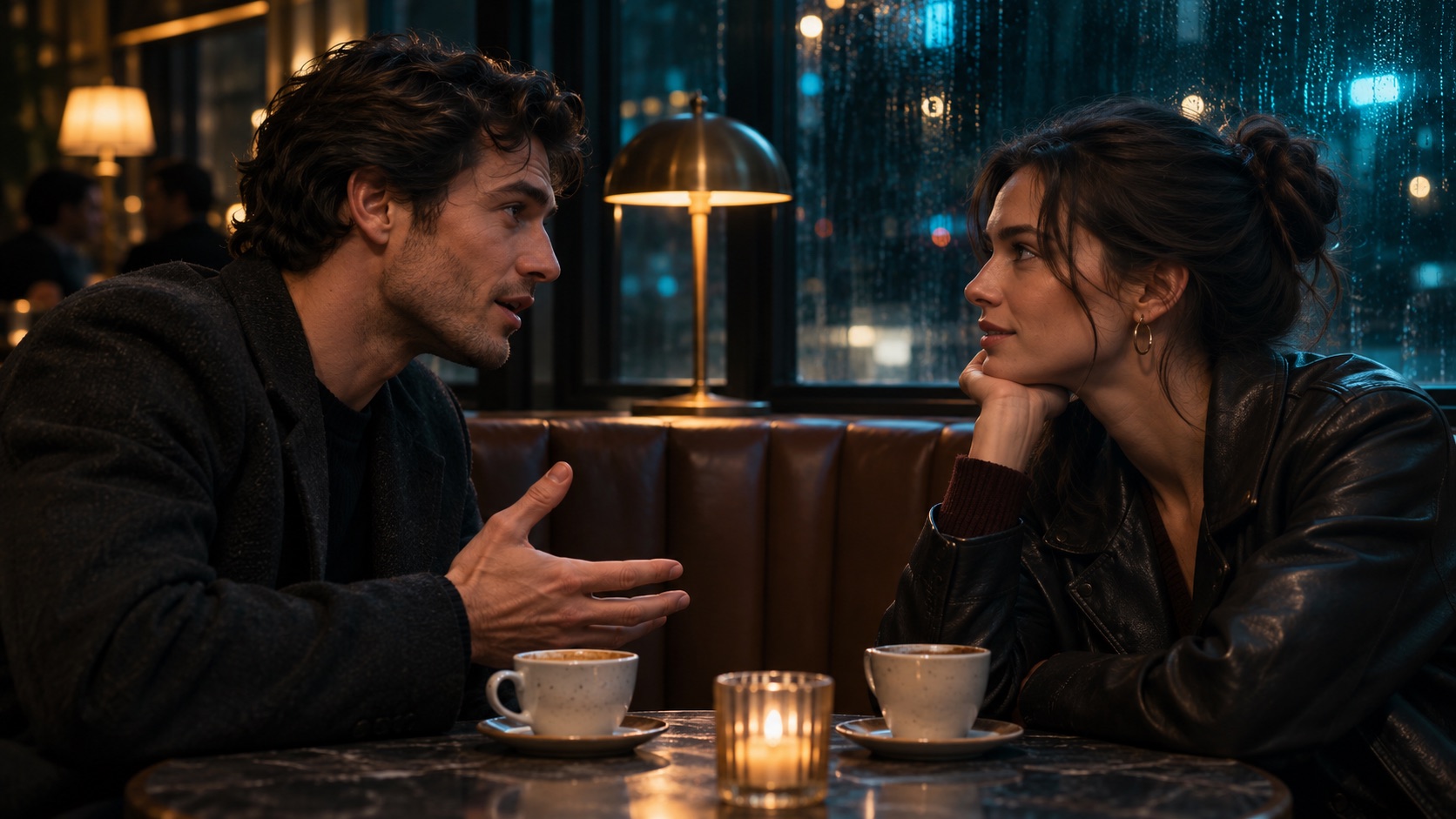
Single fixed medium two-shot in a quiet café. Mara in a cream sweater sits on the left; Theo in a dark green jacket sits on the right. Mara looks at Theo and says, “Did you bring the key?” Theo listens with his mouth closed. After a brief pause, Theo says, “It’s in my coat.” Mara stays silent while he speaks. No background music, no other voices, no subtitles, no cuts.
Play the clip once with your eyes off the screen and write down both lines. Then rewatch with sound and mark who is speaking, when their lips begin to move, and whether the other person stays quiet. Note extra words, cut-off endings, interruptions and unusual pauses.
Test one change at a time
Keep both actors and lines and add one gesture, such as Theo putting down a cup as he answers. In another run, keep the action simple and add low café ambience. Compare against the quiet version to see whether the gesture or noise changes the script, timing or intelligibility.
Choose by the dialogue you need to keep
For a scripted ad or short film, reject clips that change the words or switch speakers. If both models miss an exact script repeatedly, consider recording the dialogue separately and using a supported audio-driven workflow. For a looser scene, natural pauses and reactions may matter more than exact pacing. The Kling prompting guide has more ways to assign short lines clearly.
Frequently asked questions
Can I add subtitles without generating again?
Yes. Add captions to the exported clip in an editor and check them against the final audio.
Can the prompt be in English and the dialogue be in another language?
Specify the spoken language and exact line, then test a short sentence. Language and pronunciation support may vary.
Can I preserve the same voice across clips?
Check whether the mode supports a voice reference or fixed audio input. A repeated character description does not establish voice consistency.
Can I download dialogue and music separately?
Check the selected model’s export options. If it returns one mixed track, separate stems may not be available.
Can I crop a dialogue clip to vertical?
Yes, if both faces still fit or you can reframe between speakers. Plan extra space around faces before generation.