


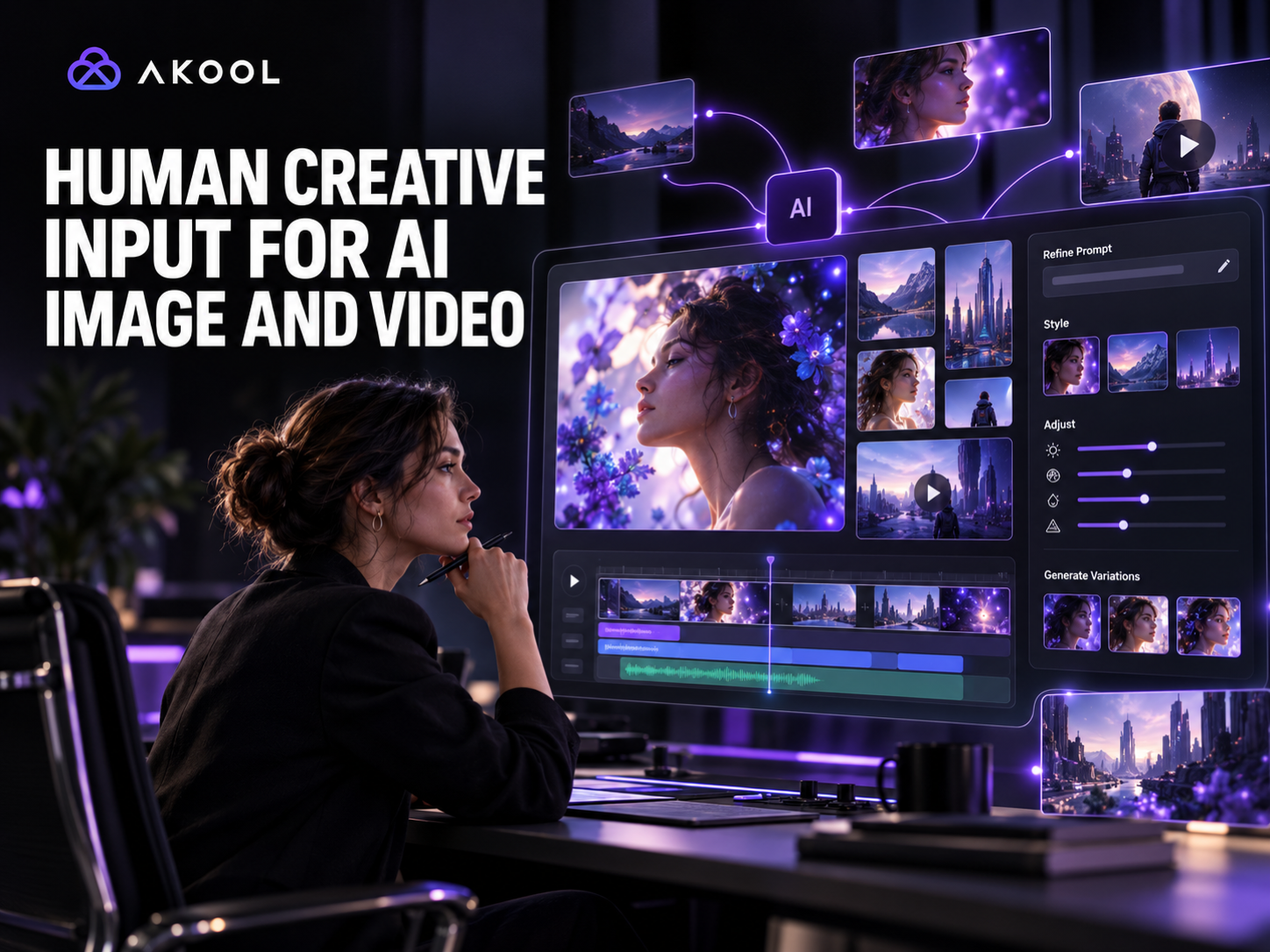

Yes. You can use an AI image or video generator without giving up human creative judgment. The strongest workflow often combines fast AI generation with a person who can clarify the brief, select the right direction, refine the script and visuals, and finish the work to a professional standard.
AKOOL offers both paths. Teams can create directly with its self-service AI tools, or use AKOOL Production for expert-led creative support. The right choice depends on the stakes, complexity, and amount of control your project needs.
When Self-Service AI Is Enough
A self-service generator is a good fit when you already know what you want and can judge the results internally. Typical examples include rapid concept exploration, social variations, internal prototypes, short product clips, and low-risk content that will be reviewed by your own creative team.
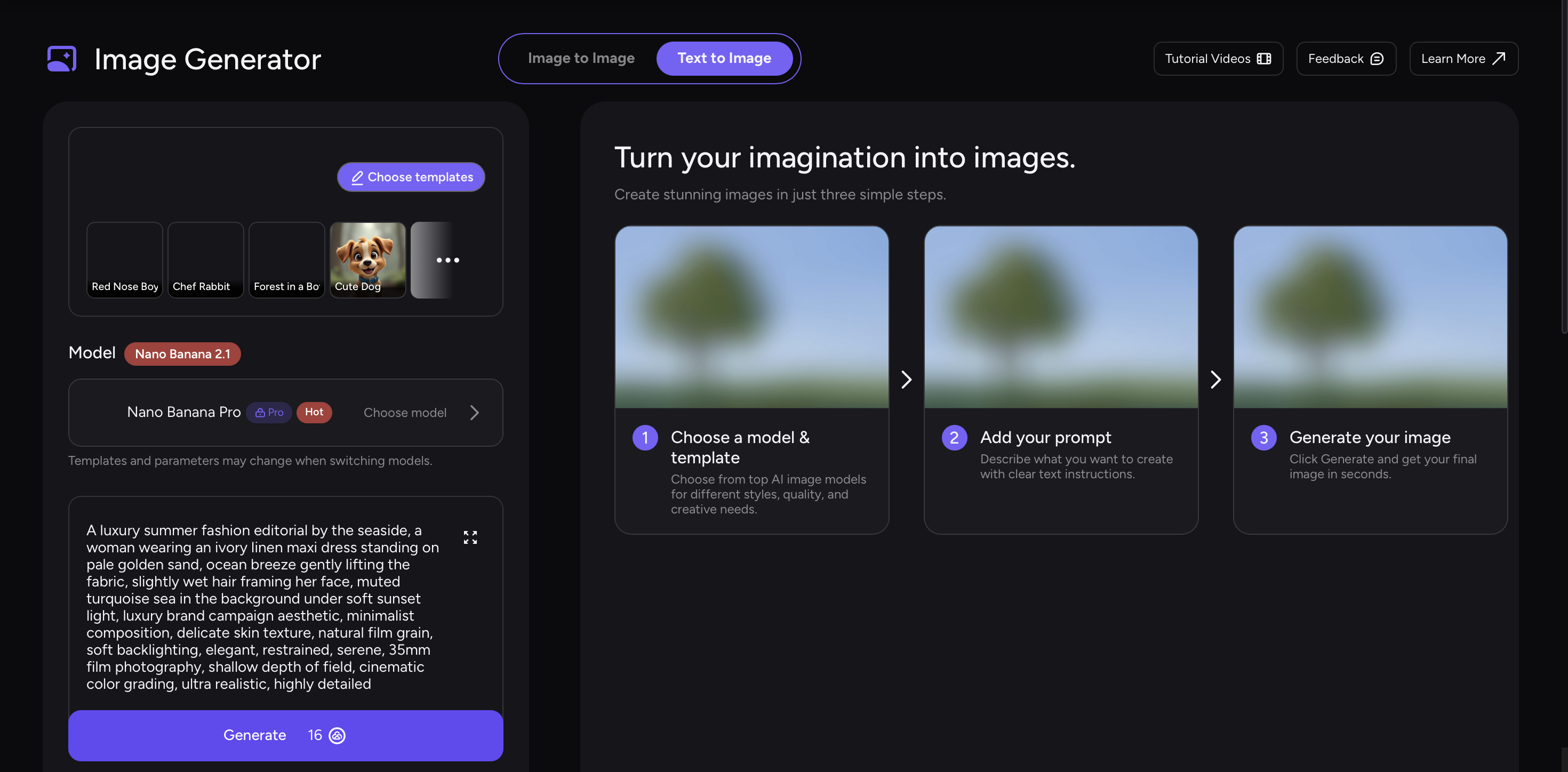
You remain the creative director: you write the prompt, select inputs, compare generations, and decide what to publish. This is fast and flexible, but it also means your team owns the brief, continuity, brand accuracy, editing, and final quality control.
When Human Creative Input Adds the Most Value
Bring in a specialist when the request is important but underspecified, when several stakeholders need to agree on a direction, or when the output must match a campaign system rather than stand alone. Human input is especially useful for:
- Creative direction: turning a business goal into a coherent visual idea.
- Script and storyboard refinement: making the message clear, concise, and natural on screen.
- Brand consistency: choosing the right tone, imagery, pacing, and composition.
- Asset selection: deciding which avatar, voice, background, product material, or reference image will work best.
- Continuity: keeping characters, products, lighting, and visual style consistent across scenes.
- Finishing: correcting awkward generations and bringing scenes together with professional editing.
How AKOOL Production Works
AKOOL Production is an expert-led service for teams that want AI speed with human guidance. Instead of solving every prompt, model, and edit yourself, you provide the goal and source material, then collaborate through a managed production process.
A practical workflow has four stages:
- Share the brief and assets. Explain the audience, channel, goal, deadline, brand constraints, and required deliverables. Include logos, product images, scripts, examples, and any legal language that must be preserved.
- Align on creative direction. A human expert can help shape the concept, recommend the right AKOOL capabilities, and identify missing decisions before generation begins.
- Generate and refine. AI speeds up image, avatar, voice, and video production while the creative team evaluates outputs, adjusts prompts, replaces weak shots, and maintains continuity.
- Review and finish. Your team reviews the work, gives consolidated feedback, and receives the finished asset after final editing and quality control.
What Human Direction Can—and Cannot—Fix
A creative expert can greatly improve the brief, asset choices, visual consistency, pacing, and polish. Human review can also catch obvious brand errors or unnatural moments that a generation pipeline might miss.
However, expert involvement does not remove the need for your approval. Your organization is still the authority on trademarks, product claims, talent permissions, licensed assets, legal disclosures, and market-specific requirements. Give the production team accurate source material and identify anything that must not change.
How to Write a Better Creative Brief
You do not need to arrive with a perfect storyboard, but a clear brief saves revisions. Include:
- the single action or idea the audience should remember;
- who the content is for and where it will appear;
- target format, aspect ratio, approximate length, and required languages;
- brand voice, visual references, and examples to avoid;
- approved product facts, pronunciation notes, and mandatory wording;
- which parts are open to creative interpretation;
- who gives final approval and how feedback will be consolidated.
For image work, specify composition, subject, environment, lighting, mood, and where text or product packaging must remain legible. For video, add the story sequence, camera behavior, pacing, voice direction, music expectations, and intended call to action.
A Hybrid Workflow for In-House Teams
Human creative support does not have to replace your team. A hybrid model can be more effective:
- Your marketers define the objective and approved claims.
- A creative specialist develops the concept and production plan.
- AKOOL tools generate images, avatars, voices, or scenes.
- Your team reviews brand and product accuracy.
- The specialist completes revisions and finishing.
This division keeps internal experts focused on the brand while giving execution to people experienced with AI production. It is also a useful way to learn: after seeing which prompts, references, and review criteria produce strong work, your team can handle more self-service projects confidently.
How to Choose Between DIY and Expert-Led Production
Choose self-service when speed and experimentation matter most, the output is low risk, and your team has time to iterate. Choose expert-led production when the content represents the brand publicly, contains multiple scenes or deliverables, must satisfy several reviewers, or would be expensive to get wrong.
You can also start with a small self-service proof of concept and bring in creative help after the direction is validated. That preserves experimentation while improving the final execution.
Keep AI Speed and Human Taste
AI image and video tools are not an all-or-nothing choice. You can generate independently, collaborate with specialists on the difficult parts, or use a managed service for the complete production. The best workflow assigns repeatable generation to AI and reserves human attention for intention, taste, accuracy, and the final decision.
Explore AKOOL Production when your next AI visual needs a human creative partner.

