



The best AI video generator for social media advertising is the one that turns approved brand assets into testable ad variations while preserving product accuracy, format requirements, and a clear review process. A visually impressive clip is not enough if the product changes, the hook is unclear, or the video cannot be adapted for the placement.
AKOOL supports text-to-video, image-to-video, reference-driven generation, product-video workflows, editing, voice, and automation. The practical advantage is the ability to choose a workflow around the ad objective instead of forcing every campaign through one type of generation.
Evaluate the Workflow, Not the Demo Reel
Paid social production requires a repeatable system. Evaluate an AI video generator on six questions:
- Can it start from an approved product, character, or campaign reference?
- Can the selected workflow create the aspect ratio and duration you need?
- Can the team produce meaningful variations without losing brand identity?
- Can reviewers compare outputs with the approved source asset?
- Can exact text, prices, logos, and calls to action be controlled during finishing?
- Can the process scale without publishing unreviewed content?
AKOOL's AI Product Video Generator is designed around turning approved product photos into short showcases, listing clips, and ad variations. For broader creative concepts, teams can choose another AKOOL video workflow based on the available input and output controls.
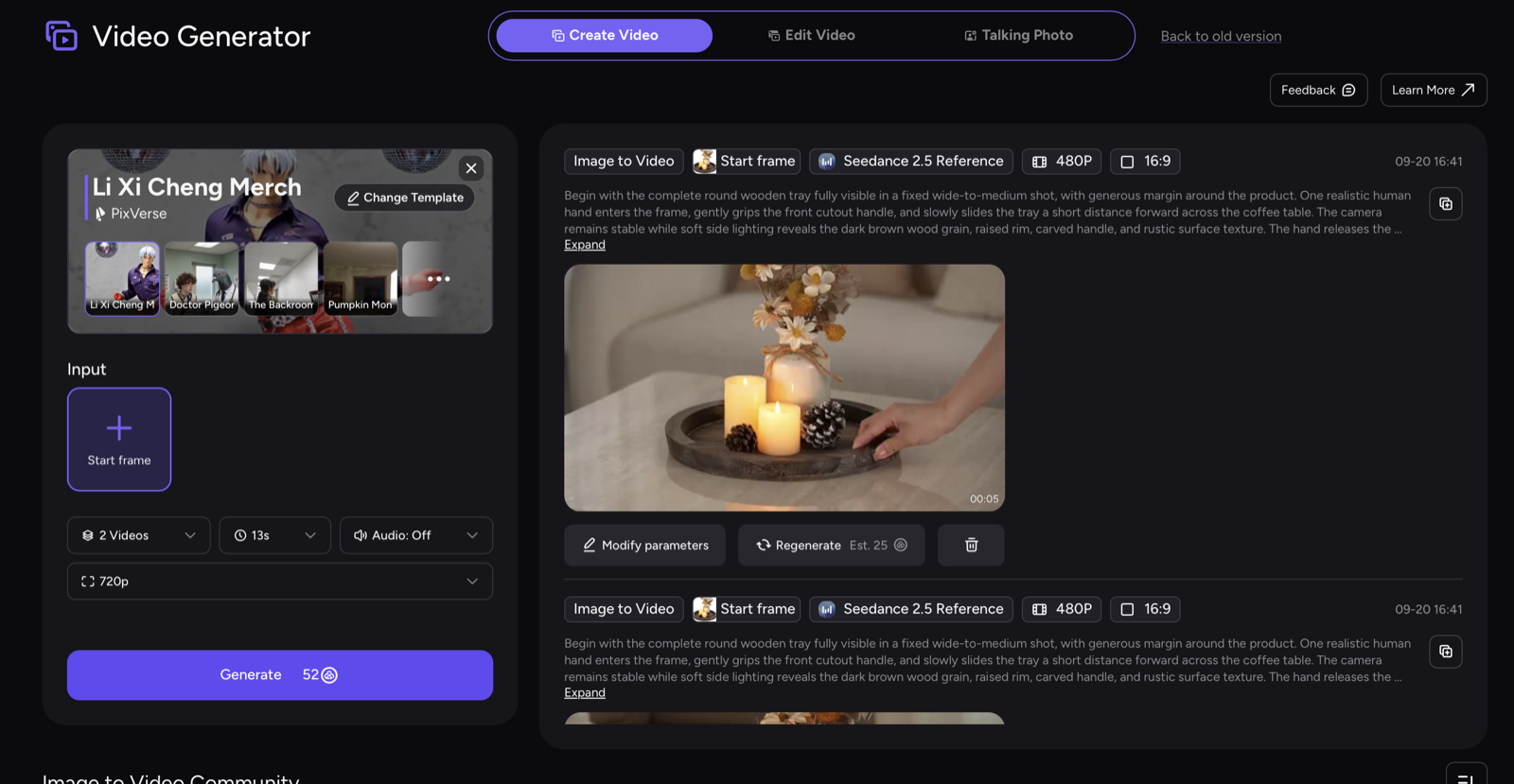
Build a Social Ad Creative Matrix
Do not ask for “an engaging ad” and generate random versions. Define a small matrix that changes one creative variable at a time.
VariableVersion AVersion BVersion CHookProduct revealProblem momentLifestyle outcomeFramingClose detailMedium product shotWider contextPaceFast openingSteady demonstrationSlow premium motionMessageOne featureOne use caseOne offerFormatVerticalSquareLandscape
This structure helps the team learn which concept deserves further production. It also prevents a common mistake: changing the hook, product shot, background, pacing, and CTA simultaneously, then having no idea which difference mattered.
A Practical AKOOL Workflow
1. Choose the Ad Job
Give each video one job. The opening may stop the scroll, the middle may show a feature, and the final frame may support the action. For a very short placement, prioritize one message rather than compressing an entire product page into a few seconds.
Write a one-line acceptance criterion: “A viewer should understand the product category and primary benefit before the final CTA appears.”
2. Prepare an Approved Source Asset
For a real product, begin with a clear current photo. Leave enough visual space for later text and branding. Avoid mixing references from different variants, colors, or packaging versions.
Reference-driven creation is useful when a campaign needs the same product, character, or visual style across multiple clips. AKOOL's reference-to-video guide recommends keeping approved references stable while changing motion, camera direction, or environment.
3. Generate the Baseline in the Correct Format
Select a workflow and model that supports the required input and output settings. Available duration, resolution, aspect ratio, audio, and reference controls can differ, so confirm the current options in the workspace before producing a full batch.
For short-form advertising, generate the first baseline in the intended aspect ratio. A later crop can remove the product, hands, captions, or action that made the original shot work.
4. Review Product and Brand Accuracy
Compare every result with the approved source. Check:
- product shape and proportions;
- color, material, texture, and packaging;
- labels, controls, ports, and accessories;
- character identity, wardrobe, and permitted usage;
- whether the motion implies a feature the product does not have;
- whether the background or context changes the intended claim.
Generated lettering may not reproduce exact brand copy. Add logos, prices, disclaimers, and CTA text as controlled overlays during editing.
5. Create Controlled Variations
Once the baseline is approved, create variations around the matrix. Reuse the same product source and brand rules. Change the opening action, framing, pace, background, or audio treatment in a controlled sequence.
Name each export by campaign, hook, format, and version. The analytics team should be able to connect a published result to the exact creative file without opening every video.
6. Finish and Approve
Review the complete ad at normal speed and without sound. Confirm captions, safe zones, CTA timing, and the final landing-page message. Check that the offer, price, product availability, and legal copy match the destination experience.
Keep publication as a separate approval step. Generation success means the file was created; it does not mean the ad is accurate, compliant, or ready to spend against.
What “Best” Means for a Marketing Team
There is no universally best generation setting for every campaign. A useful platform lets the team select the right input method, create variations efficiently, and maintain a reliable approval trail.
For product advertising, prioritize source fidelity and controlled finishing. For concept-led brand work, prioritize art direction and scene quality. For recurring campaigns, prioritize reusable workflows and consistent naming. For localization, add translation and market review after the source creative is approved.
Pre-Launch Checklist
- The video has one campaign objective and one primary message.
- Source assets and identity usage are authorized.
- The first seconds communicate a clear hook.
- The product remains accurate across frames.
- Exact text, logo, price, and CTA are controlled elements.
- The format works without unsafe cropping.
- The video is understandable with captions and without sound.
- The destination page matches the claim and offer.
- Every published variation maps to an approved source file.
Final Takeaway
The best AI video generator for social media advertising is a production workflow, not a single visual effect. AKOOL gives teams several ways to create from prompts and approved references, then refine, format, and scale the results. Start with one accurate baseline, build controlled variations, and approve every final ad against the campaign brief.
Create an AI product video with AKOOL and test one hook in the exact format your campaign requires.

