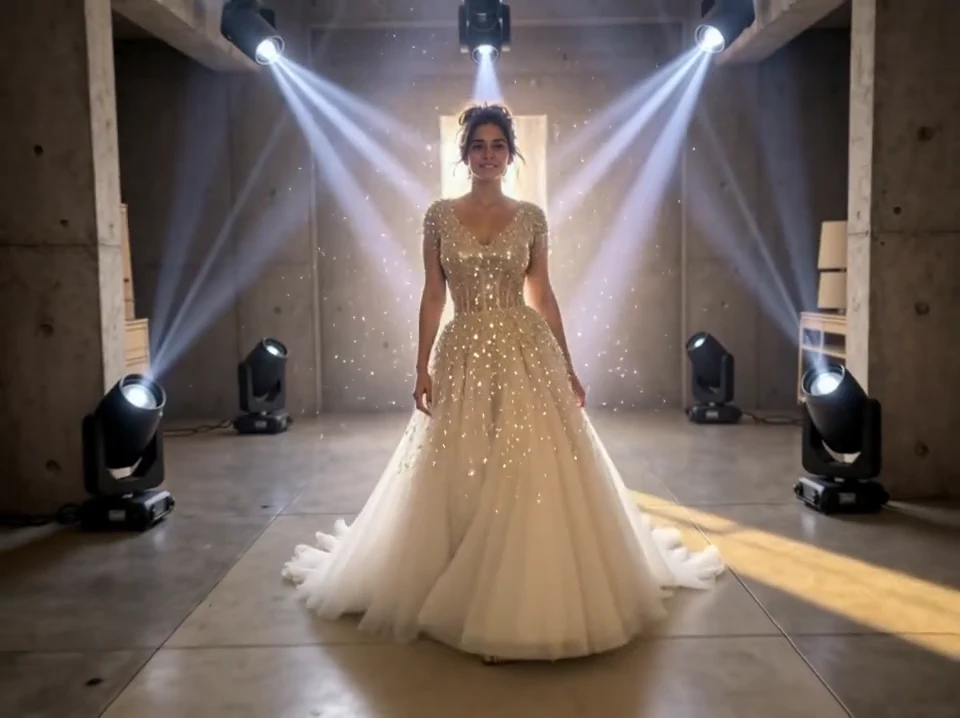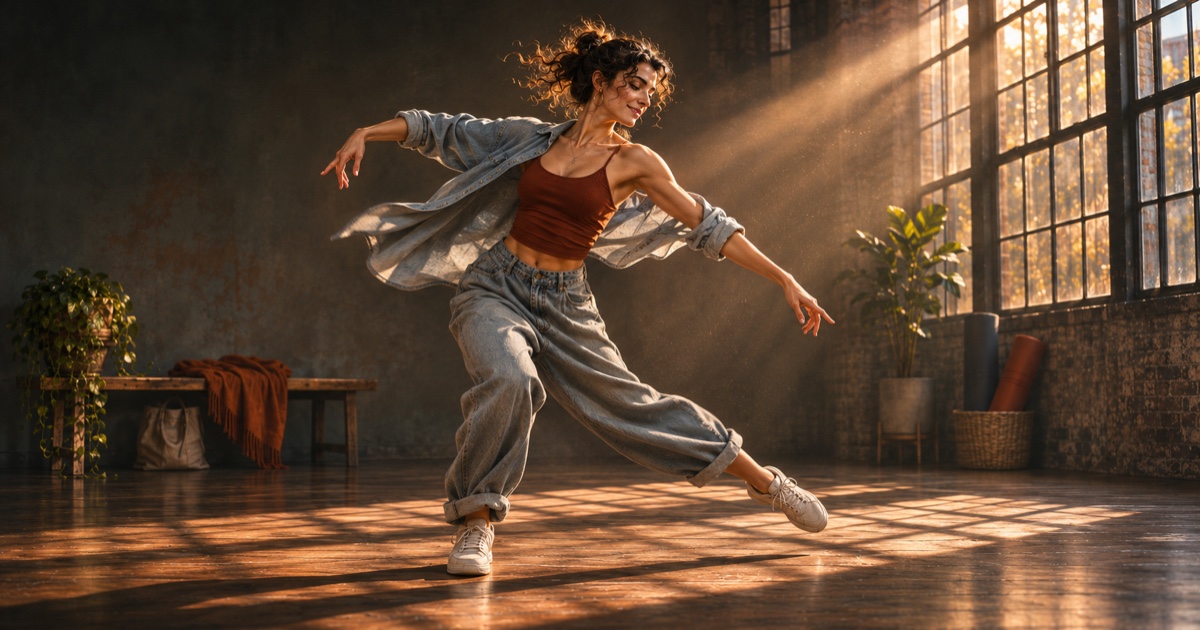

A useful AI dance video prompt describes one character, one short movement, and a frame that shows the character from head to toe. Start with a locked camera and a visible floor. If the clip needs to follow a particular performance, use a motion reference you have permission to use. These 30 prompts cover solo dancers, mascots, stylized scenes, brand characters, and social loops.
How to write an AI dance video prompt
Name the character, describe the move in order, then specify the framing, setting and style. “One adult dancer takes two side steps and settles back into place” gives you a clearer shot to evaluate than “make it energetic.” For image-to-video, start with a full-body image and leave room around the hands and feet. For vertical social clips, preview the framing with enough space for captions.
Try one prompt below. If the output drifts, keep the subject and shot setup fixed while changing one instruction. Shorten a turn, remove an extra gesture, or make the starting pose clearer. This makes it easier to tell what changed between attempts.
Beginner solo moves
1. Side-to-side sway
A solo adult dancer shifts weight left and right twice on a plain studio floor, keeping both feet planted. Arms hang loose. Fixed wide front view, head to toe, soft daylight, no cuts.
Input — Text or a full-body photo. Difficulty — Easy. Check — The knees soften and weight shifts without the shoes sliding.
2. Two-step with arm swing
One dancer steps right, brings the left foot in, then repeats to the left. Let the arms swing gently with the steps. Fixed front camera with floor visible below both shoes, plain backdrop.
Input — Full-body photo. Difficulty — Easy. Check — Each closing step lands before the direction reverses.
3. Heel-toe shuffle
A dancer lifts the right heel, rotates the right toe inward and returns to neutral. Repeat once with the left foot. Use a fixed three-quarter wide shot, a simple floor and relaxed arms.
Input — Full-body photo with clear shoes. Difficulty — Moderate. Check — The planted foot stays anchored while the other foot pivots.
4. Shoulder bounce
A solo dancer bends both knees slightly and gives two small shoulder bounces. Keep the head level and both shoes grounded. Locked wide frame on a bright rehearsal floor.
Input — Text or a full-body photo. Difficulty — Easy. Check — The shoulder accents stay subtle and the upper body keeps its shape.
5. Quarter-turn
One adult dancer steps onto the left foot, turns a quarter turn toward camera right and settles. Show the entire body in a locked wide studio shot with room to each side.
Input — Full-body photo. Difficulty — Moderate. Check — The turn reads as a continuous pivot and the outfit stays consistent.
6. Step and wave
A dancer takes one step toward the camera, plants both feet, gives one small wave at chest height and relaxes the arm. Fixed wide view with clear headroom and floor space.
Input — Full-body photo. Difficulty — Easy. Check — The step finishes before the wave begins. Check the waving hand.
Original mascot moves
7. Clay bear sway
An original blue clay bear on a miniature stage rocks left and right, then brings both paws back to its sides. Keep the clay texture and body shape stable. Locked full-body front shot.
Input — Full-body mascot image. Difficulty — Easy. Check — The body changes pose without stretching or growing new details.
8. Robot side-step
A boxy orange robot takes one small side step, brings its other foot alongside and tilts its head. Locked wide camera, blank stage and visible floor seams.
Input — Original robot image. Difficulty — Easy. Check — The joints bend consistently and both feet meet the floor.
9. Paper fox foot tap
A folded-paper fox stands upright and taps one foot twice on a tabletop. Leave the ears still and keep the folds visible. Locked wide camera at tabletop height.
Input — Original paper character image. Difficulty — Easy. Check — The tapping foot lifts and lands twice without its shape changing.
10. Plush mascot bounce
A round green plush mascot dips and makes one tiny hop, then lands softly. Keep its short arms close to the body. Full body in a locked wide shot with diffuse light.
Input — Full-body plush image. Difficulty — Moderate. Check — A small shadow separates on takeoff and reconnects on landing.
11. Cartoon bird wing groove
An original cartoon bird transfers weight to one foot and opens one wing halfway, then returns to center. Wide front view, flat stage, no camera movement.
Input — Original bird image. Difficulty — Easy. Check — The wings and feet stay attached and distinct.
12. Toy astronaut moon-step
A toy astronaut slides one boot backward while shifting its weight onto the other leg, then pauses. Use a locked three-quarter view, matte floor and simple backdrop.
Input — Original toy character image. Difficulty — Moderate. Check — Only the intended boot slides, and the helmet and suit keep their shape.
Stylized scenes
13. Neon studio shuffle
One dancer takes a small step right, taps the left toe beside the right foot and holds. Locked full-body camera, neon rim light and a matte floor. Keep lighting steady.
Input — Text or an original full-body image. Difficulty — Easy. Check — The toe tap stays visible against the lighting.
14. Watercolor stage sway
A watercolor dancer sways gently and brings both hands back to waist height. Frame the full body against a quiet painted backdrop. Keep the linework readable through the move.
Input — Original watercolor image. Difficulty — Easy. Check — Hands and feet retain clear outlines despite the loose texture.
15. Clay tabletop two-step
A clay dancer takes two tiny forward steps on a miniature rehearsal set. Use a locked three-quarter wide camera and keep the handmade texture and lighting stable.
Input — Original clay figure image. Difficulty — Moderate. Check — The figure advances with distinct footfalls, and the floor stays fixed.
16. Low-poly stage turn
A low-poly character takes one step and pivots a quarter turn to face the side of a simple geometric stage. Locked wide frame, consistent edges and flat light.
Input — Original low-poly character image. Difficulty — Moderate. Check — The silhouette changes with the turn while the mesh stays coherent.
17. Silhouette footwork
A sharply outlined dancer steps left, taps the trailing toe and returns to center. Locked wide shot, single backlight, open floor and clear separation between the legs.
Input — Text or a silhouette reference. Difficulty — Moderate. Check — The legs remain distinguishable at the widest and tightest points.
18. Monochrome spotlight bounce
A dancer under one overhead spotlight lowers into a shallow knee bend, rises and freezes. Fixed wide black-and-white shot with room below the feet.
Input — Text or a full-body image. Difficulty — Easy. Check — The feet stay in place and the pool of light holds steady.
Product and brand characters
19. Cereal-box sway
An original unbranded cereal-box character sways gently, with its feet on a kitchen counter and both arms swinging low. Wide locked shot, clean background and no lettering.
Input — Unbranded character image. Difficulty — Easy. Check — The carton corners stay square and its face stays readable.
20. Bottle mascot step
A plain refillable-bottle mascot with short legs takes one side step and plants both feet. Locked three-quarter view on a neutral desk. Keep the cap and bottle silhouette stable.
Input — Original bottle mascot image. Difficulty — Easy. Check — The cap remains fixed and the body keeps its proportions.
21. Sneaker heel tap
An original sneaker character with simple cartoon legs lifts one heel and taps it down twice. Clear floor contact, wide front camera and no logos or text.
Input — Original sneaker character image. Difficulty — Moderate. Check — The heel taps twice while the sole stays the same shape.
22. Coffee-cup bounce
An unbranded takeaway-cup mascot makes two small knee bounces without leaving the counter. Use a fixed wide shot and steady morning light. Preserve the cup, sleeve and lid.
Input — Original cup character image. Difficulty — Easy. Check — The knee bend comes from the legs and leaves the lid in place.
23. Stationery character wave
An original pencil character steps once to the side and waves with one small arm. Locked full-body shot on a plain desk, with the pencil tip and eraser stable.
Input — Original pencil mascot image. Difficulty — Easy. Check — The arm stays attached, and the point and eraser remain distinct.
24. Parcel celebration
A plain cardboard parcel character takes one step forward and raises both arms in a quick celebration. Locked full-body camera, neutral set and no shipping labels.
Input — Original parcel mascot image. Difficulty — Moderate. Check — The ankle and arm movements stay visible and the box remains rectangular.
Short social loops
25. Sway and return
An original cartoon dancer starts centered, sways left, sways right and settles in the opening pose. Locked head-to-toe 9:16 frame, plain floor and steady light.
Input — Full-body character image. Difficulty — Easy. Check — Compare the shoulder angle and hip position at both ends.
26. Step-touch and reset
An adult dancer steps to the right, touches the left toe beside the right foot and steps back into the opening stance. Locked wide vertical frame. Hold the stance briefly at both ends.
Input — Full-body photo. Difficulty — Moderate. Check — Compare both foot positions across the cut.
27. Head-and-shoulder groove
A cartoon dancer nods once and rolls both shoulders once, then returns to a relaxed stance. Both feet remain planted. Locked full-body shot with unchanged background and light.
Input — Original full-body character image. Difficulty — Easy. Check — The head tilt and shoulder height match at the join.
28. Two taps and a pause
An original robot taps its right toe twice and returns that foot to its opening mark. Add a brief pause in the starting pose at the end. Fixed vertical framing, simple floor.
Input — Original robot image. Difficulty — Easy. Check — The tapping foot returns to the same floor mark and the shadow holds.
29. Wave and reset
A mascot raises one hand, makes a short wave and brings the hand back to its side. Locked vertical camera and plain set. Match the starting hand angle at the end.
Input — Original mascot image. Difficulty — Easy. Check — Check the hand shape and wrist angle on the cut.
30. Tiny victory dance
An original dancer makes a small right-left weight shift, briefly raises both fists and returns to the opening pose. Locked wide 9:16 shot, stable light, no cut.
Input — Full-body photo or character image. Difficulty — Moderate. Check — Both hands and feet settle before the last frame.
When to use a motion reference
Use a written prompt when you need an original movement, such as a mascot’s quick celebration. Start in AKOOL Video Generator with text or an approved image and generate a short clip. Use AKOOL Motion Swap when the sequence depends on a specific reference performance. Choose a steady, full-body clip of a single dancer and a character image with a clear silhouette. Watch the output alongside the reference to see whether the order, direction and timing carried over. The Wan 2.2 Animate guide shows where a model-specific motion-reference workflow fits.
Fix floating feet, drifting limbs and cropped framing
If feet float, start with a planted-foot move or a single weight shift and choose a source image with a clearly visible floor. Watch takeoff, contact and weight transfer. If hands or limbs drift, simplify to one gesture and keep the hands away from the face and torso. With a motion reference, try a clip with fewer obstructions or faster cuts removed. If the frame chops off shoes or fingertips, widen the source frame and leave extra room in the direction of movement.
For a loop, scrub from the final frame to the first frame. Check feet, shoulders, shadows and background objects. Trim to the closest matching poses, then play three repeats in a row. A cut can be visible even when the two still frames look similar, especially if the dancer moves in opposite directions across the join.
Try a first move
Choose one of the easy prompts and run it in AKOOL Video Generator. For a reference-led clip, start from the AKOOL AI Dance Video Generator page and open Motion Swap.