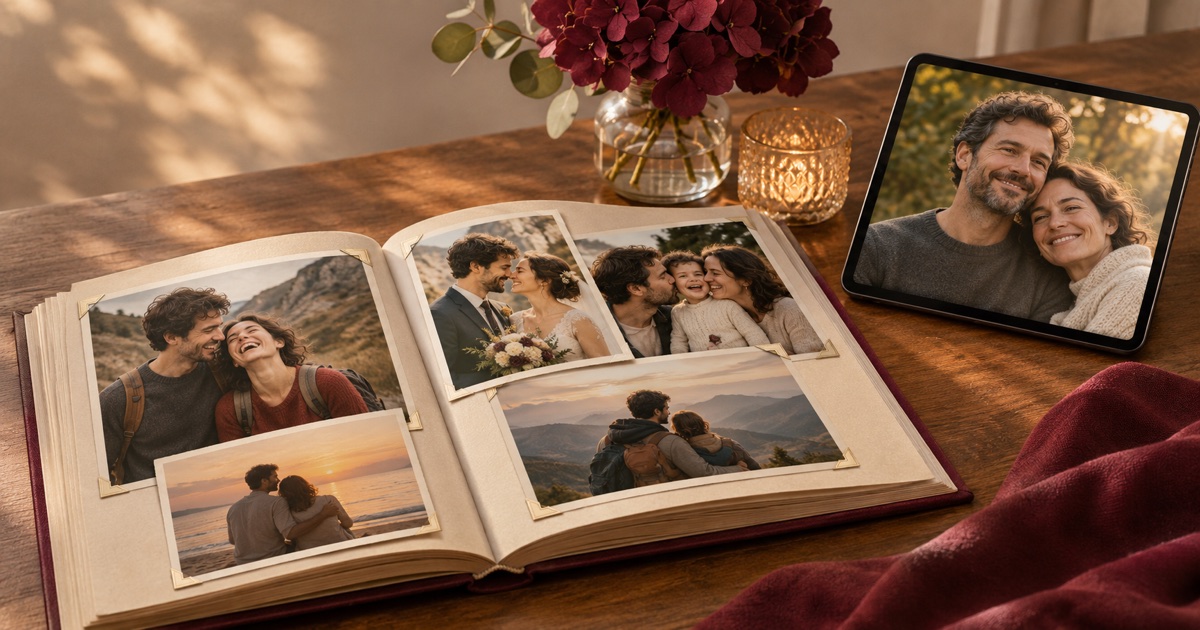

To create an anniversary video from photos with AI, choose meaningful images, arrange them into a memory timeline and add gentle motion only where it helps. Combine the selected visuals with a personal message, accurate captions and permitted music in an editor. Review the finished tribute on the screen where it will be played.
- Build a story from real memories rather than adding effects to every photograph.
- Keep original photographs when generated movement changes people or important details.
- Check names, dates, audio and playback before the celebration.
The timeline and 25th-anniversary storyboard below are illustrative planning examples. They do not describe a real couple, tested AKOOL outputs or a completed photo-story. Replace placeholders with memories and facts the family has confirmed.
What makes an anniversary video a story?
An anniversary tribute looks back at shared life. It needs a thread connecting the pictures: a relationship, a place, a quality or a series of meaningful changes. A collection of attractive images can feel random if the audience cannot understand why one follows another.
Choose a simple sentence to guide selection, such as “the small routines that became our life together.” Then choose photographs that make that sentence concrete. A familiar kitchen or an ordinary walk can be more personal than a generic romantic background.
This is different from a wedding invitation. A tribute recalls memories and celebrates the present; it does not need a venue card, guest instructions or an RSVP. Keep the structure centered on the people and their actual history rather than reusing invitation copy with a different occasion name.
Decide who will watch and where. A private gift, a family gathering and a public social post can call for different image choices and permissions. A joke that works for close relatives may be confusing or uncomfortable outside that group.
Which photographs should you choose?
Start by gathering originals into a working folder and making copies for editing. Preserve the original scans and filenames. Ask the people involved to help identify dates, places and anyone whose identity is uncertain.
- Choose a clear beginning: an early portrait, shared place or object that introduces the relationship.
- Include everyday life, not only formal milestones.
- Select a few meaningful changes or events rather than trying to include every year.
- Make room for important people without turning the story into an unexplained roll call.
- Finish with a recent image or a message that connects the past to today.
- Check permission and comfort before using sensitive, private or unflattering photographs.
There is no fixed number of photos that makes a good tribute. Give each image a purpose and enough viewing time. If several images communicate the same idea, choose the strongest or make a short, deliberate sequence rather than giving every file equal space.
Inspect scans for cropping, resolution and damage. Keep a backup before adjusting anything. Enlarging or cleaning a photo does not establish historical detail that the original does not show. Avoid presenting invented facial features or reconstructed background objects as authentic restoration.
How do you build a four-part memory timeline?
- Beginning: introduce the people and the first chapter you can accurately describe. Use a confirmed caption rather than guessing a date.
- Shared life: show routines, places or interests that give the relationship its character. Connect these images with a short personal observation.
- Milestones and people: choose a few moments that changed or enriched the story. Confirm names and chronology, and avoid suggesting that every important experience is represented.
- Today and the message: arrive at a recent image, then let the closing words explain what the anniversary means now.
A timeline does not need to become a date-by-date biography. You can organize by theme when dates are uncertain, provided the captions and edit do not imply a false chronology. Labels such as “years of family holidays” can be more honest than an invented year.
Draft the narration or captions alongside the images. Each line should explain something the picture alone cannot communicate. If the words merely describe what is already visible, consider whether a pause or natural soundtrack would give the photograph more space.
What could a 25th-anniversary storyboard look like?
This illustrative storyboard is a framework, not a factual account. The anniversary number is an example; use it only when the dates have been confirmed.
- Early chapter: an authorized early photo. Caption: “[Names], [confirmed year or period].” Personal line: “[A real memory of how this chapter began].”
- Shared place: a home, journey or familiar setting. Caption: “[Place or occasion].” Personal line: “[What this place means to us].”
- Milestones: two or three selected photos of people or events. Use verified names and dates. Personal line: “[A specific quality or tradition these pictures show].”
- Present day: a recent photo and a closing card. Message: “Twenty-five years of [real quality or shared experience]. Thank you for [specific personal memory]. Here's to [hope expressed in your own words].”
Choose timings by reading the actual words and watching the images at the intended viewing size. A still with several faces may need more time than a simple landscape. Do not infer a total running time from the length of a generated clip.
If the tribute will be shown at an event, consider whether the opening needs a short title for people entering the room. Keep that title separate from the emotional ending so the film can move naturally toward its personal message.
How can you use AKOOL for selected photo motion?
AKOOL's Image to Video help guide describes uploading an image, choosing an available model, prompting movement and generating. Check the current options and credit estimate in your account. This article does not report a tested generation or guarantee preservation of a person's appearance.
Choose a photograph where modest movement has a clear purpose. A gentle camera approach or slight background movement may help attention rest on a memory. Do not ask a group portrait to perform a complicated action just because animation is available.
An illustrative, untested prompt is: “Use the supplied anniversary photograph. Add a slow camera approach and very gentle background movement. Keep the people, clothing and composition close to the reference. No new people, speech or generated text.” Inspect the actual output carefully; those instructions are requests, not safeguards that always succeed.
Keep the model version, source image, prompt and settings with the selected output. If the result changes a face, adds a person or alters an important object, use the original photo instead. A simple editor zoom on a still is a useful fallback, but label the production method accurately in your own records.
What should you compare between the source and output?
Use the following three review plans for different photograph types. These are proposed comparison checks, not claims that three outputs were generated and tested.
- Couple portrait: compare eyes, smiles, facial proportions, jewelry and clothing in the first, middle and last frames. Watch the entire clip for brief changes between those checkpoints.
- Group milestone: count the people and compare each face, hand and position with the original. Check that background motion does not merge people or invent someone at the edge.
- Meaningful place: compare signs, architecture, objects and the composition. Do not let an altered location imply a historical detail that the source image does not establish.
An output can look pleasing while no longer resembling the source closely enough for a personal tribute. Ask someone who knows the people to review sensitive images. If the family prefers the still, keep it; motion is not a measure of how much care went into the video.
How do you add a personal message and music?
Write the message from a specific memory. Instead of “thank you for everything,” name a tradition, a gesture or a way the person has shaped shared life. Use your own phrasing rather than making the message sound like an advertisement.
A copy-ready starting point is: “[Name], when I look at [specific photo or memory], I remember [real detail]. Over these years, [personal observation]. Thank you for [specific act or quality]. I hope our next chapter includes [genuine wish].” Keep the brackets until the person writing the message supplies the facts.
Record a spoken message if that suits the tribute, or use captions when a quiet viewing experience is preferable. If you explore a generated narration or Talking Photo workflow, verify its current controls and permissions separately. This guide does not assume that a photograph has been made to speak or that a synthetic voice was tested.
Choose music you are allowed to use in the intended setting and sharing route. Permission to listen to a track is different from permission to synchronize it with a public video. Keep the music low enough that the spoken message can be understood without effort.
How do you assemble the photo-story?
Use a timeline editor that supports stills, clips, editable captions, separate audio and your needed export format. This is an editor-independent assembly plan. Arrange the approved photographs first, then replace selected holds with acceptable generated clips where they support the story.
Add names and dates as exact text layers, not generated lettering. Keep transitions simple and consistent. A cut or gentle dissolve can connect memories without competing with faces and captions. Avoid excessive camera motion across a group photo when the audience needs time to recognize people.
Listen to the narration as one continuous account before adding more effects. Remove repeated ideas, long pauses that were not intentional and abrupt changes in volume. Then watch without sound to check whether the image sequence and essential captions still make sense.
What should you check before the anniversary?
- Names, dates, anniversary number and captions match confirmed information.
- The order of images does not imply an incorrect history.
- No placeholder or private production note remains in the export.
- Any generated motion has been reviewed against the source throughout the clip.
- The closing message is readable and audible, with no competing transition.
- Music and visual permissions fit the intended audience and sharing route.
- The exported file plays on the actual television, projector, phone or computer planned for the occasion.
- A backup copy is available, and the final filename is clearly distinguished from drafts.
Test the actual screen and speakers when possible. A film that looks clear on a laptop may have small captions on a distant television or quiet narration in a room. Check the exported file, since an editor preview does not confirm playback compatibility.
Start with a short sequence that already tells the story using photographs alone. Explore optional motion in AKOOL's video generator, then keep only the results that respect the memories. The AI directing guide offers broader planning ideas, but the most important material in this tribute is the shared life the photographs actually record.