


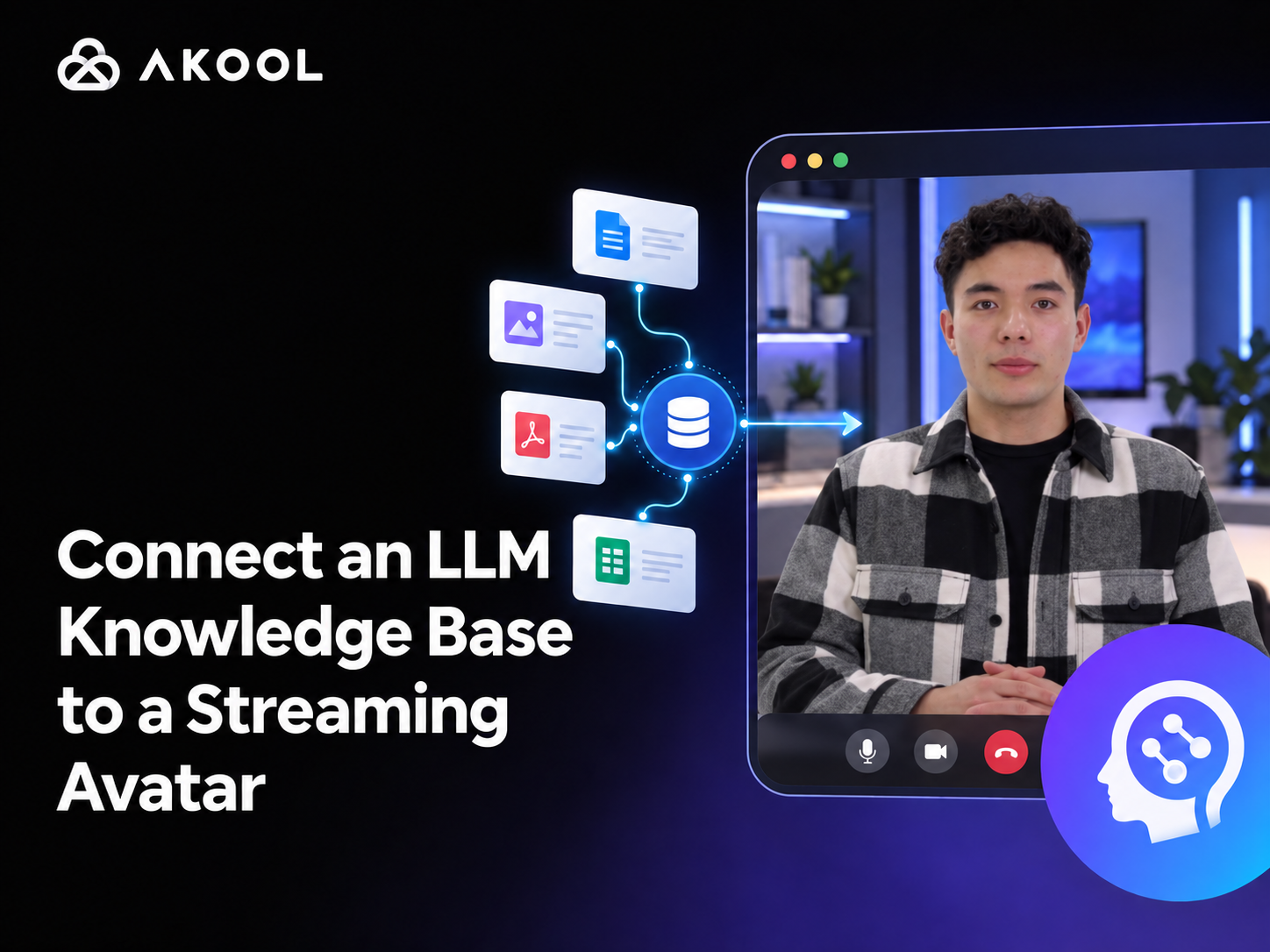
You can connect an LLM knowledge base to a streaming avatar by placing a retrieval layer between the user's question and the avatar's spoken response. The system retrieves relevant information from approved documents or URLs, gives that context to an LLM, and sends the grounded answer to the avatar for real-time delivery.
With AKOOL, there are two practical ways to build this workflow:
- Use AKOOL's native Knowledge Base API and attach a
knowledge_idwhen creating a Streaming Avatar session. - Keep your existing LLM or retrieval-augmented generation (RAG) stack and pass its answer to the streaming avatar.
The first option is the shortest path for a contained knowledge source. The second gives you more control over retrieval, model selection, citations, permissions, and business logic.
What the Complete System Looks Like
A knowledge-grounded avatar is not a single model. It is a real-time application made of several connected parts:
User input → speech recognition or text input → knowledge retrieval → LLM answer → avatar speech and animation → live video stream
Each layer has a distinct job:
- The interface captures a spoken or typed question.
- The knowledge layer searches approved sources such as product manuals, help-center pages, policy documents, or internal databases.
- The LLM turns the retrieved context into a concise, conversational answer.
- The streaming avatar speaks the answer and presents it through a live video and audio session.
This separation matters. It lets you update business information without retraining an avatar, change the LLM without redesigning the visual experience, and apply access controls before sensitive content reaches the model.
Option 1: Use AKOOL's Native Knowledge Base
AKOOL provides a Knowledge Base API designed to supply contextual information to Streaming Avatar sessions. A knowledge base can include supported documents and public or authorized URLs, as well as a prompt that defines the assistant's behavior. The current API documentation lists PDF, DOC, DOCX, TXT, MD, JSON, XML, and CSV among the supported document formats. See the AKOOL Knowledge Base API documentation for current limits and request fields.
Step 1: Prepare the source material
Start with a small, authoritative collection. For a customer-support avatar, that might include:
- The latest product manual
- Approved troubleshooting articles
- Shipping, return, and warranty policies
- A controlled FAQ page
- Escalation rules for questions the avatar should not answer
Remove duplicate or outdated material before ingestion. If two documents give different answers, the LLM may reproduce that conflict. Every source should have an owner, a revision date, and a clear permission level.
Step 2: Create the knowledge base
Create the knowledge base from your backend and store the returned ID. A simplified request looks like this:
curl --request POST \
  --url https://openapi.akool.com/api/open/v4/knowledge/create \
  --header "x-api-key: $AKOOL_API_KEY" \
  --header "Content-Type: application/json" \
  --data '{
    "name": "Product Support Knowledge Base",
    "prompt": "Answer only from the approved sources. If the answer is unavailable, say so and offer a human handoff.",
    "urls": [
      "https://example.com/help",
      "https://example.com/returns"
    ]
  }'
Keep the API key on your server. AKOOL's authentication guidance explicitly advises against exposing credentials in browser or client-side code.
Step 3: Attach the knowledge base to a streaming session
Use the returned knowledge base ID as knowledge_id when your backend creates the live avatar session:
const response = await fetch(
  "https://openapi.akool.com/api/open/v4/liveAvatar/session/create",
  {
    method: "POST",
    headers: {
      "Content-Type": "application/json",
      "x-api-key": process.env.AKOOL_API_KEY
    },
    body: JSON.stringify({
      avatar_id: process.env.AKOOL_AVATAR_ID,
      knowledge_id: process.env.AKOOL_KNOWLEDGE_ID,
      mode_type: 2,
      language: "en",
      duration: 600
    })
  }
);

const session = await response.json();
In AKOOL's current API, dialogue mode is represented by mode_type: 2. Session creation can also accept settings for the avatar, voice, language, background, stream provider, and turn detection. Check the Create Session reference before implementation because available fields and limits can change.
Step 4: Connect the browser to the live stream
Your backend should return only the temporary session information needed by the client. The browser then joins the real-time channel and renders the avatar's video and audio.
AKOOL's JavaScript SDK supports message events, microphone control, interruption, token-expiry handling, and network-quality monitoring. The Streaming Avatar SDK quick start includes a working browser-and-backend pattern.
Step 5: Close every finished session
End the SDK connection and call the close-session endpoint when the conversation finishes or the user leaves. This is both a resource-management and cost-control requirement: an abandoned session may continue consuming credits until it times out.
Option 2: Connect Your Own LLM or RAG Service
Use an external LLM service when you already have enterprise search, need row-level permissions, want to choose your own model, or require custom citations and tool calls.
In this architecture, AKOOL handles the live avatar experience while your backend controls the answer:
- Capture the user's question.
- Send the question and user identity to your backend.
- Retrieve only the information that user is permitted to access.
- Ask the LLM to answer from the retrieved context.
- Validate and shorten the result for speech.
- Send the final text to the avatar through the live session.
AKOOL's Streaming Avatar API overview documents the pattern of calling your own LLM service before dispatching a message to the avatar.
A simplified orchestration function could look like this:
async function answerWithAvatar(userText, userContext) {
  const llmResponse = await fetch("https://your-backend.example/api/answer", {
    method: "POST",
    headers: { "Content-Type": "application/json" },
    body: JSON.stringify({
      question: userText,
      userId: userContext.userId,
      locale: userContext.locale
    })
  });

  if (!llmResponse.ok) {
    throw new Error("The answer service is unavailable.");
  }

  const { answer } = await llmResponse.json();
  await avatarSDK.sendMessage(answer);
}
This example deliberately keeps retrieval and model credentials behind your backend. The client receives an approved answer, not unrestricted database access.
How to Make the Avatar's Answers More Reliable
Connecting the components is only the first step. A production assistant also needs controls for accuracy, latency, and conversational behavior.
Ground every factual answer
Tell the model to answer from retrieved sources and to acknowledge when the source material does not contain the answer. A graceful “I don't have that information” is safer than a confident fabrication.
For high-impact use cases, return source titles or URLs alongside the answer in the text interface, even if the avatar speaks only the concise response.
Optimize for spoken responses
Text that reads well on a screen may sound unnatural when spoken. Ask the LLM to lead with the answer, use short sentences, expand uncommon abbreviations, and avoid long lists unless the user requests detail.
A useful target is one idea per turn. The interface can offer supporting links or a transcript for users who need more depth.
Support interruption and turn-taking
Real conversations include pauses, corrections, and interruptions. Your application should stop the current response when the user begins a new turn, cancel any outdated LLM request, and prevent two answers from playing at once.
The AKOOL SDK exposes an interruption method, while the Streaming Avatar API includes settings for voice activity and turn detection. Tune these settings in realistic environments, especially if the avatar will operate in a showroom, event space, or other noisy location.
Preserve conversation state carefully
Store only the context needed for the current task. Summarize long histories rather than sending every prior turn to the LLM. If a user changes topics, retrieve fresh evidence instead of relying on stale context from earlier in the session.
For authenticated applications, apply the same authorization rules to retrieval that you would apply to a conventional search interface.
Design a human handoff
Define when the avatar should escalate instead of improvising. Common triggers include:
- The knowledge base has no supported answer
- The user disputes an account-specific decision
- The request involves legal, medical, financial, or safety-sensitive advice
- Identity verification is required
- The user asks for a human representative
Include a short summary of the conversation in the handoff so the user does not have to repeat the issue.
Native Knowledge Base or Custom RAG: Which Should You Choose?
Choose AKOOL's native Knowledge Base when you want a direct setup, your information can be organized as documents and URLs, and the avatar mainly needs grounded question answering.
Choose your own LLM or RAG service when you need:
- Fine-grained permissions or tenant isolation
- Retrieval from live databases, CRM systems, or product catalogs
- A specific embedding, ranking, or language model
- Structured tool calls, transactions, or workflow automation
- Custom source citations and evaluation logs
- Independent control over data retention and model routing
The two approaches are not mutually exclusive. A team can use AKOOL's native knowledge base for public product information and route authenticated account questions through a controlled backend service.
Production Checklist
Before launch, verify the complete conversation rather than testing each component in isolation:
- Source quality: Are all documents current, approved, and non-contradictory?
- Retrieval quality: Does the correct passage appear for real user phrasing, misspellings, and follow-up questions?
- Answer grounding: Does the assistant refuse to invent an answer when evidence is missing?
- Latency: Measure time to first response and total turn time under typical and poor network conditions.
- Interruption: Can the user stop a response cleanly and receive a new answer?
- Session cleanup: Are sessions closed on normal exit, browser failure, and timeout?
- Security: Are API keys and model credentials restricted to the backend?
- Permissions: Can each user retrieve only authorized information?
- Observability: Do logs capture errors and response timing without storing unnecessary personal data?
- Fallback: Is there a clear text mode or human handoff when audio, video, retrieval, or the LLM fails?
If you create a custom avatar or voice, obtain permission from the person whose likeness or voice is used and document the intended use. AKOOL's Trust & Safety principles emphasize consent, user control, data protection, and human oversight.
Frequently Asked Questions
Can I connect ChatGPT or another LLM to an AKOOL Streaming Avatar?
Yes. Your backend can send a user's question to the LLM or RAG service, validate the returned answer, and then send that answer to the AKOOL Streaming Avatar. Keep all provider credentials on the server.
Does AKOOL have a built-in knowledge base for streaming avatars?
Yes. AKOOL's current Knowledge Base API accepts documents and URLs and returns a knowledge base ID. Add that knowledge_id when creating a Streaming Avatar session to ground the avatar's responses in those sources.
Do I need to train a new avatar when my documents change?
No. The avatar presentation and the knowledge source are separate layers. Update the knowledge base or retrieval index while keeping the same approved avatar, subject to the current API workflow.
How do I reduce hallucinations?
Use authoritative sources, retrieve a small set of relevant passages, instruct the model to answer only from those passages, show citations in the interface, and provide a refusal or human-handoff path when evidence is insufficient.
Should the browser call the AKOOL API directly?
No. Create and close sessions through your backend so the AKOOL API key is never exposed in client-side code. Send only temporary session credentials and the minimum required configuration to the browser.
Build a Knowledge-Grounded Streaming Avatar with AKOOL
A useful streaming avatar needs more than a realistic face and voice. It needs reliable access to the right information, clear limits, secure session handling, and a conversational design that works in real time.
AKOOL supports both a native knowledge-base workflow and integration with an external LLM service, so teams can choose the level of control their application requires. Start with one well-defined use case, a small set of approved sources, and a measurable evaluation set. Once the assistant answers those questions accurately and handles failure gracefully, expand the knowledge scope and channels.
Explore the AKOOL Streaming Avatar API or review the JavaScript SDK quick start to begin prototyping.


